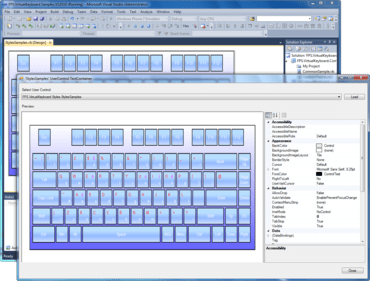
MindFusion.Virtual Keyboard for WinForms 4.4.2

UI 컬처 핸들링을 향상시킵니다.
5월 26, 2017
신규 버전

기능

  • UI culture handling - The control no longer updates CurrentCulture of UI thread automatically to match current input language. This could lead to subtle bugs in an applications text parsing and formatting code when culture-dependent delimiters and string formats change together with the input language. To better match its purpose and Windows terminology, the old CurrentCulture property of VirtualKeyboard has been renamed to InputLocale. To get the old behavior back where current culture follows input language, set the AutoUpdateCulture property to true.
  • Auto-repeat customization - The AutoRepeat property lets you disable or enable auto-repeat. The RepeatDelay and RepeatRate properties let you customize auto-repeat timing.
  • Miscellaneous
    • The keyboard now detects changes of target window's input language automatically and updates its character labels and layout (previous version only updated when the window is activated).
    • Fix for a problem where language rotation key would not switch language.
    • The component no longer installs its window and keyboard hooks while used in design time, fixing some rare Visual Studio crashes.
MindFusion.Virtual Keyboard for WinForms

MindFusion.Virtual Keyboard for WinForms

사용자 정의가 가능한 레이아웃과 언어, 미리 설정된 테마가 제공되는 On-Screen Virtual Keyboard for Windows Form.

궁금한 점이 있으세요?

MindFusion Group 사 제품 라이선스 담당자와 라이브 채팅