XML Support - The following features support XML markup language now:
Structural Highlighting
Selection Expand/Reduce and Include Previous/Next Element
Paste Replace Word
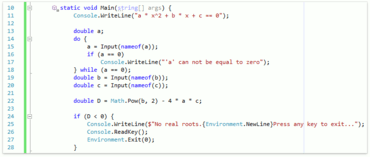
Visualization Tools - The Right Margin Line can help you keep code lines from getting too long or exceeding style guidelines.
Code Analysis - Code Metrics can now establish a Threshold value that determines when the metric appears and when/if the metric contributes to code analysis. This allows code analysis to report type members that exceed secified complexity thresholds.
Code Formatting - C# Document Formatting adds the following options:
Wrapping and Spacing configuration for the "??" operator.
Wrapping and Spacing configuration for the base types list.
Wrapping and Spacing configuration for the constructor initializer.
Excessive Line Breaks Removal.
Separate Line Break configuration options before "else", "while", "catch" and "finally" keywords.
Navigation
Added a filter for the Jump To Members navigation feature.
The filtering dialog now has "Select All" switches for Scope, Types, Members and Access.