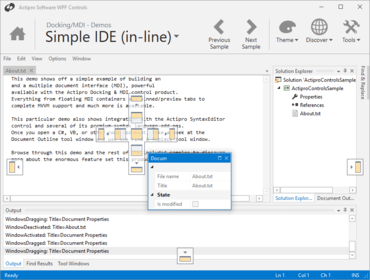
Actipro Docking & MDI for WPF 2018.1

모니터 당 DPI 시나리오에서 사용할 수 있는 다양한 개선사항을 제공합니다.
5월 29, 2018
신규 버전

기능

  • Updated tool window context menus to hide the 'Dock as Document' menu item if there is no MDI in the current DockSite.
  • Made various improvements for usage in per-monitor DPI scenarios.
  • Improved docking window container to always select the last active window when the selected window is dragged out.
  • Updated InteropFocusTracking to help ensure that StandardSwitcher always closes properly when focus is within an interop control.
  • Updated TabbedMdiHost to set a single child TabbedMdiContainer's DockedSize when the host's DockedSize is changed.

수정사항

  • Fixed a bug where lazy-loaded tool windows could appear out of a previously-serialized order.
  • Fixed a bug in the Metro theme where a floating dock host with two side-by-side tool windows could show a flicker when focused.
  • Fixed a bug where a reopened docking window might not select the most recent breadcrumb location for a target state.
  • Updated some automation peer logic.
Actipro Docking & MDI for WPF

Actipro Docking & MDI for WPF

귀하의 WPF 애플리케이션에 MVVM/Prism 서포트를 포함하는 도킹 및 다중 문서 인터페이스를 추가합니다.

궁금한 점이 있으세요?

Actipro Software 사 제품 라이선스 담당자와 라이브 채팅