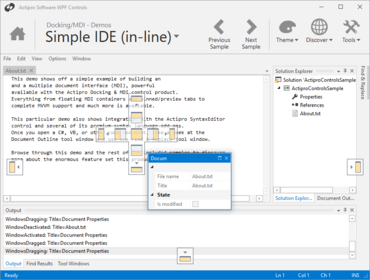
Actipro Docking & MDI for WPF 2018.1 build 0674

부동 창을 위한 브레드크럼즈 추적을 향상 시킵니다.
12월 14, 2018
신규 버전

기능

  • Added UIA peers for the standard switcher and its items.
  • Updated the Prism integration sample to use Prism 7.1.
  • Updated the workspace's layout logic to account for contained docking window minimum and maximum sizes.
  • Updated floating dock hosts without MDI to use the minimum size of the docked tool windows.
  • Updated layout serialization to save breadcrumb creation times.
  • Improved built-in dock host key handling to use the preview key down event.
  • Improved the can-execute logic for the DockingWindow.FloatCommand.
  • Improved the tracking of breadcrumbs for floating windows.
  • Improved the focus setting logic related to selector items when activating a docking window.

수정사항

  • Fixed a bug where docking window tabs could get inserted in the wrong order in a certain scenario in .NET Framework 4.7 or later.
  • Fixed a bug where minimized floating dock hosts might store an incorrect location during layout serialization.
  • Fixed a bug where closing a tool window container docked next to another in a floating dock host would prevent the remaining tool window container's title bar context menu from showing properly.
  • Fixed a bug where when live splitting is off while using non-hosted popups, auto-hide popup splitters might not function properly.
Actipro Docking & MDI for WPF

Actipro Docking & MDI for WPF

귀하의 WPF 애플리케이션에 MVVM/Prism 서포트를 포함하는 도킹 및 다중 문서 인터페이스를 추가합니다.

궁금한 점이 있으세요?

Actipro Software 사 제품 라이선스 담당자와 라이브 채팅