홈 / 뉴스 / GrapeCity Documents for Excel, Java Edition v2 Service Pack 1
GrapeCity Documents for Excel, Java Edition v2 Service Pack 1
도형과 함께 JSON 파일을 로드 및 저장하고, 스프레드시트 셀에 서식 있는 텍스트를 추가 합니다.
2월 1, 2019
신규 버전
기능
Add rich text to spreadsheet cells - You can set various font properties on the cell text through the API, and rich text is supported during Excel I/O, JSON I/O and PDF exporting. You can create rich text and then configure the font for a range of text characters; or add, enumerate, operate and configure all text runs of the rich text.
Load, save, and preserve Excel files containing macros (I/O .xslm) - The macros are not executed, but are preserved when any operation is performed on the Excel file or during import/export.
Add background image to worksheet - Set company logos, watermarks, or any other worksheet data-related background image to the worksheet.
Support workbook styles - You can now base the style of your workbook on an existing style, with some modifications
Export Excel files containing vertical text to PDF - This release improves the support of vertical text when exporting to PDF. All settings are preserved.
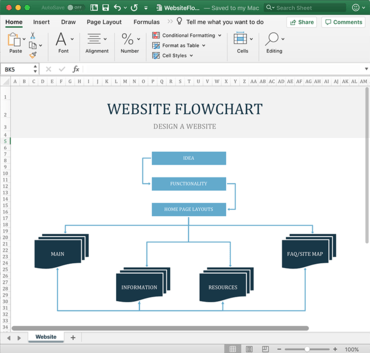
Load and save JSON files with shapes - GcExcel can load and save any SpreadJS JSON files, and these files can be modified and saved back to JSON. GcExcel now adds support of shapes while importing/exporting these JSON files.
Set JDK 8 datetime types to cell value in Documents for Excel, Java Edition - Java 8 introduced APIs that support many new date/time types and sub-packages to support JSR310 (Java Specification Requests for Date and Time API). With the new service pack, GcExcel Java supports these new date/time types that you can use directly. For example: LocalDate, LocalTime, LocalDateTime, Instant, MonthDay, OffsetDateTime, OffsetTime, Year, YearMonth ZonedDateTime, when working with Java 8 or higher.