단계 매개변수 (step parameter) 값의 로깅을 사용자 지정 하고 Windows Server 2019 지원을 추가 합니다.
4월 3, 2019
신규 버전
기능
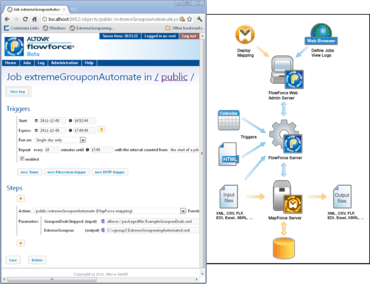
Ability to customize logging of step parameter values - Because logging all step parameters of FlowForce jobs can result in very large log files, logging options have been enhanced to allow the administrator to customize which parameters are tracked in the log. The job configuration page on the FlowForce Server admin interface now includes a Log button next to each parameter to enable tracking in the log. Enabling tracking will log the full value of that parameter when the job runs. In addition, a new Log function makes it possible to embed any FlowForce expression inside the log expression function in order to log that expression explicitly. To limit the size of log files without using explicit logging, the admin can also change the default size of log entries maintained by the system.
Ability to handle raw body content as a job parameter.