홈 / 뉴스 / dbForge Developer Bundle for SQL Server 5.7.21
dbForge Developer Bundle for SQL Server 5.7.21
이제 SQL Server 용 dbForge DevOps Automation을 포함 합니다.
5월 21, 2019
신규 버전
기능
dbForge DevOps Automation for SQL Server brings a cutting-edge approach to conventional database development. Powered by the tools from dbForge Developer Bundle, and by embracing such DevOps practices, as Continuous Integration and Continuous Delivery, dbForge DevOps Automation for SQL Server minimizes deployment risks, energizes quality and update frequency, and makes the overall workflow consistent and safe in Microsoft SQL Server.
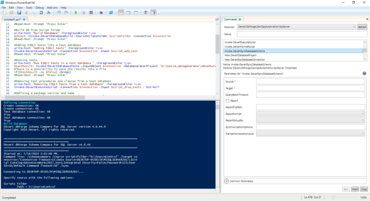
PowerShell Module - dbForge DevOps Automation PowerShell for SQL Server allow you to tune and automate the following SQL Server database database development tasks via the PowerShell interface:
Build - deploys a database on LocalDB or on a specified SQL Server and generates a NuGet package from a source control repository.
Test - runs tSQLt and generates test data.
Sync - deploys a NuGet package and synchronizes it with a working DB.
Publish - places a NuGet Package to a NuGet feed for further deployment.
Jenkins Integration - dbForge DevOps Automation for SQL Server also allow you to set up DevOps processes in Jenkins with the help of the open-source dbForge DevOps Automation for SQL Server Plugin.