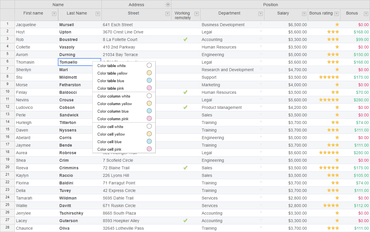
Handsontable 인스턴스에서 HTML 테이블을 만들고 HTML 테이블에서 Handsontable 설정을 얻습니다.
6월 12, 2019
신규 버전
기능
Added a new feature that allows users to parse HTML tables into Handsontable settings and Handsontable instances to plain HTML tables. This change introduces these new API methods:
Handsontable.helper.instanceToHTML: (instance: Handsontable.Core) => string – parses the provided Handsontable instance to an HTML table as a string
Handsontable.helper.htmlToGridSettings(element: Element | string, rootDocument?: Document) => Handsontable.DefaultSettings – analyzes a static HTML table and returns a Handsontable-compatible settings object
hotInstance.toTableElement: () => HTMLTableElement – converts the Handsontable instance to a static HTML table
hotInstance.toHTML: () => string – same as Handsontable.helper.instanceToHTML, but the instance is already bound
Added the possibility to return false from the beforeCreateCol hook to stop column creation.
수정사항
Fixed a bug where it wasn’t possible to block Undo/Redo plugin keyboard shortcuts.
Corrected the ManualColumnMove type definitions.
Fixed a problem with pasting multi-line data from Excel and Google Sheets.
Fixed a bug where it wasn’t possible to paste merged cells from Excel.
Fixed a problem with copying cells with longer content from Excel or Google Sheets.
Fixed a problem with Handsontable not adding the carriage return character to pasted data.
Fixed some NestedRows performance issues on large datasets.
Fixed a bug where placing SVG in a cell caused a ManualColumnMove error.
Fixed a bug where using the Undo functionality did not revert the selection to its original position.
Fixed a bug where the getCell method, when used with the topmost argument set to true, did not return the correct cell elements from the bottom overlay.