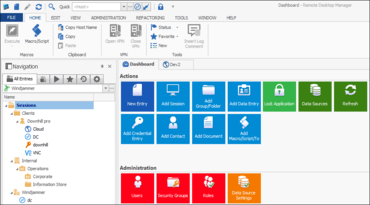
Remote Desktop Manager 2019.1.38

SSMS 18 지원을 포함하고, 키 에이전트가 SSH에서 실패 할 경우 암호 인증에 대체를 추가 합니다.
7월 17, 2019
신규 버전

기능

  • Added a fallback to password authentication if the key agent fails in SSH.
  • Added Citrix Netscaler as an available session type when applying a VPN/SSH/Gateway.
  • Added option in Chrome embedded to disable loading messages.
  • Added the status message display feature to all entry dashboards.
  • Backspace mode is now correctly supported in Terminal.
  • SSMS Add-on changes to support Microsoft SQL Server Management Studio (SSMS) 18.

수정사항

  • Fixed Google Cloud path handling to allow item names with spaces.
  • Fixed issue converting to/from putty with the scrollback lines.
  • Fixed issue with SQL Azure Integrated Security no private vault.
  • Fixed MAC algorithm negotiation to skip matching MAC when the matching cipher has an implied MAC in Terminal.
  • Fixed possible freeze with autorefresh when opening system settings.
  • Fixed quick connect VNC not prompting for username password.
  • Fixed RTF extra prompt.
  • Fixed the issue where the scrollbar goes back to the top after editing an entry in duplicate entries report.
  • Fixed the problem where it was impossible to get access to the "Ping" contextual menu Macro/Script/Tool option with a Web Browser.
Remote Desktop Manager

Remote Desktop Manager

원격으로 연결하여 비밀번호를 입력하세요. 어디서든지 가능합니다.

궁금한 점이 있으세요?

Devolutions 사 제품 라이선스 담당자와 라이브 채팅