Continua CI v1.9.1.607

빌드 기록에서 빌드를 삭제하는 기능을 추가합니다.
3월 5, 2020
신규 버전

기능

  • Feature: Builds can now be deleted from the build history via a new 'Delete Build' button added to the Build View toolbar. Users must have the new Builds.Delete permissions before they can delete builds.
  • Update: Branch lists on the Configuration Repository Branch Mappings dialog can now be sorted by descending last commit date by setting the server property 'Server.BranchMappingsDialog.SortBranchesByDescendingLastCommitDate' to 'True'.
  • Update: The scheme and port of repository URLs can now be changed for each repository without recreating the repository and changing its ID.

수정사항

  • Fix: The Directory Path Variable for the For Each Directory action is now populated with the full correct path on each iteration.
  • Fix: Issue where File System repository pointing to a UNC path would record a changeset when no files had changed.
  • Fix: Database time-out when getting the latest branch tag for a repository with a large number of changesets.
  • Fix: Removed incorrect error messages logged when notification published are paused due to rate-limiting.
  • Fix: Queue build buttons on the Changes view table are no longer displayed if the logged-in user does not have permission to start builds.
  • Some third party package updates.

Note: You will need to update your agents after upgrading the server to this build.
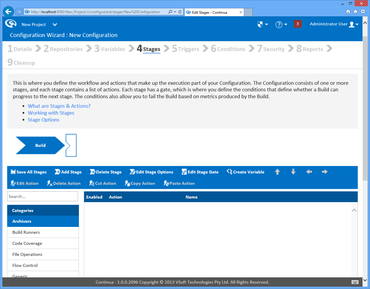
Continua CI

Continua CI

빌드 프로젝트를 중앙 집중화 하는 자동화된 빌드 및 지속적인 통합 서버입니다.

궁금한 점이 있으세요?

VSoft Technologies 사 제품 라이선스 담당자와 라이브 채팅