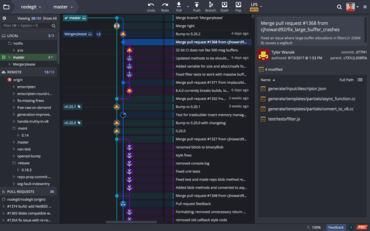
이제 GitKraken Git GUI가 Jira 및 GitKraken Boards와 통합됩니다.
기능
- GitKraken Git GUI now integrates with the following issue trackers:
- Jira (Cloud & Self-Hosted).
- GitKraken Boards.
- After setting up the integration, users will be able to do the following from the GitKraken Git GUI:
- View and filter a list of project issues.
- View issue details.
- Create branches that are tied to an issue.
- Add comments.
- Edit the status/column of an issue.
- Edit the assignee of an issue.
- Create new issues.
- Users can now open repositories inside of the following text editors via the Fuzzy Finder, menu, or keyboard shortcuts (Ctrl/Cmd + Shift + E):
- VS Code.
- Atom.
- Sublime.
- JetBrains IntelliJ.
- Local repositories without a remote setup now include an option to create a remote and push local changes.
- When creating a GitHub pull request in the GitKraken Git GUI, users can now search for reviewers and assignees by name or username.
- The text color in a commit description will change when the placeholder text has been replaced.
- Users now have the ability to rename remotes.
- ed25519 and ecdsa SSH key pairs are now supported.
- For Microsoft Windows users: the Open with GitKraken menu option will now open a new tab inside of the GitKraken Git GUI instead of a new window.
- Pull request links can now be copied through the context menu.
수정사항
- The From Repo drop-down menu will populate results when opening a pull request.
- Users can successfully initialize a repository on a Bitbucket server from the GitKraken Git GUI.
- For Windows users: the Open in File Manager menu option, keyboard shortcut, and Fuzzy Finder action now work as intended.
개발자, 팀원, 팀 리더를 위한 Git 도구 및 서비스의 통합 플랫폼입니다.
궁금한 점이 있으세요?
GitKraken 사 제품 라이선스 담당자와 라이브 채팅

2015 이래 공식 유통업체