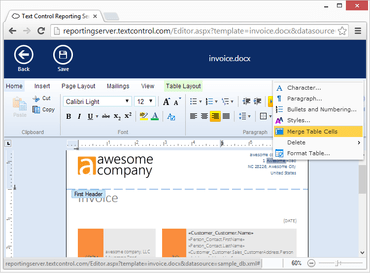
Web Editor, MailMerge 및 Application Fields를 향상시킵니다.
수정사항
Text Filters
- Link stops working if document is exported to PDF.
- Text is displayed in white and not visible in DOCX document.
- Image is not displayed in DOCX document.
- Document causes 01-2431 error.
- DOCX filter issue with font inheritance.
- Microsoft Excel Filter: 1-1D09 error when loading file.
- Paragraph border color is not applied in RTF.
Text Fields
- DocumentTargets can be deleted although the Deleteable property has been set to false.
- Split TextField is created when table row is added.
- TextFieldEntered event is fired with invalid TextField object when a checkbox form field is deleted.
- Drag&Drop within TextField.
- TextFieldEntered event is fired with invalid TextField object when a table row with ApplicationFields is deleted.
- Exception "Invalid property value. (01-1E07)" is thrown in the TextFieldEntered event if a table row, which contains text fields, is deleted through the context menu.
Web Editor
- Web Editor/TextViewGenerator: UserInput.SendMouseDoubleClick() can cause System.AccessViolationException.
- JS API: Selection.setCulture() does not work.
- The first value in DropDown-List FormFields is not selected and shown as field value.
MailMerge
- AcroForm fields: Checkbox value is always "false".
Application Fields
- TypeName causes IndexOutOfRange Exception.
N/A
- JS API: SubTextPart.setData() does not work.
TX Text Control .NET Server for ASP.NET
ASP.NET Core, Angular, React, JavaScript, Blazor 애플리케이션에 강력한 문서 처리 기능을 추가하세요.
궁금한 점이 있으세요?
Text Control 사 제품 라이선스 담당자와 라이브 채팅

1998 이래 공식 유통업체