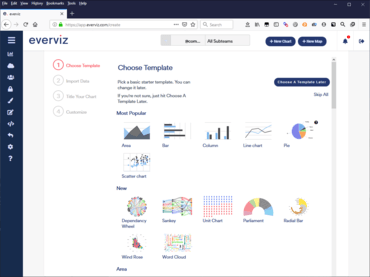
신규 Inspector 기능을 사용하면 고급 편집기에서 시각화를 검사하고 수정할 수 있습니다.
5월 7, 2021
신규 버전
기능
Added new Inspector feature which allows you to inspect and modify a visualization in the advanced settings more easily.
Accessing the Inspector from everviz is easy, just click the Inspector icon in the upper side of the editor.
When the Inspector is activated, advanced view is loaded automatically and you can use your mouse to hover over elements in your visualization and navigate directly to the relevant section in the advanced editor.