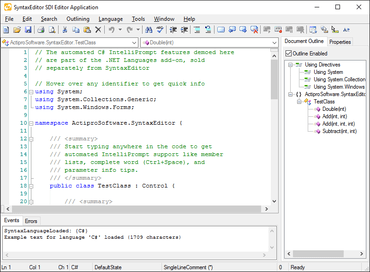
Actipro SyntaxEditor for WinForms 21.1.1

수평 스크롤바 및 IntelliPrompt UI를 향상시킵니다.
9월 9, 2021
신규 버전

기능

  • Improved IntelliPrompt UI to reposition itself when the view's text area layout is updated, such as when scrolling.
  • Added the SyntaxEditor.WordWrapModeChanged event that is raised when the SyntaxEditor.WordWrapMode property is changed.
  • Added a Drag and Drop QuickStart to demonstrate multiple interaction models and features.
  • Updated the horizontal ScrollBar to remain visible in word wrap mode when the SyntaxEditor.HorizontalScrollBarVisibility property is Visible (the default), which matches Microsoft Visual Studio behavior. Use the new WordWrapModeChanged event to alter the HorizontalScrollBarVisibility property as needed if you still wish the horizontal ScrollBar to be hidden when word wrapping.
  • Updated the IDataStore.GetText method to support String data format if UnicodeText and Text data formats are undefined.
  • Updated the IDataStore.SetText method to replace Html and Rtf data formats if already defined.
Actipro SyntaxEditor for WinForms

Actipro SyntaxEditor for WinForms

C# 및 VB를 위한 옵션 Intellisense를 가진 기능이 풍부한 구문-강조 코드 편집기 컨트롤 입니다.

궁금한 점이 있으세요?

Actipro Software 사 제품 라이선스 담당자와 라이브 채팅