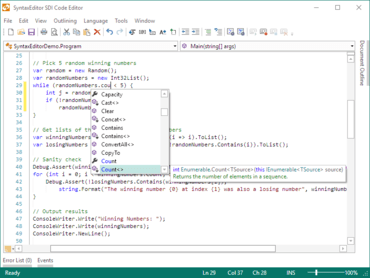
Improved IntelliPrompt UI to reposition itself when the view's text area layout is updated, such as when scrolling.
Added the SyntaxEditor.WordWrapModeChanged event that is raised when the SyntaxEditor.WordWrapMode property is changed.
Updated the horizontal ScrollBar to remain visible in word wrap mode when the SyntaxEditor.HorizontalScrollBarVisibility property is Visible (the default), which matches Microsoft Visual Studio behavior. This ensures any horizontal ScrollBar tray content can remain visible in word wrap mode. Use the new WordWrapModeChanged event to alter the HorizontalScrollBarVisibility property as needed if you still wish the horizontal ScrollBar to be hidden when word wrapping.
Updated the completion list to reduce flicker when filtering unmatched items.