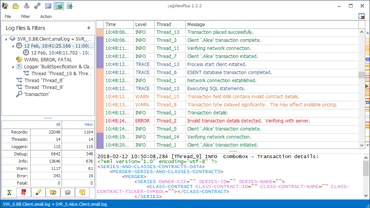
LogViewPlus 2.5.35

JSON 성능 개선사항 및 디렉터리 모니터링 개선사항이 포함됩니다.
9월 10, 2021
신규 버전

기능

  • Added new algorithm for evaluating child filter results with significant performance improvements.
  • Significant performance improvements when browsing folders with multiple directories.
  • Log files will now be automatically removed from the view when removed from Log Explorer.
  • Improved directory monitor tracking of files which are removed and re-added.
  • Improved error handling when reading non-text based log files.
  • Improved Log Explorer error reporting.
  • Removed 'Close View' in toolbar header. This is to be replaced with 'Close Workspace'.
  • Added a new command to simplify access to Microsoft Windows Explorer from the log file context menu.
  • Added the ability to delete a log file without opening the Log Explorer.
  • Updated Report Commands to support a custom timestamp export format.
  • Added default arguments for all new Report Commands.
  • The 'Elapsed' column will now be exported to CSV if the column is visible.
  • LogViewPlus can now be registered directly from the 'About' settings page.
  • Refactored the log file context menu for improved usability.
  • Refactored JSON parser for better recoverability.
  • Updated workspace and template icons for improved usability.
  • Improved error reporting on corrupt installation directories.
LogViewPlus

LogViewPlus

본 프로 로그 뷰어로 신속하게 로그 파일을 분석하세요.

궁금한 점이 있으세요?

Clearcove 사 제품 라이선스 담당자와 라이브 채팅