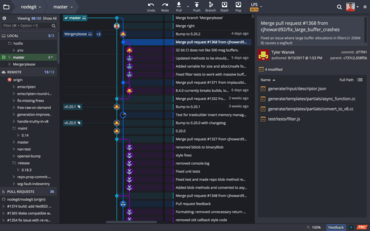
Git 클라이언트는 취약한 SSH 키를 식별하는 기능을 추가하고 이를 제거 및 교체하는 쉬운 방법을 제공합니다.
기능
- The GitKraken Git client can now identify weak SSH keys and provide an easy way to remove and replace them.
- GitKraken CLI:
- GitKraken CLI users can now use reverse search as expected by typing Ctrl+R in the terminal.
- Apple Mac users will now see the LANG environment variable pass automatically to the shell process.
- When selecting an auto-suggest option with the mouse, GitKraken will now refocus on the terminal prompt.
- The GitKraken CLI now supports 256 colors.
- Mac and Linux users will now see auto-complete suggestions for the cd command.
- When running gk blame or gk history, users will now see suggestions when navigating from inside a repository's subdirectory after typing ../.
- Users will now see auto-suggest options for the git gc command.
- In addition to showing or hiding the visualization panel, users can now orient it to the top, bottom, left, or right, as well as toggle the right-side commit panel using the visualization panel toolbar.
- Improved the user interface for user profile settings under the [Preferences] menu.
- Users can now open specific comments on GitHub.com from the comments inside GitKraken's pull request or issue views.
- Users who are not using GitKraken Integrations will no longer be repeatedly prompted for credentials for each remote when connected to repositories with multiple remotes sharing the same hostname.
- Improved the overall reliability of notification delivery.
- Improved auto-complete for Microsoft Windows users leveraging the GitKraken CLI.
개발자, 팀원, 팀 리더를 위한 Git 도구 및 서비스의 통합 플랫폼입니다.
궁금한 점이 있으세요?
GitKraken 사 제품 라이선스 담당자와 라이브 채팅

2015 이래 공식 유통업체