The algorithm to display text in the chart menu was updated for various operating system scales.
Added the ability not to change the type of data columns when performing synchronization in the data dictionary. You can change the behavior by using the StiOptions.Dictionary.ColumnTypeSynchronizationMode property.
Added line-height adjustment for some fonts when exporting a report to Microsoft Word.
수정사항
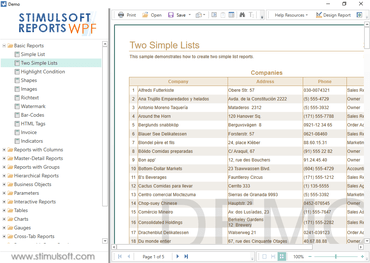
The issue with displaying tooltips when hovering over the status bar in the WPF viewer was fixed.
A problem related to CosmosDB data source names that contain spaces and line breaks was fixed.
An issue related to the processing of titles that contain a hyphen in CosmosDB data sources was fixed.
The error with exporting the "Gauge" component was fixed.
A bug related to displaying the shadow for Radar charts was fixed.
Some problems in the report engine related to docking of dynamic bands in nested containers containing static components were fixed.
When exporting a report to HTML, a bug related to an extra page separator (Horizontal PageBreak) was fixed. As a result, when printing, an extra blank page was obtained before the start of the report.