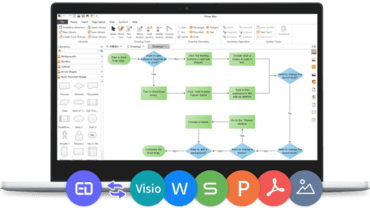
EdrawMax v11.5.5

이동 가능한 도구 모음을 추가하여 테이블을 빠르고 쉽게 편집할 수 있습니다.
3월 4, 2022
신규 버전

기능

  • Added floating toolbar to quickly and easily edit tables.
  • Added support for dragging a flowchart symbol and dropping it between two symbols that you want to connect to. The connectors will be auto-created.
  • Added support for deleting a flowchart symbol and keeping other symbols auto-connected.
  • Optimized sharing function and added support for sharing with QR codes, setting an expiration date, etc.
  • Basic account users now have 100MB of free cloud storage and unlimited cloud documents that don't go over the storage limit.
  • Added the ability to quickly create 15 kinds of commonly-used diagrams.
  • Added support for automatically switching between light mode and dark mode according to time.
  • Added support for selecting multiple symbols once in the symbol libraries.
  • Added the ability to drag and add symbols in connectors when making flowcharts.
  • Added support for inserting dates and adjusting date formats.
  • Added support for changing file storage locations for "File Recovery," "Symbol Library," and "Personal Templates."
  • Adjusted shortcut keys of some functionalities.
  • You can now automatically pop-up the File Recovery window for select and open autosave files after exiting EdrawMax abnormally and reopening it.
EdrawMax

EdrawMax

플랫폼-간 다이어그램 소프트웨어.

궁금한 점이 있으세요?

Edraw 사 제품 라이선스 담당자와 라이브 채팅