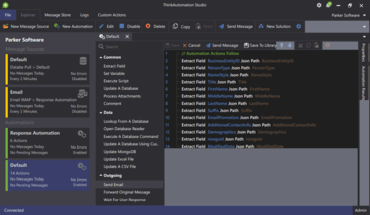
처리를 다음 반복으로 이동하는 데 사용할 수 있는 'Continue Loop'(루프 계속) 작업을 추가합니다.
5월 19, 2022
신규 버전
기능
Added 'Continue Loop' action which can be used inside 'For Each' loops to move processing to the next iteration.
Added an Online Automation Library - The Online Library will contain sample Automations created by Parker Software and Automations created by other ThinkAutomation users. You can download Automations from the online library which you can then use and edit.
You can now the time that ThinkAutomation performs message store database maintenance.
File Pickup message sources now have the option of running on a schedule instead of real time folder monitoring.
The File Operation - 'Get Folder Contents' action now allows a mask to be specified.
The 'FTP Download' action now allows you to synchronize a remote folder to a local folder.
You can now use the 'Send Message' option to send test messages against Library Automations.
You can now scroll past the end of the last Action when editing an Automation. This makes it easier to add new actions to the end of the Automation when editing Automations with many actions.
Improved Microsoft Excel File Pickup Message Source. This provides better compatibility with Excel files created with older versions of Excel.