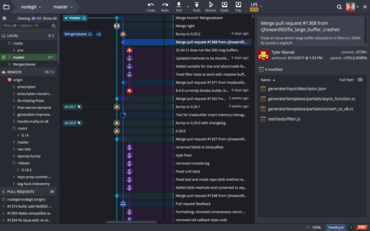
이제 사용자는 Bitbucket Server 리포지토리를 사용하여 작업 영역을 만들 수 있습니다.
기능
- Users can now create Workspaces using Bitbucket Server repos.
- Users can now select Git Bash as their default shell in Microsoft Windows for GitKraken CLI.
- Repo and Terminal Tab aliases:
- Users can now set an alias for a repository:
- Setting an alias through a Repo Tab will cause GitKraken Client to store that name for the repo and reference it as an “Alias Repository”.
- Users can now set an alias for individual Terminal Tabs:
- Setting an alias to a Terminal Tab results in only renaming that specific tab.
- Users can now set GitKraken Client to skip submodule updates while performing Git actions, either globally or per repo.
- Git LFS performance improvements:
- Users will now see faster performance when cloning LFS repositories.
- Users will now note much faster checkout times in LFS repositories.
- Sections in the left panel will now be collapsed by default.
- Users can now set the maximum number of commits shown in the Commit Graph as low as 500 commits.
- Users will now note improved performance when the open repo has a large number of stashes.
- When creating a pull request from a branch that starts with an issue ID (e.g, GK-123-feature-branch), a link to the associated issue will now be added to the pull request description automatically.
개발자, 팀원, 팀 리더를 위한 Git 도구 및 서비스의 통합 플랫폼입니다.
궁금한 점이 있으세요?
GitKraken 사 제품 라이선스 담당자와 라이브 채팅

2015 이래 공식 유통업체