Actipro SyntaxEditor for WinForms 22.1.3

단어 줄 바꿈 보기 선과 세로 스크롤바 처리 논리를 개선합니다.
8월 22, 2022
신규 버전

기능

  • Added new EditorCommands.AddNextOccurrenceToSelection edit action (bound to Ctrl+D by default), and the related IEditorViewSelection.AddNextOccurrence method. This new feature adds the next occurrence of the currently-selected text to the selection, or selects the current word if there is no selection.
  • Refactored the IntelliPrompt completion session's Shorthand item matcher algorithm, resulting in a significant performance improvement, especially when used with the CanFilterUnmatchedItems option.
  • Improved word-wrapped view lines to indent under their primary view line.
  • Improved vertical scrollbar handling logic.
  • Improved word selection logic.
  • Improved selection update logic when the RetainSelection option is used.
  • Improved typing performance while the IntelliPrompt completion list is displayed.
  • Updated non-editable code snippet fields to not be highlighted in the template session.
  • Updated the CollapsedRegionManager.GetVisibleOffset method logic.
  • Refactored built-in indicator glyphs' appearances, dark theme coloring and z-order.
  • Added new SyntaxEditor.OverrideCursor property which can be used to force a specific cursor to be used.
  • Updated IntelliPrompt completion item sorting logic.
  • Updated the sample CSS syntax language lexer.
  • Updated the Microsoft .NET Go to Definition QuickStart to support Ctrl+Click navigation and visual tagging of recognized tokens under the mouse.
  • Improved the product installer.
  • Changed the product installer to install shortcuts and samples to folders accessible by all users.
Actipro SyntaxEditor for WinForms

Actipro SyntaxEditor for WinForms

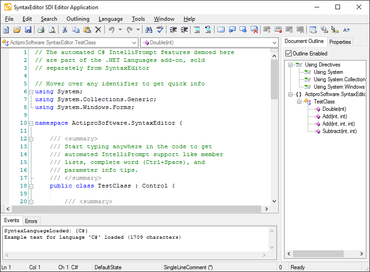
C# 및 VB를 위한 옵션 Intellisense를 가진 기능이 풍부한 구문-강조 코드 편집기 컨트롤 입니다.

궁금한 점이 있으세요?

Actipro Software 사 제품 라이선스 담당자와 라이브 채팅