
공식 공급 업체
200 이상의 소프트웨어 개발처와 판매 계약을 맺은 공인 디스트리뷰터로서 합법적인 라이선스를 제공합니다.
모든 브랜드 보기.
ActiveReports.NET helps you deliver beautiful reports with intuitive Visual Studio integrated report designers and rich controls. It provides code-based cross-platform reporting, easy-to-use designers, and a flexible API to enable you to design and deliver powerful reports with intuitive, reliable, and user-friendly report designers and controls for .NET, ASP.NET, ASP.NET MVC, WinForms, and WPF.
In this blog post, GrapeCity's Mateen Firoz takes you through the process of creating an RDL report in code. This is useful, for example, if you need to conditionally manage data binding of a page or RDL report at run time, or to change the layout of a report based on user input, or for a variety of other reasons.
These steps include:
Read the full GrapeCity blog and learn how to create your own RDL reports in code!
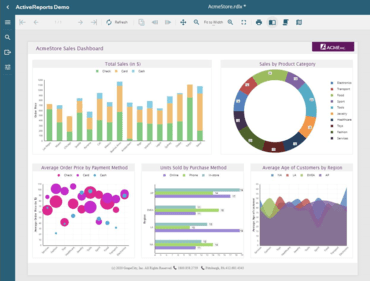
비즈니스 애플리케이션에서 보고서를 설계, 사용자 지정, 게시 및 열람할 수 있는 완벽한 보고 솔루션입니다.
MESCIUS (formerly GrapeCity) 사 제품 라이선스 담당자와 라이브 채팅

1996 이래 공식 유통업체
전화 : 00798 14 800 6332
팩스 : +1 770 250 6199


