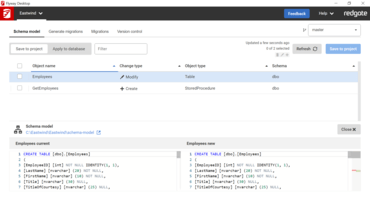
Migration table items are now navigable via arrow keys.
Previous target directories are now remembered and auto-filled in clone modal.
Suggested project directory name is now extracted from clone URL.
Normalized button order on modals, cancel is now always right-most button.
Script warnings are now displayed when generating migrations.
Flyway config is now automatically generated to suppress transactions when generating migrations for Microsoft SQL Server objects which cannot be run in transactions.
Improved UI of migration name display when editing scripts.
Added default display names for development database and shadow database.
Undo Migrations now use the defined separator in the version instead of a dot.
The migrations list is now refreshed automatically when 'cherryPick' or 'locations' parameters are set.
Migrations are now refreshed after a command fails to complete.
Whenever Flyway commands produce a report, they will now be linked-to after the command runs.
Disabled the 'Create baseline' button once it's clicked to avoid running multiple times.
Changed tooltip look and feel.
Git clone modal now warns user if target directory exists and is not empty before closing modal.
The App now displays loading spinner when opening a project from file explorer view.