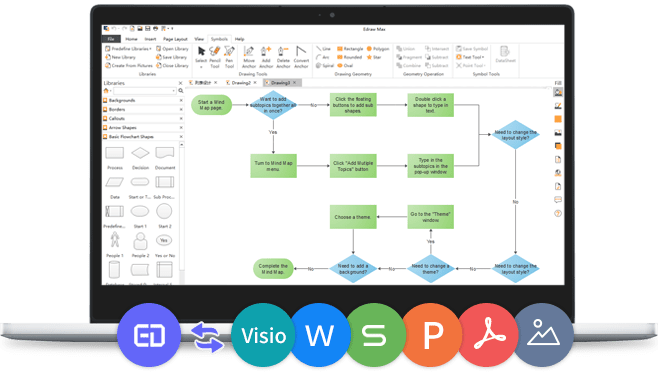
EdrawMax v10.5.5
Released: May 6, 2021
v10.5.5 버젼 업데이트
기능
- Insert text and choose whether to keep source formatting or keep text only.
- Open multiple EdrawMax documents at once.
- Right-click on the tab and open the menu to achieve multiple operations.
- New smart connection mode for creating flowcharts and connecting symbols.
- Supports adding the main title and snap & glue separators on swimlane diagrams.
- Move the wall and show the dimension in real-time.
- Auto-calculate the area of the space (the symbol) in floor plans.
- Hold down the Alt key to avoid selecting the underlying symbols of the diagram.
- Drag the taskbar or completion bar from the right side of the Gantt chart and display data in real-time.
- Redesigned the space setting option in the right Organizational Chart pane and added shortcuts for creating org charts.
- Optimized the display of the label at the bottom of the chart.
- Decreased web page load times of the cloud document and template community.
- Added the hover effect in the pre-made template gallery.
수정사항
- Fixed some bugs and crash issues that might happen in certain situations.
- Corrections and improvements in many small details.