SQL Backup Pro adds Integrity Checking
Released: May 10, 2012
Updates in this release
Updates in 7.0
- Schedule a recurring restore from a backup that does not exist yet by specifying a folder and file name each time the job runs
- Schedule a recurring restore from specific backup files which form a full backup or set of backups
- Run a database integrity check as part of a scheduled restore job
- Drop a database after a scheduled restore job has completed, or only if the restore and integrity check (if applicable) were successful
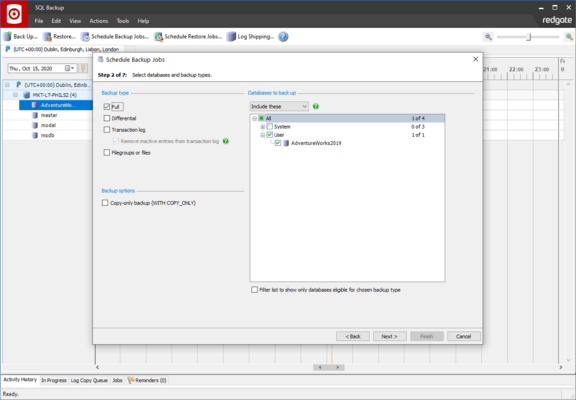
- Take a copy-only backup using the Back Up or Schedule Backup Jobs wizards
- Include CHECKSUM in the backup process using the Back Up or Schedule Backup Jobs wizards
- Create a reminder to set up backup verification using the Schedule Backup Jobs wizard
- Launch the Schedule Restore Jobs wizard from the Reminders tab, populated with details from the scheduled backup job, to set up backup verification
- View results of CHECKSUM and DBCC CHECKDB in the Activity History