이 페이지는 아카이브화 되어 더 이상 업데이트 되지 않습니다.
더 이상 이 제품을 제공 하지 않습니다.
Essential Studio UI adds Cell Merging
Released: May 11, 2012
Updates in this release
Updates in 2012 Volume 2?
- Visual Studio Wizard for Project Creation and Manipulation - When users select products from the MVC Project Configuration Wizard, a template automatically adds the respective assemblies and references to the application based on control type and theme
- Sub-Gauges - Visualize two different data types within the same space
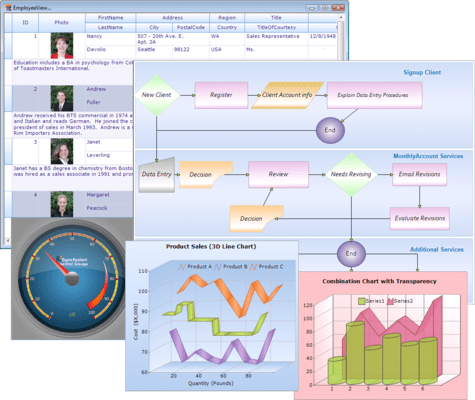
- Merging Cells - Merge adjacent cells in a grid and still perform sorting and grouping on columns containing merged cells
- Data Table Support - Essential Grid supports data tables in two modes: server and JSON. Both modes allow sorting, grouping, and all the other basic functions you would expect in a grid, but with JSON mode, data rendering occurs on the client side, greatly improving grid performance
- All-day Appointments - Create an engagement spanning an entire day or longer
- Dragging Appointments Between Resources - An appointment can be dragged from one resource to another
- Support for Date Ranges - You can set minimum and maximum dates to create a range of dates that can be selected in a schedule
- Customizing the Schedule View - The viewable area of a schedule can be customized to show times within a certain range
- Customizing Appointment Appearance - The background, font style and other visual elements of appointments can be customized based on resource, category, or custom CSS
- Customized Date Highlighting - The navigation panel in the Schedule control can highlight dates to indicate coming events
- Localization Support - Choose which language the user interface elements will be displayed in
- Support for Custom CSS - In addition to having 14 built-in skins, the look and feel of the Schedule control can be customized using your own CSS