이 페이지는 아카이브화 되어 더 이상 업데이트 되지 않습니다.

더 이상 이 제품을 제공 하지 않습니다.

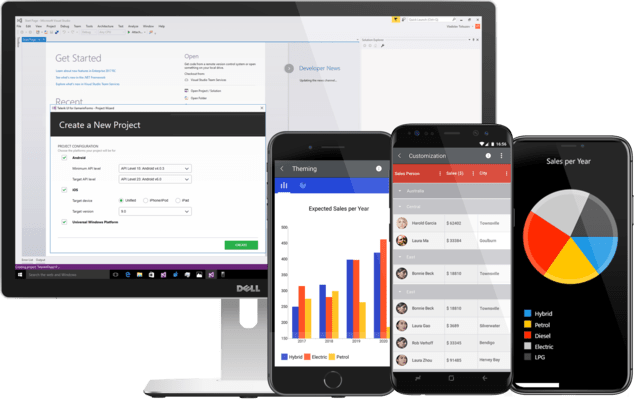
Telerik UI for Xamarin

빠른 개발과 우수한 성능을 위한 고품질의 Xamarin UI 컨트롤.

Telerik사에서 공개
2018년 부터 ComponentSource에서 판매중
버젼: R3 2023 업데이스 날짜: Oct 11, 2023

i

Microsoft ended support for Xamarin in May 2024, and Telerik continued maintaining their component library until now to give developers time to transition. Effective February 19, 2025, Telerik will follow suit and discontinue Telerik UI for Xamarin. It will no longer be available for sale, nor will it be part of DevCraft. To further assist with the transition, Telerik will provide limited support...

Show more

Microsoft ended support for Xamarin in May 2024, and Telerik continued maintaining their component library until now to give developers time to transition. Effective February 19, 2025, Telerik will follow suit and discontinue Telerik UI for Xamarin. It will no longer be available for sale, nor will it be part of DevCraft. To further assist with the transition, Telerik will provide limited support and critical updates until February 2026.

Telerik UI for Xamarin R3 2022

Released: Sep 14, 2022

R3 2022 버젼 업데이트

기능

  • DataGrid
    • Implemented support for aggregate functions.
    • Implemented column footers.
  • PdfProcessing
    • Optimized and reduced the exported document size when using the same font on more than one block.
    • Introduced support for exporting document pages to images.
  • SpreadProcessing
    • Exposed a method converting hex colors to Telerik.Documents.Media.Color.
    • Introduced Print Titles, allowing for specific rows and columns to be repeated on every printed page.
  • SpreadStreamProcessing
    • Implemented workbook import.
  • WordsProcessing
    • DocxFormatProvider: Introduced support for importing images defined in AlternateContent tag.
    • Introduced support for title attribute of the NonVisualDrawingProperties for a shape/image when working with DOCX.
    • Introduced support for Page Numbering Fields - PAGE, PAGEREF, NUMPAGES, SECTIONPAGES, SECTION.
    • DocxFormatProvider: Introduced support for import/export of shapes from/to DOCX file format. Note: Text inside shapes is not yet supported.

수정사항

  • Calendar
    • [UWP] AppointmentTemplate is not applied for DayViewSettings.
  • Entry
    • [Android] After updating Xamarin.Forms to version 5.0.0.2478, the WatermarkText does not show in RadEntry on Android.
    • [Android] Pressing comma ',' key on numeric keyboard does not work when device culture requires ','.
  • NumericInput
    • [Android] Pressing comma ',' keyboard key does not work when device culture requires ','.
  • PdfProcessing
    • The default ImagePropertiesResolver does not handle the RGB24 pixel format which leads to an exception being thrown.
    • A signed and exported document does not show the digital signature in the Signature panel.
    • Hidden fields with pushButton widget become visible when using FlattenFormFields method to flatten fields.
  • WordsProcessing
    • Document containing Group element with no content control inside this part causes InvalidOperationException.
    • Break elements defined in the same run with other text are imported from DOCX at the end of the run.
    • Wrong paragraph`s parent when inserting new section between paragraphs.
    • Image alternate text is not properly exported to DOCX.
    • ReplaceText with a string containing multiple lines retains the formatting of only the first one.