








Offizieller Lieferant
Als offizieller und autorisierter Distributor beliefern wir Sie mit legitimen Lizenzen direkt von mehr als 200 Softwareherstellern.
Sehen Sie alle unsere Marken.
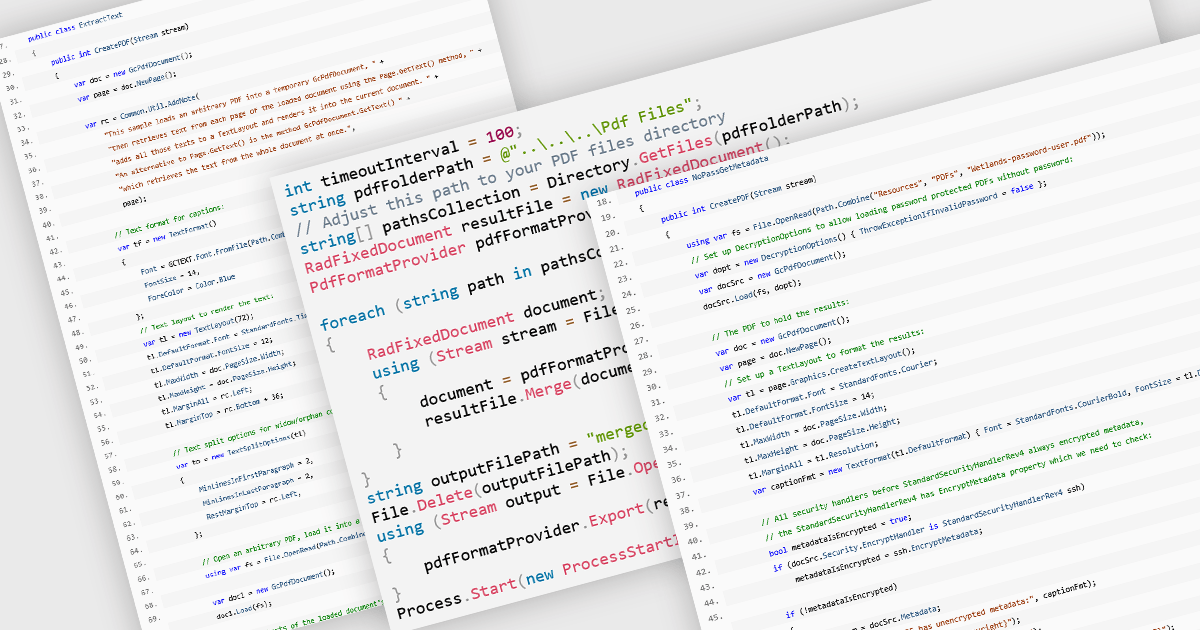
PDF manipulation allow applications to create, modify, and manage PDF documents programmatically or through integrated user interfaces. These features support a wide range of document workflows, from reorganizing pages to extracting information and optimizing file sizes. By incorporating PDF manipulation tools directly into applications, developers can support more efficient document processing without relying on external software.
Common features include:
For an in-depth analysis of features and price, visit our ASP.NET Core PDF components comparison.
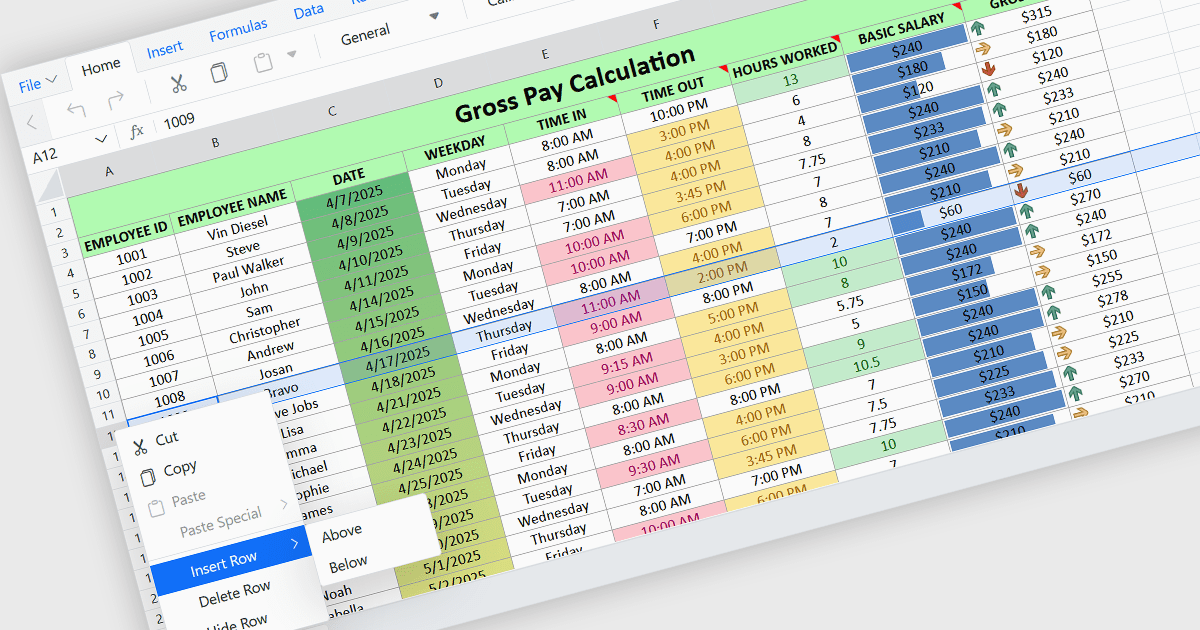
Inserting rows in spreadsheet components enables users to expand and reorganize data dynamically within a worksheet. It supports common data management tasks such as adding new records, adjusting layouts, and maintaining structured datasets without disrupting existing content. By integrating row insertion directly through APIs, applications can offer a familiar and efficient spreadsheet experience for users working with tabular data.
Several ASP.NET Core spreadsheet controls offer support for inserting rows including:
For an in-depth analysis of features and price, visit our ASP.NET Core spreadsheet controls comparison.

Dropdowns and lists provide structured ways for users to select and manage values within grids, forms, or tables. By constraining input to predefined options, these controls help maintain data consistency, reduce entry errors, and improve overall usability. They are commonly used in business applications where accuracy and efficiency are important, such as configuration panels, data management tools, and enterprise systems.
Common features include:
For an in-depth analysis of features and price, visit our ASP.NET Core data editor components comparison.
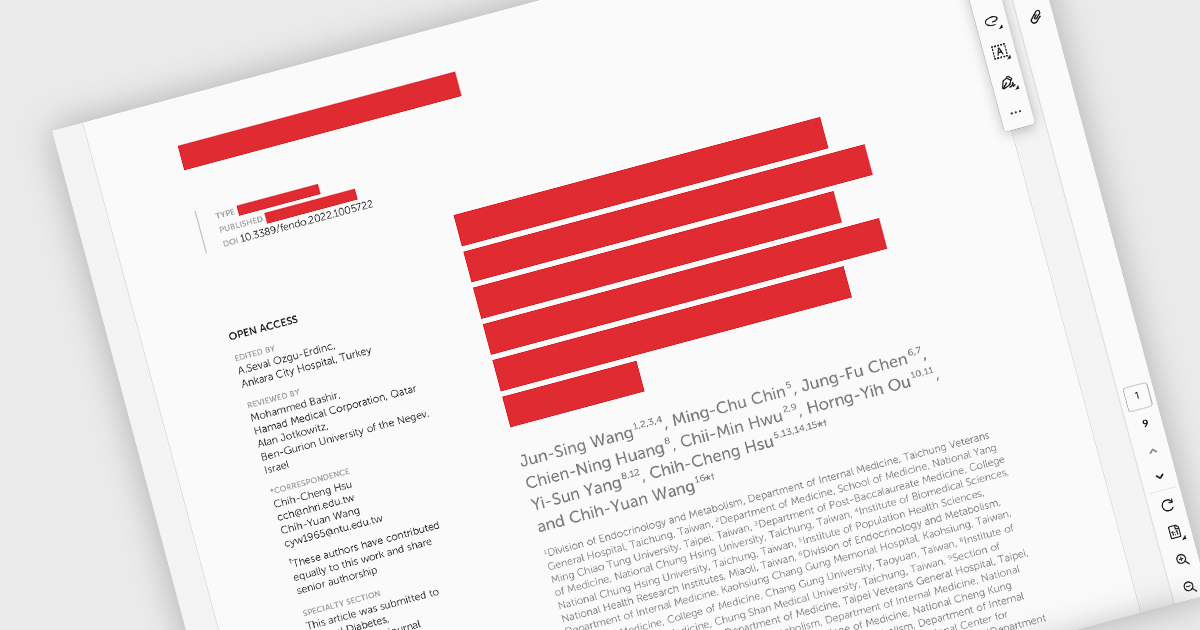
PDF redaction is the process of permanently removing sensitive or confidential information from a document so that it cannot be recovered or viewed. Unlike simple visual masking, true redaction deletes the underlying content, ensuring it is not accessible through copying, searching, or metadata extraction. This capability is essential for regulatory compliance, data protection, and secure document sharing, particularly in industries that handle personal, financial, or legal information.
Several ASP.NET Core PDF components allow you to redact PDFs, including:
For an in-depth analysis of features and price, visit our comparison of ASP.NET Core PDF components.
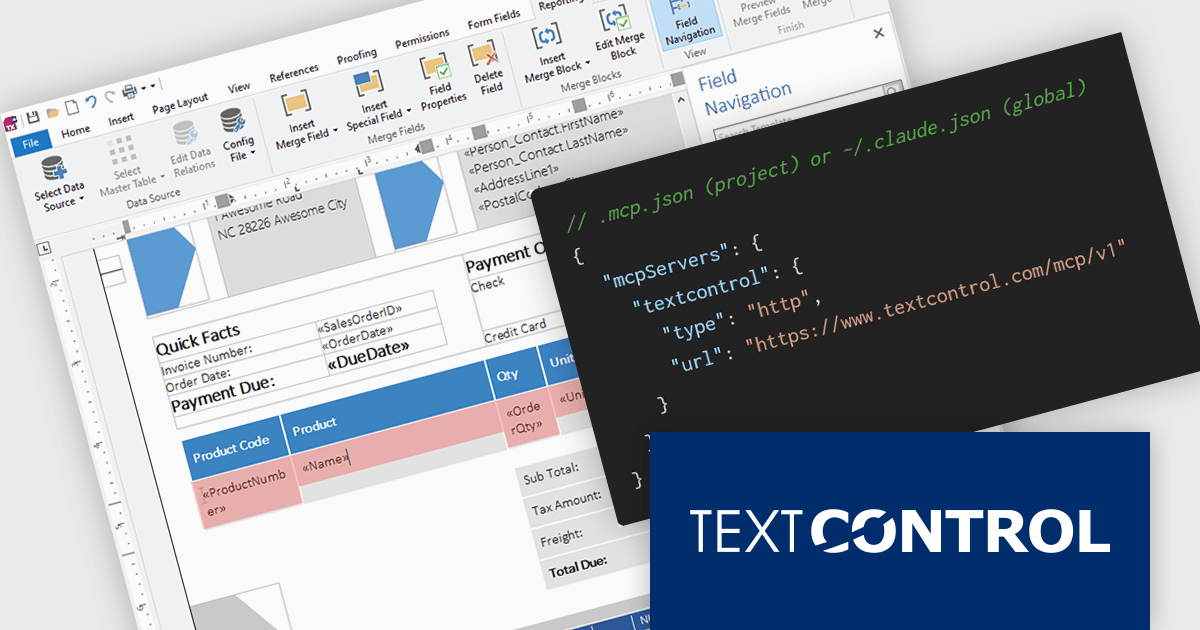
TX Text Control .NET is a royalty-free, fully programmable document editor that empowers developers to add rich WYSIWYG word processing to desktop and web applications across various platforms. It provides everything from comprehensive text formatting and mail merge to PDF creation and processing, all through a robust API and intuitive user interface.
The new Text Control MCP Server introduces a read-only Model Context Protocol (MCP) endpoint designed to integrate authoritative product knowledge into AI-assisted processes. By adding a single URL to an assistant’s configuration, developers can enable access to blog content, documentation, API references, and more, all without leaving the editor. This approach improves the relevance and accuracy of AI-generated responses, making it easier to work with up-to-date information across the entire Text Control ecosystem.
TX Text Control .NET for Windows Forms and TX Text Control .NET for WPF are licensed per developer and are available as a Perpetual License with a 12 month support and maintenance subscription. See our TX Text Control .NET for Windows Forms licensing page or TX Text Control .NET for WPF licensing page for full details.
TX Text Control .NET is available to buy in the following products:





Tel.: (888) 850 9911
Fax: +1 770 250 6199


