








Offizieller Lieferant
Als offizieller und autorisierter Distributor beliefern wir Sie mit legitimen Lizenzen direkt von mehr als 200 Softwareherstellern.
Sehen Sie alle unsere Marken.
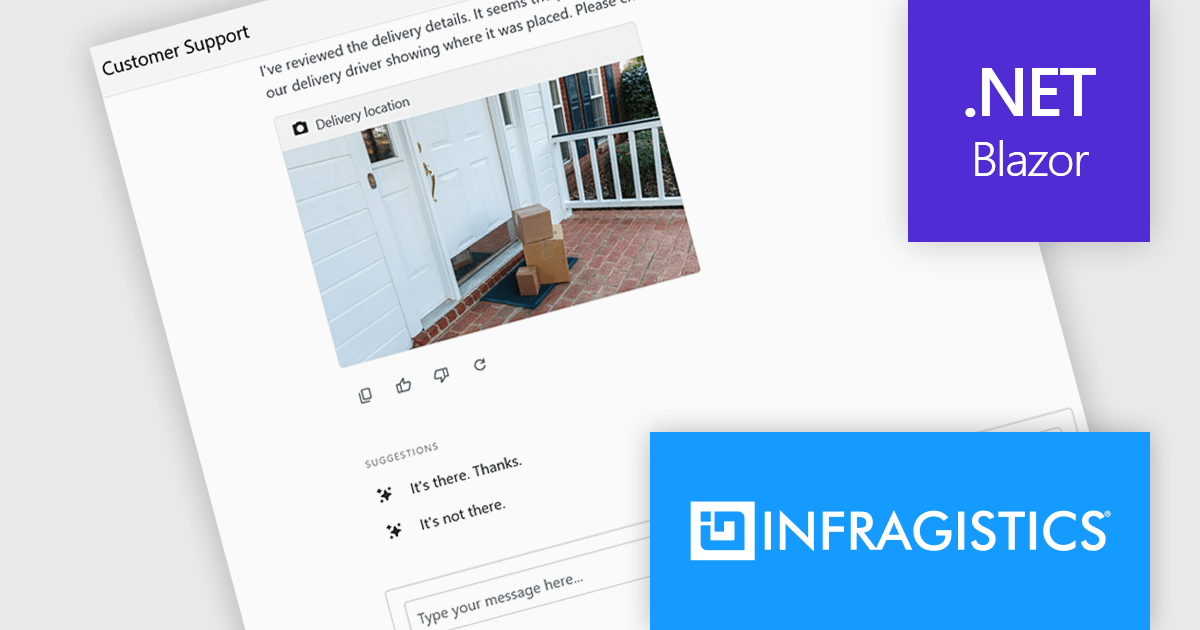
Infragistics Ignite UI for Blazor is a comprehensive UI component library designed specifically for .NET developers building modern web applications with Blazor. It offers a rich set of over 60 components, including performant data grids, interactive charts, and essential UI elements. This allows developers to craft visually appealing, feature-packed Blazor applications with a focus on data visualization, user interaction, and a variety of design themes.
The Ignite UI for Blazor 26.1 release adds a new 'IgbChat' component which introduces a complete chat user interface for Blazor, including message display, user input, reactions, suggestions, typing indicators and support for custom templates. Rather than building each element from scratch, developers can assemble chat experiences using a single component, reducing the amount of UI code required.
To see a full list of what's new in version 26.1, see our release notes.
Infragistics Ignite UI for Blazor is available as part of Infragistics Ignite UI which is licensed per developer and is offered as a Perpetual License with a 1, 2 or 3 year support and maintenance subscription. See our Infragistics Ignite UI licensing page for full details.
Infragistics Ignite UI for Blazor is available in the following products:
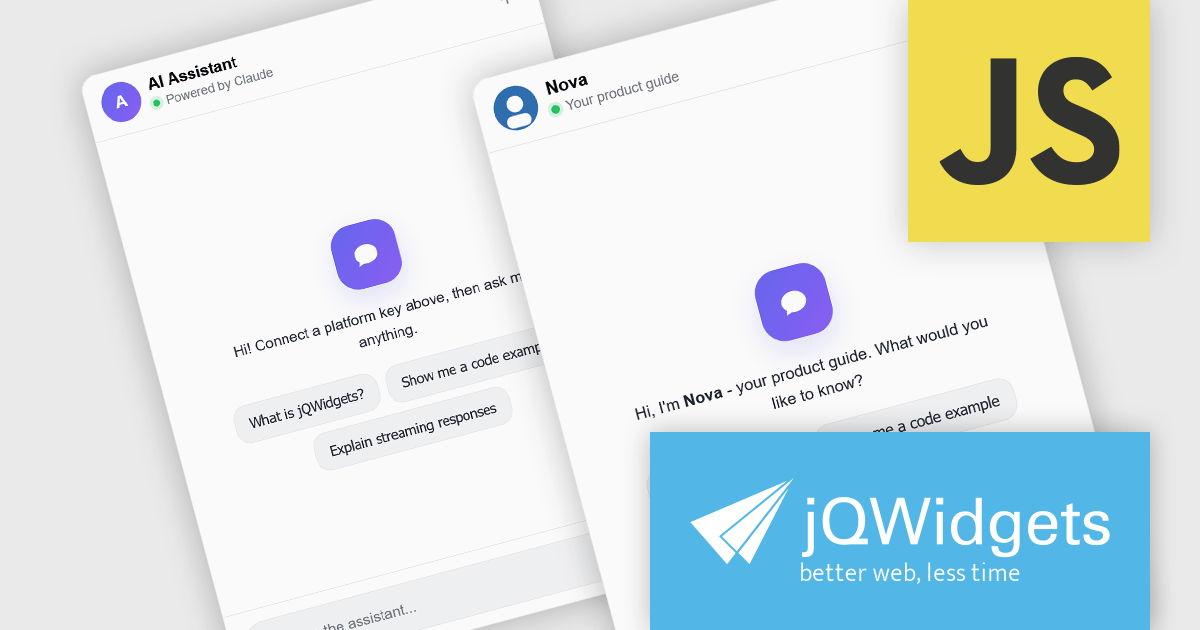
jQWidgets is a comprehensive JavaScript UI framework offering a robust collection of over 60 widgets, themes, and utilities for building professional-grade, cross-platform web applications. Built on jQuery, HTML5, and CSS, it provides extensive functionality including data grids, charts, navigation, input validation, and more. jQWidgets simplifies web development, ensuring your applications work seamlessly across desktop browsers, tablets, and smartphones.
The jQWidgets v26.0.0 release includes a new jqxChat widget which adds conversational capabilities to web applications by providing a ready-to-use interface for real-time messaging and AI-assisted interactions. It supports rich message content, customizable appearance, and flexible integration with backend services and large language model (LLM) providers, making it suitable for customer support, virtual assistants, collaboration tools, and internal business applications. By incorporating jqxChat, developers can add engaging conversational experiences without building a chat interface from scratch, while maintaining the same look, feel, and development approach as the rest of the jQWidgets component library.
To see a full list of what's new in v26.0.0, see our release notes.
jQWidgets is licensed per developer and is available as a Perpetual license 1 year support and maintenance. See our jQWidgets licensing page for full details.
Learn more on our jQWidgets product page.
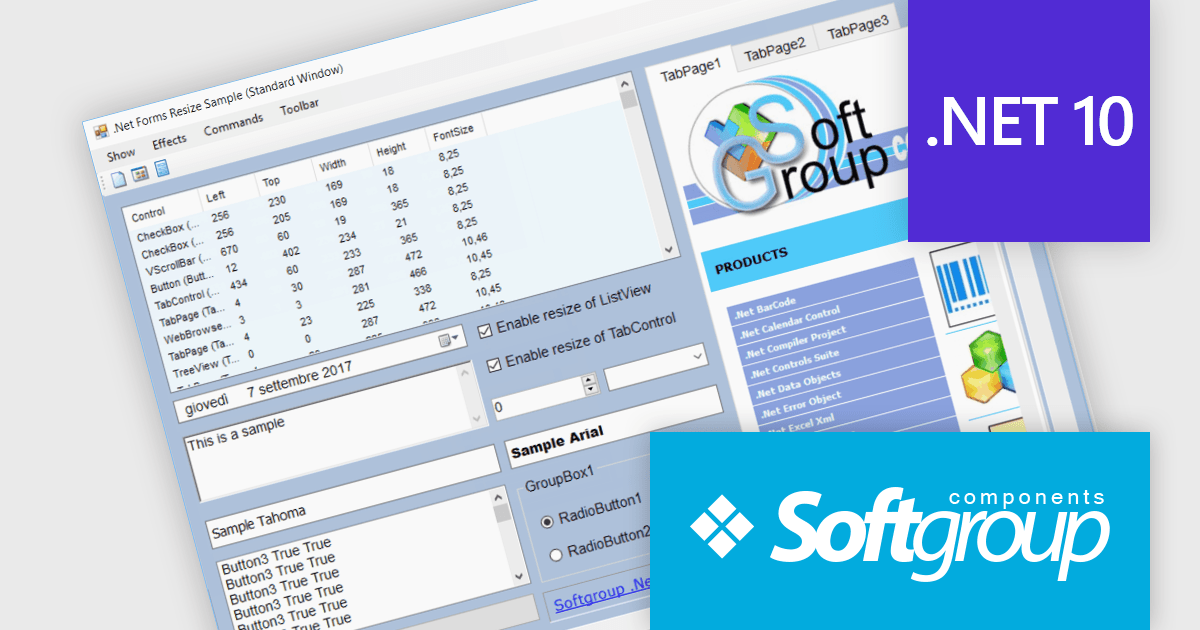
.Net Forms Resize by Softgroup is a Windows Forms component for Microsoft .NET that enables applications to automatically resize controls, fonts and layouts as forms change size or display resolution. Designed for rapid integration with existing projects, it helps developers create resolution-independent desktop applications with minimal code, while supporting nested controls, MDI (Multiple Document Interface) forms, docked controls and a wide range of third-party UI components.
.Net Forms Resize V13.0 adds support for .NET 10 allowing developers to keep Windows Forms applications aligned with Microsoft's latest long-term platform while continuing to use a proven resizing solution. By targeting .NET 10, development teams can take advantage of the latest runtime, tooling and platform improvements without changing their approach to responsive form layouts. The addition of a dedicated .NET 10 library, together with NuGet package installation and new form positioning capabilities, helps organizations modernize existing desktop applications, simplify deployment and prepare projects for future platform updates.
To see a full list of what's new in V13.0, see our release notes.
.Net Forms Resize is licensed per developer and is available as a Perpetual license. It includes a subscription for all major and minor updates for 1 year, plus 90 days of email support. See our .Net Forms Resize licensing page for full details.
Learn more on our .Net Forms Resize product page.
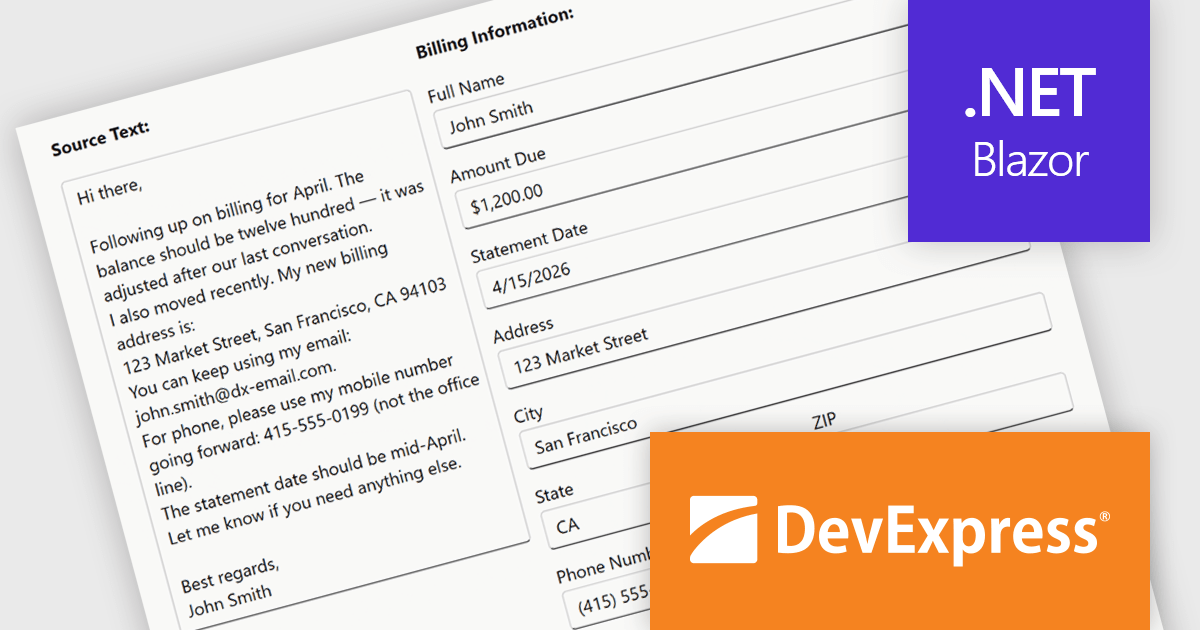
DevExpress Blazor (part of DevExpress ASP.NET and Blazor) helps you create high-impact user experiences for both Blazor Server and Blazor WebAssembly using C#. The Blazor UI Component Library ships with a comprehensive set of native components including a Grid, Pivot Table, Scheduler, Chart, Data Editors and Reporting.
The DevExpress Blazor Form Layout component now includes Smart Paste, a new AI-powered capability designed to reduce manual data entry. Smart Paste can analyse unstructured content, such as email messages, support requests, or free-form notes, identify relevant information, and automatically populate matching form fields. This helps users transfer data into applications more quickly while reducing the risk of errors, making form-based workflows more efficient and easier to manage.
To see a full list of what's new in version 26.1, see our release notes.
DevExpress ASP.NET and Blazor is licensed per developer and is available as a Perpetual License with a 12 month support and maintenance subscription. See our DevExpress ASP.NET and Blazor licensing page for full details.
DevExpress Blazor is available in the following products:
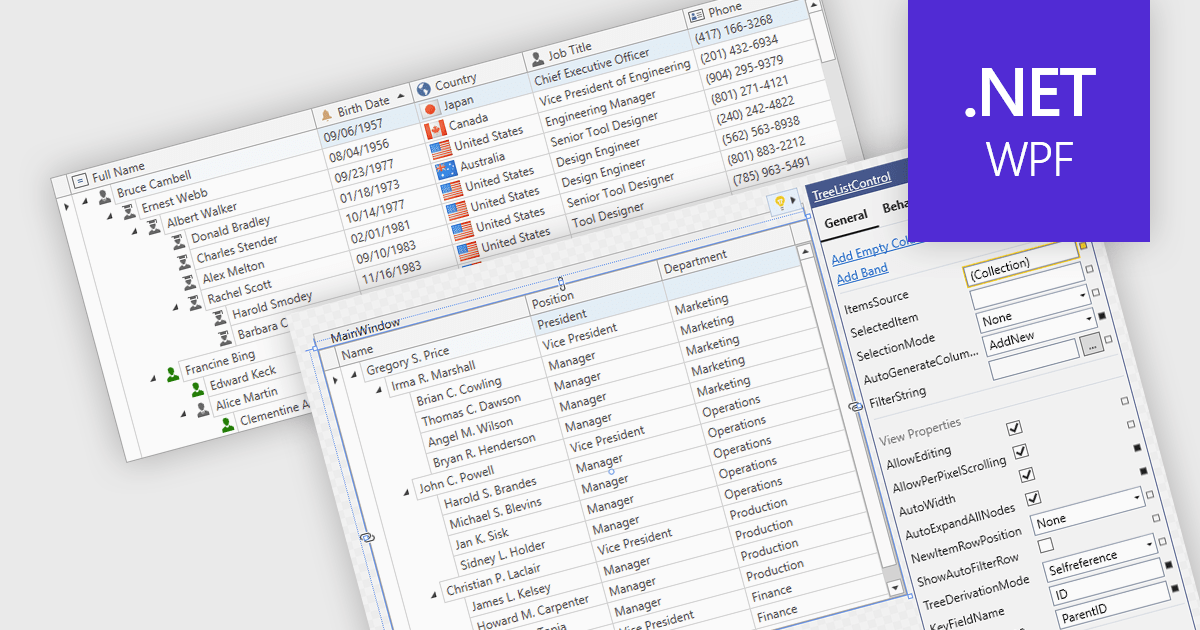
Treelist components present hierarchical data in a tabular format, combining the structure of a tree view with many of the capabilities commonly found in data grids. They allow users to expand and collapse parent-child relationships while viewing multiple data fields within the same interface. Treelists are commonly used to display organizational structures, project task hierarchies, file and folder systems, product categories, and other datasets that contain parent-child relationships. This approach helps organize complex datasets, improves navigation through large hierarchies, and can support tasks such as data viewing, editing, and management without requiring users to switch between different views.
Several WPF UI suites provide you with treelist functionality, including:
For an in-depth analysis of features and price, visit our comparison of WPF UI suites.





Tel.: (888) 850 9911
Fax: +1 770 250 6199


