Neuigkeiten zu .NET

Gewährleisten Sie Genauigkeit mit integrierter Datenvalidierung

November 11, 2025
Bewahren Sie eine zuverlässige Dateneingabe in Tabellenkalkulationen mit integrierten Validierungstools, die Fehler verhindern und die Datenintegrität in freigegebenen Arbeitsmappen gewährleisten.

Data validation in spreadsheets allows users to control what information can be entered into each cell, ensuring that data remains accurate and consistent across a workbook. By defining specific rules and restrictions, it helps prevent incorrect inputs and maintains the integrity of shared data. Users can provide guidance through prompts or drop-down lists, reducing the likelihood of errors and saving time on data correction. This feature is especially valuable in collaborative settings, such as managing budgets, tracking inventory, or collecting survey responses, where reliable data entry is essential for accurate analysis and reporting.

Several ASP .NET Core spreadsheet products offer data validation, including:

  • DevExpress ASP.NET Core Spreadsheet (part of DevExpress ASP.NET and Blazor) lets you control data accuracy by defining validation rules and guiding users with clear feedback.
  • Aspose.Cells for .NET allows you to enforce consistent data entry by applying validation rules, dropdown lists, and custom error alerts.
  • Telerik ASP.NET Core Spreadsheet (part of DevExpress ASP.NET and Blazor) validates inputs, preventing errors, and maintaining consistent information across workbooks.
  • Syncfusion ASP.NET Core Spreadsheet (part of Syncfusion Essential Studio Spreadsheet Editor SDK) enables data entry through automatic prevention of invalid values.

For an in-depth analysis of features and price, visit our comparison of ASP .NET Core spreadsheet controls.

Compare ASP .NET Core Spreadsheet Controls

Direkte Neuordnung von Seiten in PDF-Viewern

November 11, 2025
Ändern Sie schnell die Seitenreihenfolge in PDFs mit den integrierten Tools von WPF Viewers, um Unterbrechungen in Ihrem Dokumenten-Workflow zu minimieren.

The ability to move and arrange pages in a PDF viewer allows users to reorder individual pages within a PDF document directly through the interface. For software developers, this feature supports more dynamic document processes, especially in applications involving content assembly, form management, or automated report generation. It reduces the need for external tools or manual editing, which simplifies integration and enhances user experience when managing complex or multi-page documents.

Several WPF (Windows Presentation Foundation) PDF viewer components allow you to move and arrange pages in a PDF, including:

  • Telerik UI PDF for WPF (part of Telerik UI for WPF) allows you to reorder, insert, or remove pages within your WPF PDF Viewer control for dynamic document reports.
  • Syncfusion WPF PDF (part of Syncfusion Essential Studio Enterprise) enables interactive rearrangement of pages inside the PDF Viewer, optimizing multi‑page document processes.
  • XFINIUM.PDF CROSS PLATFORM EDITION provides comprehensive page management capabilities, including repositioning, extraction, and full control over PDF pages.

For an in-depth analysis of features and price, visit our WPF PDF viewer comparison.

Compare WPF PDF Viewer Components

Hinzufügen von Dialogfeldern zum Bearbeiten von Dokumenten in Linux-Apps

November 11, 2025
TX Text Control .NET Server 34.0 bietet eine vollständige Unterstützung für Dialogfelder unter Linux mit einer Anpassung an Windows, um eine konsistente plattformübergreifende Dokumentenbearbeitung zu ermöglichen.

TX Text Control .NET Server for ASP.NET is a server-side component that equips your web applications with a powerful, Microsoft Word-compatible document editor. This allows you to develop applications that generate and edit various document formats (RTF, DOCX, PDF, etc.) on the fly, using data from databases or files. It also boasts features like PDF generation and a browser-based editor with a familiar MS Word-inspired interface, ultimately enhancing the document processing capabilities of your web applications.

The TX Text Control .NET Server for ASP.NET 34.0 release brings full dialog box support to Linux, aligning its functionality with Windows to offer a seamless experience across platforms. Developers building cross-platform applications can now rely on consistent, familiar interfaces for setting table attributes, image properties, and other document-related tasks. This update removes a key limitation for Linux deployments, making it easier to maintain UI consistency and improving the overall usability for end users. By ensuring parity in dialog box functionality, the release simplifies application logic and enhances user interaction across environments.

For a full list of changes in TX Text Control .NET Server for ASP.NET 34.0, see our release notes.

TX Text Control .NET Server for ASP.NET is licensed per developer and is available as a Perpetual License with a 12 month support and maintenance subscription. Run time licenses are required for the deployment to production servers. See our TX Text Control .NET Server for ASP.NET licensing page for full details.

For more information, visit our TX Text Control .NET Server for ASP.NET product page.

Verbessern der Navigation in Rasterdaten mit Spalten-Pinning

November 11, 2025
Infragistics Ultimate 25.2 integriert ein doppelseitiges Raster-Pinning, das Entwicklern hilft, wichtige Daten sichtbar zu machen und Layouts benutzerfreundlicher zu gestalten.

Infragistics Ultimate is a comprehensive development toolkit designed to streamline the creation of high-performance, visually rich applications across multiple platforms. It includes a wide range of user interface (UI) components and development tools for web, desktop, and mobile applications, supporting frameworks such as Angular, React, Blazor, .NET, and more.

The Infragistics Ultimate 25.2 release includes a feature that lets developers specify individual pinning locations for each grid column, making it possible to fix important data on both the left and right edges of a grid. This added flexibility helps create cleaner, more efficient layouts that keep key information visible at all times. Whether you’re working in Angular, React, Web Components, or Blazor, this capability improves data presentation, simplifies large dataset navigation, and enhances the overall usability of modern web applications.

To see a full list of what's new in version 25.2, see our release notes.

Infragistics Ultimate is licensed per developer and is available as a Perpetual License with a 1, 2 or 3 year support and maintenance subscription. See our Infragistics Ultimate licensing page for full details.

For more information, visit our Infragistics Ultimate product page.

Integrieren von Bildern in Rasterzellen für einen visuellen Kontext

November 10, 2025
Zeigen Sie Bilder für eine übersichtliche Darstellung von Informationen direkt in Rasterzellen an, um so die Benutzerfreundlichkeit, die visuelle Attraktivität und das allgemeine Datenverständnis zu verbessern.

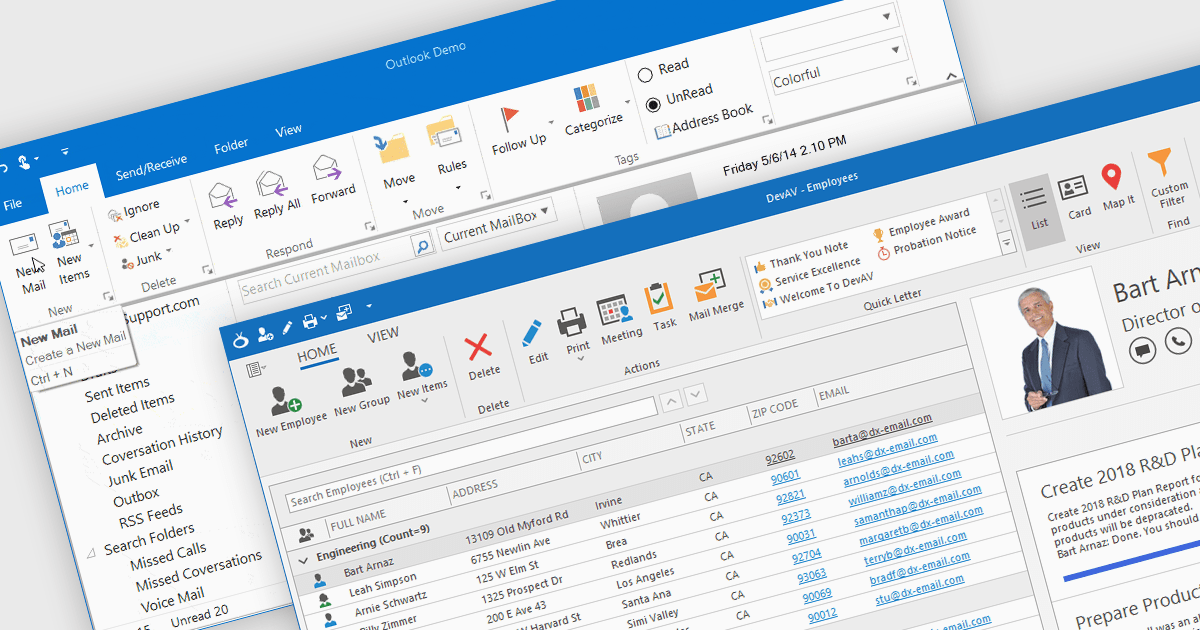
Displaying an image within a grid cell allows developers to combine visual and textual data, making information more intuitive and engaging. This feature enables images such as icons, product photos, or user avatars to appear directly alongside related values, providing immediate visual context and helping users quickly interpret complex datasets. The result is a more dynamic and user-friendly interface that enhances clarity, recognition, and overall usability. Common use cases include showing product images in inventory lists, employee photos in directories, or country flags in international sales reports, allowing users to connect visuals with data for faster understanding and improved decision-making.

Many .NET WinForms grid controls support displaying images within cells, including:

  • DevExpress WinForms Data Grid (part of DevExpress WinForms) lets you embed images directly in cells, enriching data presentation with intuitive, visually informative elements.
  • Telerik UI for WinForms GridView (part of Telerik UI for WinForms) enables image display inside cells, combining visuals with data to create polished, interactive grid interfaces.
  • FlexGrid for WinForms (part of ComponentOne Studio WinForms by MESCIUS) allows you to display images alongside text, creating visually engaging data views.
  • Infragistics WinDataGrid (part of Infragistics Ultimate UI for Windows Forms) facilitates image integration within cells for enhanced clarity across complex data sets.

For an in-depth analysis of features and price, visit our comparison of .NET WinForms Grid Controls.

Compare .NET WinForms Grid Controls