








Offizieller Lieferant
Als offizieller und autorisierter Distributor beliefern wir Sie mit legitimen Lizenzen direkt von mehr als 200 Softwareherstellern.
Sehen Sie alle unsere Marken.
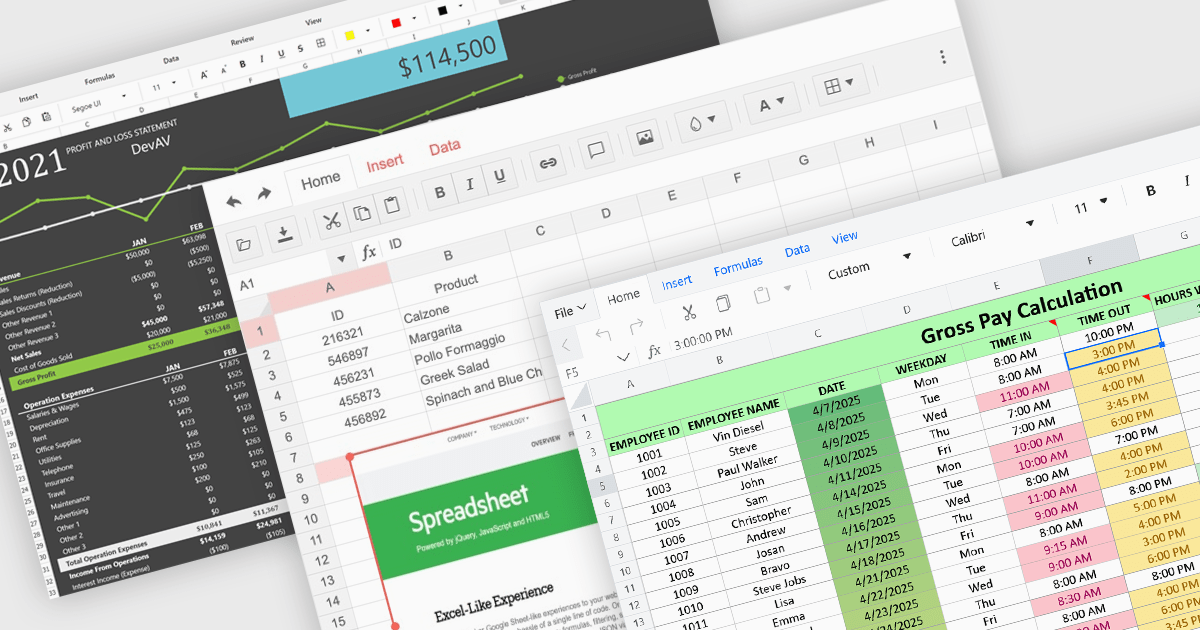
Formatting and presentation features shape how information is communicated within a spreadsheet, turning raw values into content that is clearer, more readable, and visually consistent. These capabilities help users emphasize key data, establish a coherent visual style, and create worksheets that are easier to interpret at a glance. By supporting both subtle adjustments and more expressive enhancements, they play a central role in making spreadsheets suitable for reporting, analysis, and presentation-focused tasks across a wide range of scenarios.
Common features include:
For an in-depth analysis of features and price, visit our ASP.NET Core spreadsheet components comparison.
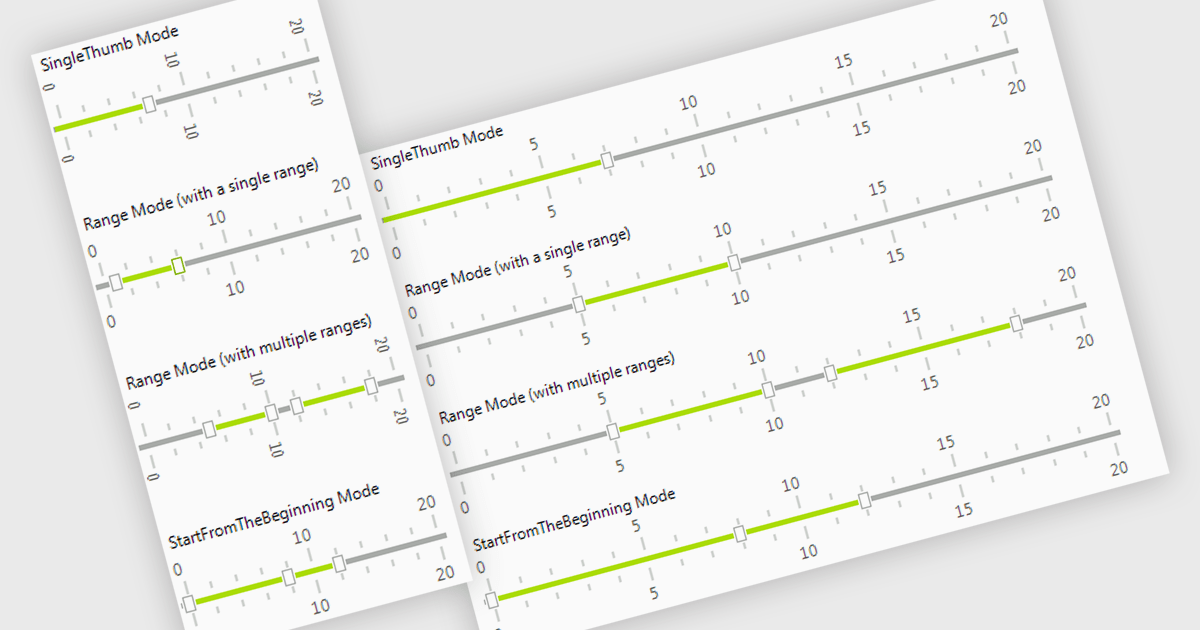
A trackbar in data editors provides a sliding control that allows users to adjust numeric values within a defined range through an interactive visual interface. It reduces the need for manual text entry, prevents invalid inputs by enforcing minimums, maximums and step increments, and offers immediate feedback as values change. Trackbars are especially useful in scenarios where users need to fine tune settings such as selecting volume levels, adjusting brightness, setting filter thresholds or choosing time or price ranges, making them ideal for applications that benefit from quick, intuitive and precise value selection.
Several .NET WinForms components offer Trackbar Data Editors including:
For an in-depth analysis of features and price, visit our comparison of .NET WinForms Data Editors.
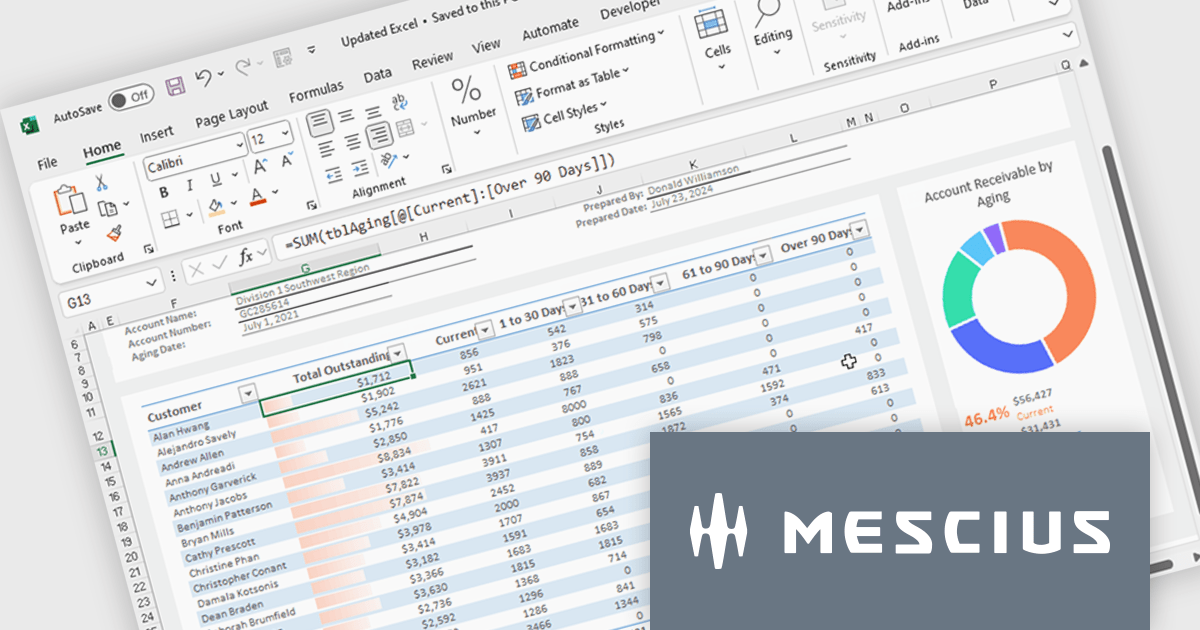
Spread.NET helps you create spreadsheets, grids, dashboards, and forms. It includes a powerful calculation engine with 450+ functions and the ability to import and export Excel spreadsheets. You can develop in Visual Studio using VB or C# for WinForms, ASP.NET, and WPF.
In this blog post, MESCIUS Product Marketing Specialist Mackenzie Albitz guides you through four essential steps for importing and exporting Excel spreadsheets in your WPF applications:
Detailed sample code is included and you can even download a finished sample project to follow along.
Read the complete blog post to learn the steps for integrating this powerful Excel functionality into your WPF applications.
Spread.NET is licensed per developer and is available as a Perpetual License with a 12 month support and maintenance subscription. We can supply any Spread.NET license including new licenses, maintenance renewals, and upgrade licenses. See our Spread.NET licensing page for full details.
For more information, visit our Spread.NET product page.
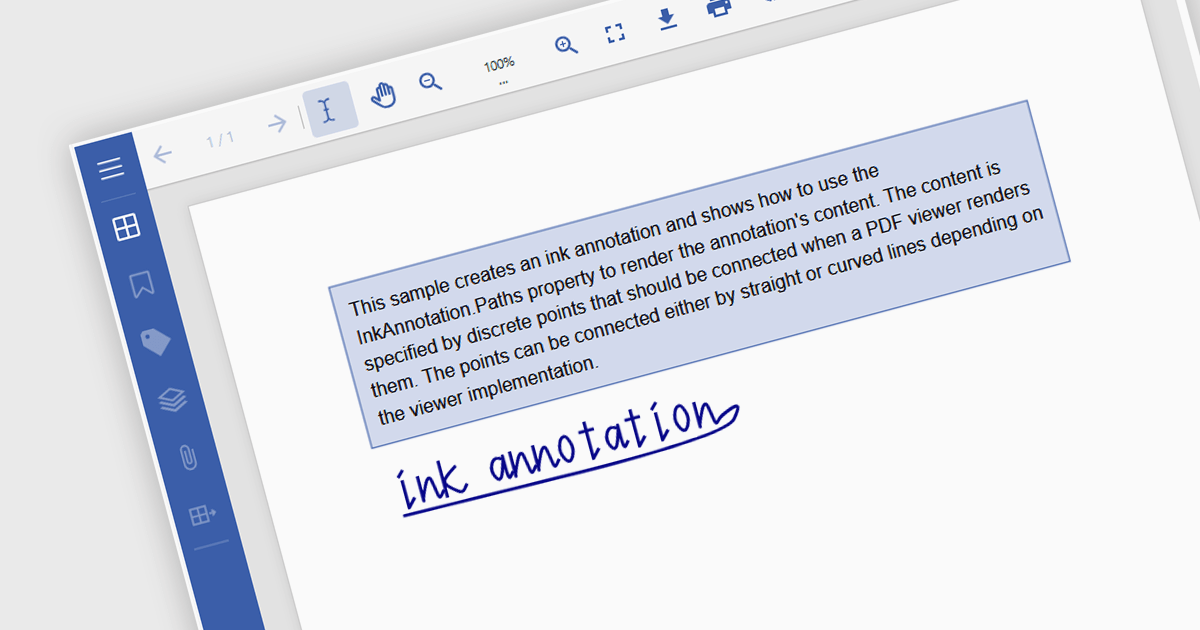
Freehand Draw, also known as Ink Annotation, in ASP.NET Core PDF Viewer controls allows users to add freeform, hand-drawn annotations directly onto PDF documents. This feature mimics natural handwriting or sketching by enabling input through mouse, touch, or stylus, making it especially useful for scenarios requiring personal notes, signatures, or diagrammatic feedback. The annotations are embedded as part of the PDF, ensuring they remain accessible and visible across different platforms and viewers. It is commonly used in applications where document review or digital signing is required, enhancing interactivity and collaboration within PDF-based processes.
Several ASP.NET Core Assembly PDF Viewer components offer support for Freehand Draw/Ink Annotation including:
For an in-depth analysis of features and price, visit our comparison of ASP.NET Core Assembly PDF Viewer Components.
ABP Platform is a comprehensive framework designed to accelerate the development of enterprise software solutions by offering an opinionated architecture built on best practices for .NET and ASP.NET Core. It equips developers with the essential infrastructure, production-ready startup templates, pre-built application modules, and modern UI themes needed to build robust, scalable, and maintainable applications. With powerful tooling, detailed guides, and extensive documentation, ABP Platform improvs implementation, reduces repetitive tasks, and ensures consistency across projects. Ideal for organizations seeking to enhance productivity and maintain high-quality standards, it enables teams to focus on delivering business value while the platform handles architectural complexity and automation.
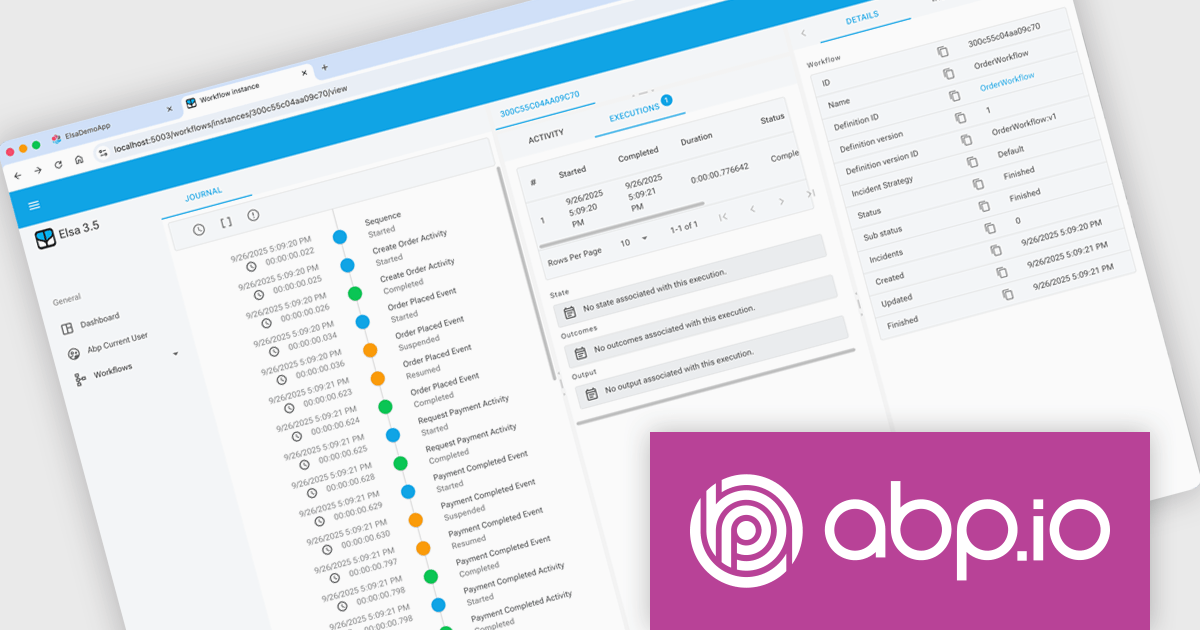
The ABP Platform 10.0 update introduces the Elsa Workflow module, giving developers a fully integrated way to design and execute visual, event-driven processes within both monolithic and microservice architectures. With built-in support for Elsa Studio, developers can model and manage behavior through a hybrid UI while relying on ABP to handle execution, state management, and service interactions, resulting in a more consistent and maintainable approach to orchestrating application processes.
To see a full list of what's new in version 10.0.0, see our release notes.
The ABP Platform is available as a Team, Business or Enterprise license, which entitles developers to use the platform's Pro features and provides software updates and technical support for 1 year. See our ABP Platform licensing page for full details.
For more information, visit our ABP publisher page.





Tel.: (888) 850 9911
Fax: +1 770 250 6199


