








Offizieller Lieferant
Als offizieller und autorisierter Distributor beliefern wir Sie mit legitimen Lizenzen direkt von mehr als 200 Softwareherstellern.
Sehen Sie alle unsere Marken.
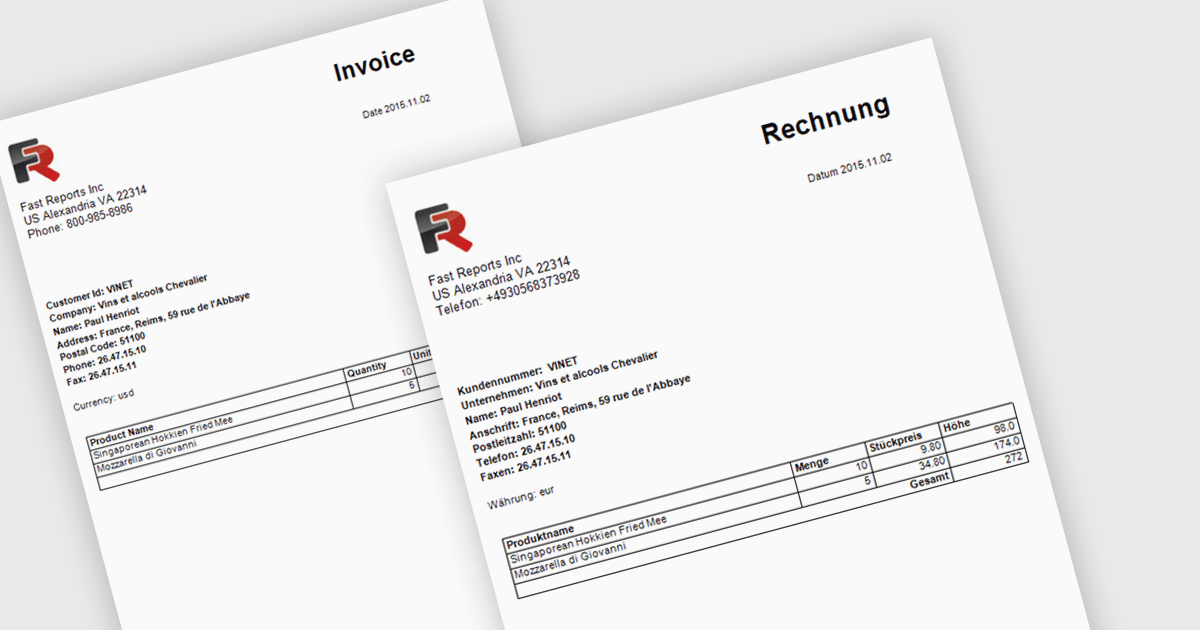
Report localization is the process of translating and adapting reports into different languages so organizations can share data and insights with global audiences. By presenting reports in a user's preferred language, organizations can improve accessibility, increase understanding, and reduce the risk of misinterpreting important information. This helps teams, customers, and stakeholders make more informed decisions while maintaining a consistent reporting experience across regions. Common use cases include localized sales reports for regional teams, analytics dashboards for international customers, and financial or compliance reports that need to be available in multiple languages.
Several .NET reporting controls offer localization including:
For an in-depth analysis of features and price, visit our .NET reporting controls comparison.
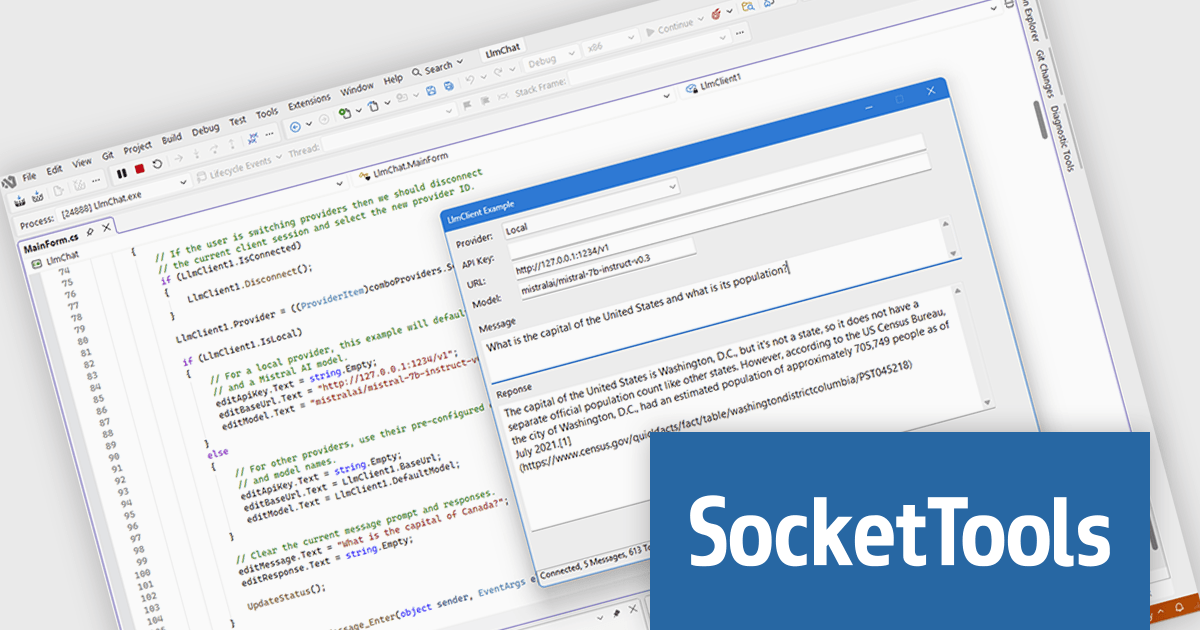
SocketTools Subscription is a comprehensive suite of Internet components and libraries for Windows development, providing access to every .NET class, ActiveX control, and native Windows library across all SocketTools editions. It enables developers to add networking, security, file transfer, email, web services, and AI capabilities to applications more quickly and with less complexity. Ideal for both modern and legacy software projects, the subscription helps streamline development while providing unlimited priority technical support and free upgrades to new releases.
The SocketTools Subscription new version introduces a Large Language Model client that simplifies the integration of AI capabilities into Windows applications by providing a single, consistent API for connecting to both cloud based and locally hosted AI models. This reduces development effort by eliminating the need to implement and maintain provider specific integrations while handling common tasks such as authentication, conversation management, and token tracking. As a result, developers can more quickly add features such as intelligent assistants, content generation, document summarization, natural language search, and workflow automation while retaining the flexibility to support different AI providers and deployment environments as requirements evolve.
To see a full list of what's new in the latest version, see our release notes.
SocketTools Subscription is licensed per developer and is available as a perpetual license with or without 1 year priority support subscription. See our SocketTools Subscription licensing page for full details.
For more information, visit our SocketTools Subscription product page.
For five years, ComponentSource and KeepTool have worked together to provide Oracle developers, database administrators, and IT teams with powerful productivity tools that simplify database management and development. Since 1997, KeepTool has focused exclusively on Oracle database solutions, delivering tools for database administration, schema comparison, SQL editing, documentation, debugging, and performance optimization. Their commitment to evolving alongside Oracle while maintaining a familiar and intuitive user experience has made them a trusted choice for database professionals worldwide.
A key product in the partnership is KeepTool Enterprise, KeepTool's most comprehensive Oracle database toolkit. Designed for enterprise environments, it combines the flagship Hora database management tool with advanced capabilities including DB Compare, ER Diagrammer, PL/SQL Debugger, SQL Editor, Reverse DB, and DB Doc. This all-in-one solution helps Oracle professionals streamline development, troubleshoot complex issues, maintain database consistency, and improve productivity across the entire database lifecycle.
The partnership strengthens ComponentSource's application and database management portfolio by offering customers a highly specialized Oracle-focused solution from an established industry expert. Through ComponentSource's global ecommerce platform, multilingual sales and support services, and international market reach, KeepTool Enterprise and the wider KeepTool product range are readily available to organizations around the world, helping customers discover, evaluate, and deploy the tools they need to manage Oracle environments more effectively.
Learn more about KeepTool.
LightningChart .NET is a high-performance data visualization library designed for .NET developers working with WPF, WinForms, and UWP applications. It offers GPU-accelerated rendering for smooth real-time visualization of massive datasets, exceeding billions of data points. This library supports a wide variety of chart types, including 2D, 3D, polar, and geographic maps, along with extensive customization options for each. LightningChart .NET is a powerful tool for developers creating demanding data visualization applications requiring exceptional performance.
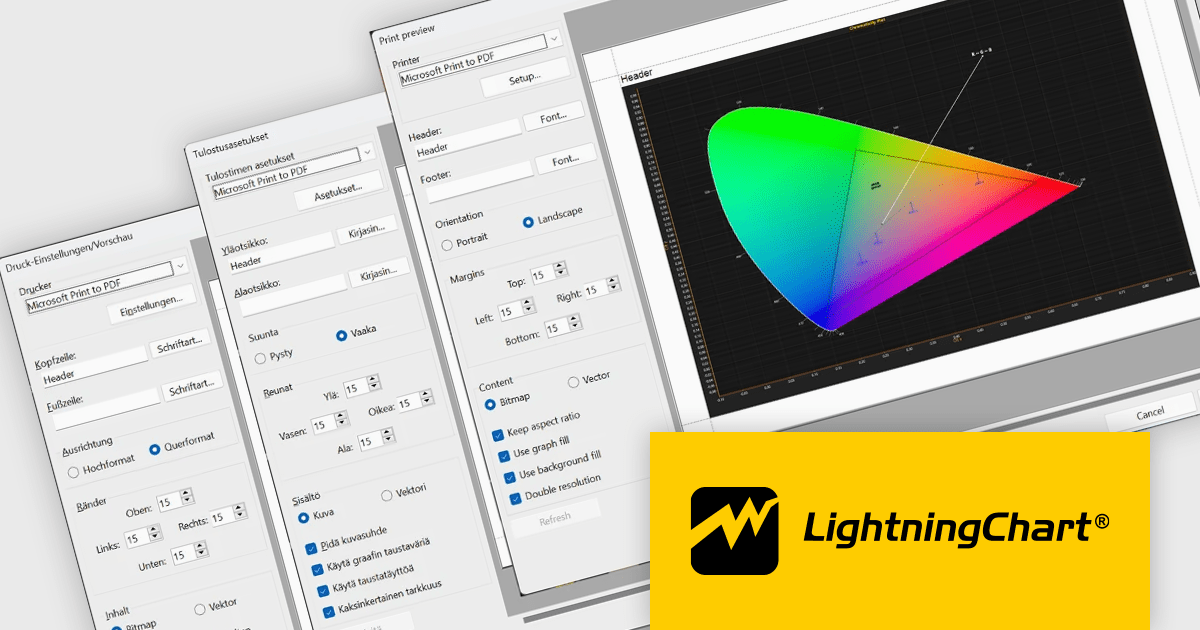
LightningChart .NET provides multilingual support for the WinForms Print Preview dialog, enabling developers to deliver a more localized and user friendly printing experience for international users. With support for English, German, and Finnish, and the option to add additional languages upon request, applications can better meet regional requirements, improve usability, and reduce the learning curve for users working in their preferred language.
LightningChart .NET is available per developer in packages for either WPF, WinForms, UWP or all 3. Each package comes as a subscription license (with 1 or 2 years of limited support), or a perpetual license (with 1 or 2 years of Standard or Premium support). Floating licenses and site licenses are available upon request. See our LightningChart .NET licensing page for full details.
Learn more on our LightningChart .NET product page.
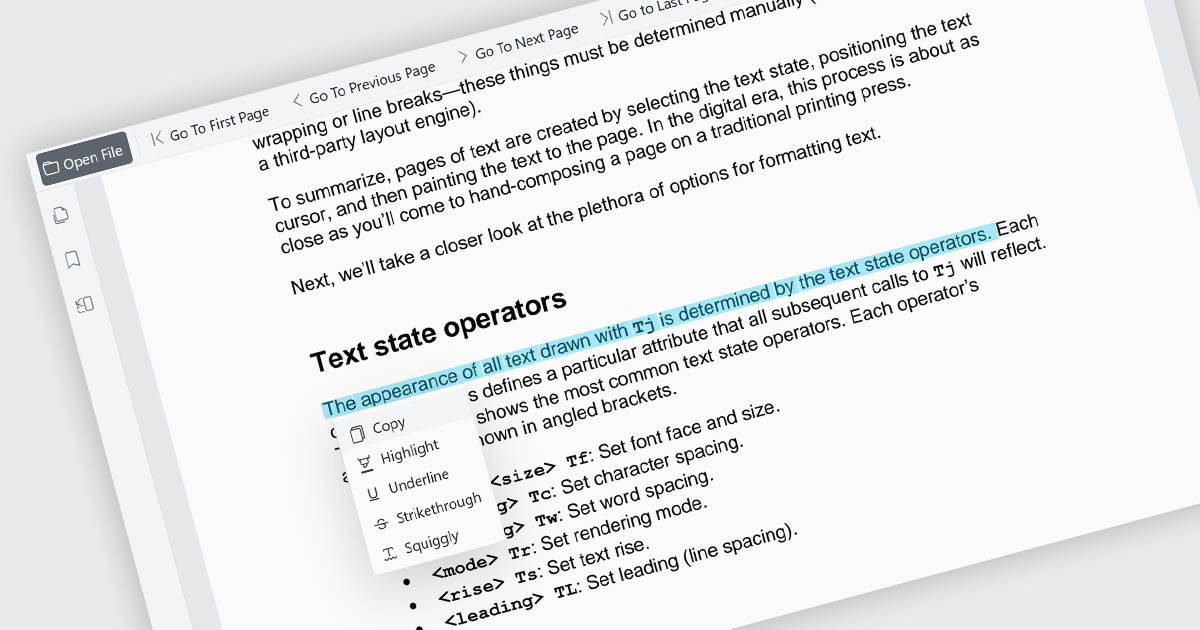
The ability to select and copy text directly within a PDF viewer allows users to highlight content and transfer it to other applications without leaving the document. This functionality enables the efficient extraction of information from PDF files, reducing the need to manually retype content and helping to minimize errors. It supports a wide range of use cases, including research, document review, content reuse, and collaboration across teams. This capability improves productivity by making it easier to reuse information, extract key details, support research activities, and incorporate content into reports, emails, presentations, or other business documents while maintaining an efficient reading experience. It also enhances accessibility and usability by allowing users to interact with document content in a more flexible and practical manner.
Several Blazor PDF viewer components allow you to select and copy text, including:
For an in-depth analysis of features and price, visit our comparison of Blazor PDF viewer components.





Tel.: (888) 850 9911
Fax: +1 770 250 6199


