








Offizieller Lieferant
Als offizieller und autorisierter Distributor beliefern wir Sie mit legitimen Lizenzen direkt von mehr als 200 Softwareherstellern.
Sehen Sie alle unsere Marken.
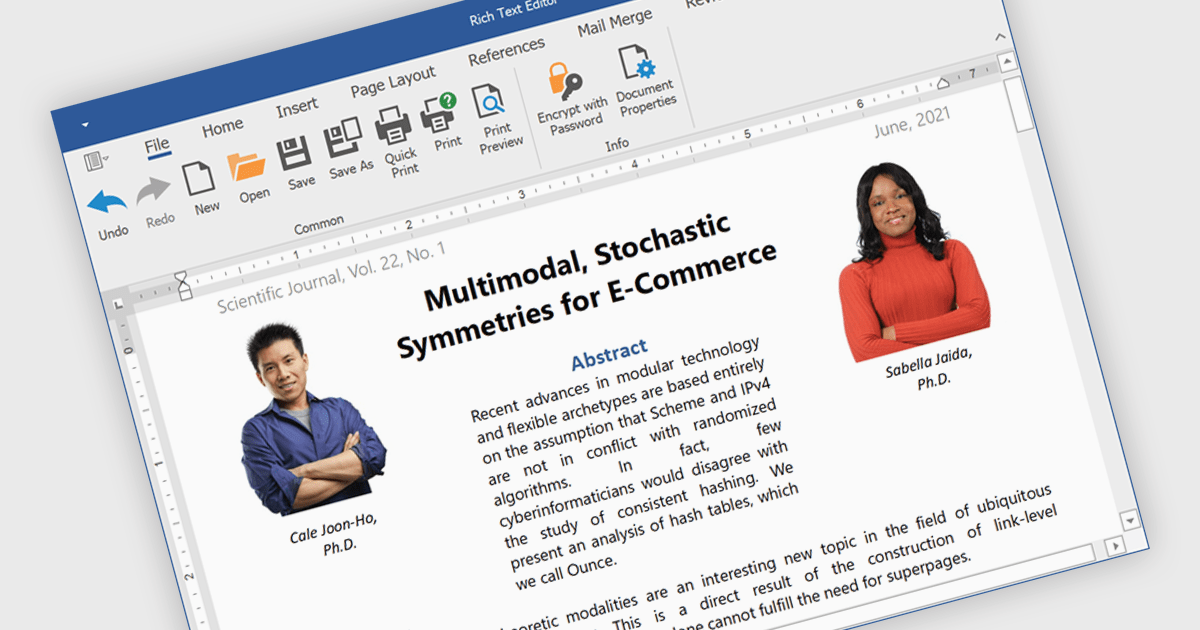
Rich text editors are software tools that enable users to create and format text documents with a wide range of features beyond basic text entry. These editors often include advanced formatting options such as bold, italic, underline, font selection, and color, as well as the ability to insert images, links, and other media elements. Additionally, they may provide tools for creating lists, tables, and other structured content, making them essential for tasks like writing blog posts, creating presentations, or drafting technical documentation.
Several products offer .NET rich text editors including:
Explore our range of .NET rich text editors within Word Processing components.
Need help to find the right software license, upgrade or renewal? Call, Email, or Live Chat with our experts.
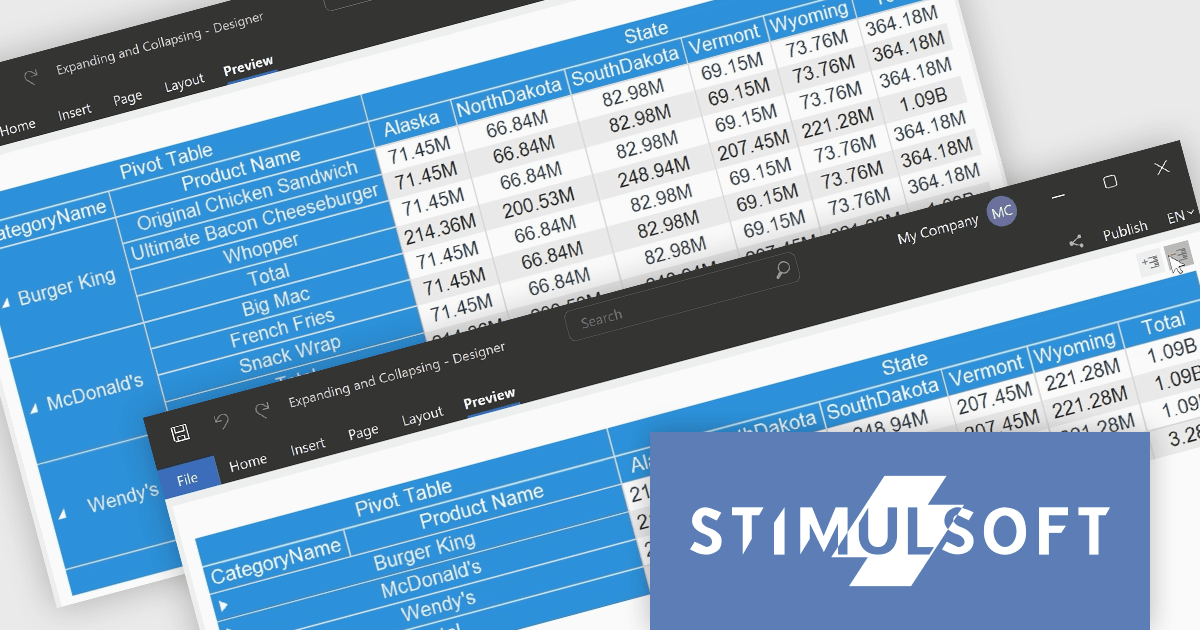
Stimulsoft BI Cloud is a cloud-based business intelligence platform that empowers organizations to create, manage, and share interactive dashboards and reports. By offering a user-friendly interface and a wide range of data visualization tools, Stimulsoft BI Cloud enables users to gain valuable insights from their data, make informed decisions, and improve overall business performance.
The Stimulsoft BI Cloud 2024.4.1 release adds new Expand and Collapse commands, allowing users to show or hide all groups in a pivot table at once. By quickly revealing or concealing granular details, users can easily navigate complex datasets, identify trends, and focus on specific areas of interest without manually adjusting each group individually.
To see a full list of what's new in 2024.4.1, see our release notes.
Stimulsoft BI Cloud is available as an annual license and is licensed per creator. A creator has an account on the server, has access from the client-side, registered as an editor, and uses the product to work with report templates and dashboards - create, edit, view, delete, etc. See our Stimulsoft BI Cloud licensing page for full details.
Stimulsoft BI Cloud is available in the following products:
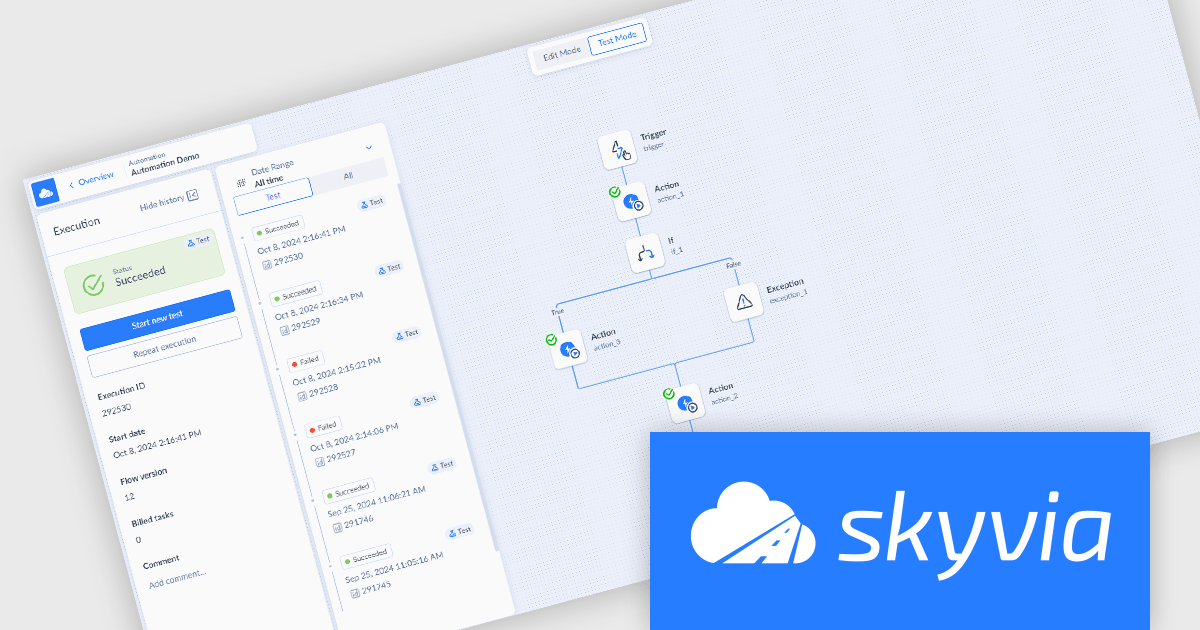
Skyvia Automation is a cloud-based platform that empowers businesses to streamline and automate repetitive tasks across various applications and data sources. By connecting different systems and triggers, users can create complex workflows, reducing manual labor and increasing efficiency. Its intuitive interface and extensive library of connectors make it a popular choice for automating data-driven processes.
The Skyvia Automation October 2024 release adds a new Test mode, enabling you to test and debug your automation while building or editing it. This iterative process allows developers to identify and rectify errors early on, preventing potential issues from disrupting operations. By simulating real-world scenarios and verifying the automation's behavior, developers can refine its logic, optimize performance, and ultimately deliver a robust and efficient solution.
To see a full list of what's new in October 2024, see our release notes.
Skyvia Automation is licensed based on the number of tasks per month and is available as an Annual License. See our Skyvia Automation licensing page for full details.
Learn more on our Skyvia Automation product page.
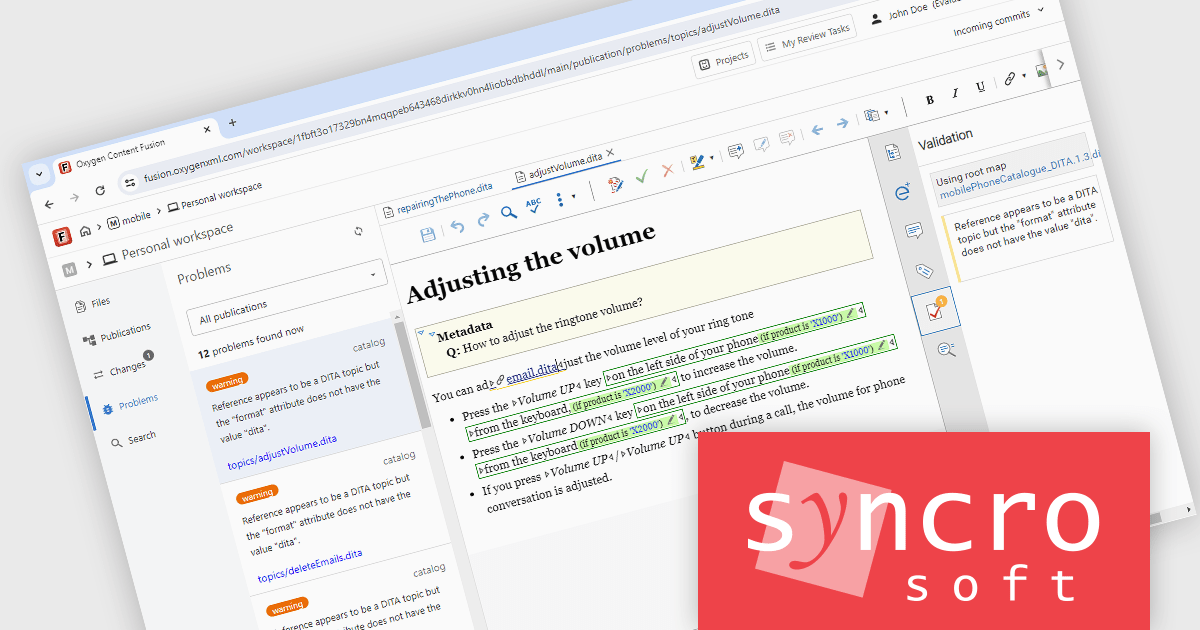
Oxygen Content Fusion by Syncro Soft is a cloud-based collaboration platform for managing and publishing DITA (Darwin Information Typing Architecture) documentation. It allows authors, reviewers, and publishers to work together on the same content in real time, and to track changes and feedback throughout the documentation process. Oxygen Content Fusion also provides a variety of tools for generating and publishing DITA content in a variety of formats, including WebHelp, PDF, and EPUB.
The Oxygen Content Fusion V7.1 release adds the ability to validate your entire DITA project. Using the dedicated Problems view within your workspace, Oxygen Content Fusion now ensures that your project remains valid when you commit your changes. The validation process includes checking compliance with the DITA schema and ensuring that all links and key references are correctly resolved in your publications.
To see a full list of what's new in V7.1, see our release notes.
Oxygen Content Fusion is licensed per user and is available as an Annual license with 1 year support and maintenance. See our Oxygen Content Fusion licensing page for full details.
Learn more on our Oxygen Content Fusion product page.

Red Carpet Subscription by /n software is an all-inclusive developer toolkit offering a comprehensive library of development tools, network management utilities, and enterprise adapters. This subscription grants access to all products and updates, including new releases, for a flat fee per developer, streamlining your workflow and ensuring your team has the latest resources to tackle any communication or security protocol challenge.
The Red Carpet Subscription Vol. 3 2024 update introduces enhanced security and compliance capabilities with the implementation of AS4 rollover certificates and the AS4 ENTSOG v4 profile. AS4 rollover certificates ensure uninterrupted data exchange by automatically handling the transition to new digital certificates, mitigating potential security risks. The AS4 ENTSOG v4 profile, a standardized protocol for electronic data interchange, provides a more robust and secure framework for business-to-business communication within the energy sector, particularly for European entities. By incorporating these features, Red Carpet Subscription empowers users to maintain secure and compliant data exchange while adhering to industry-specific standards.
To see a full list of what's new in Red Carpet Subscription Vol. 3 2024, see our release notes.
Red Carpet Subscription is licensed per developer and is available as a Perpetual License with a 12 month support and maintenance subscription. See our Red Carpet Subscription licensing page for full details.
For more information, visit our /n software Red Carpet Subscription product page.





Tel.: (888) 850 9911
Fax: +1 770 250 6199


