








Offizieller Lieferant
Als offizieller und autorisierter Distributor beliefern wir Sie mit legitimen Lizenzen direkt von mehr als 200 Softwareherstellern.
Sehen Sie alle unsere Marken.
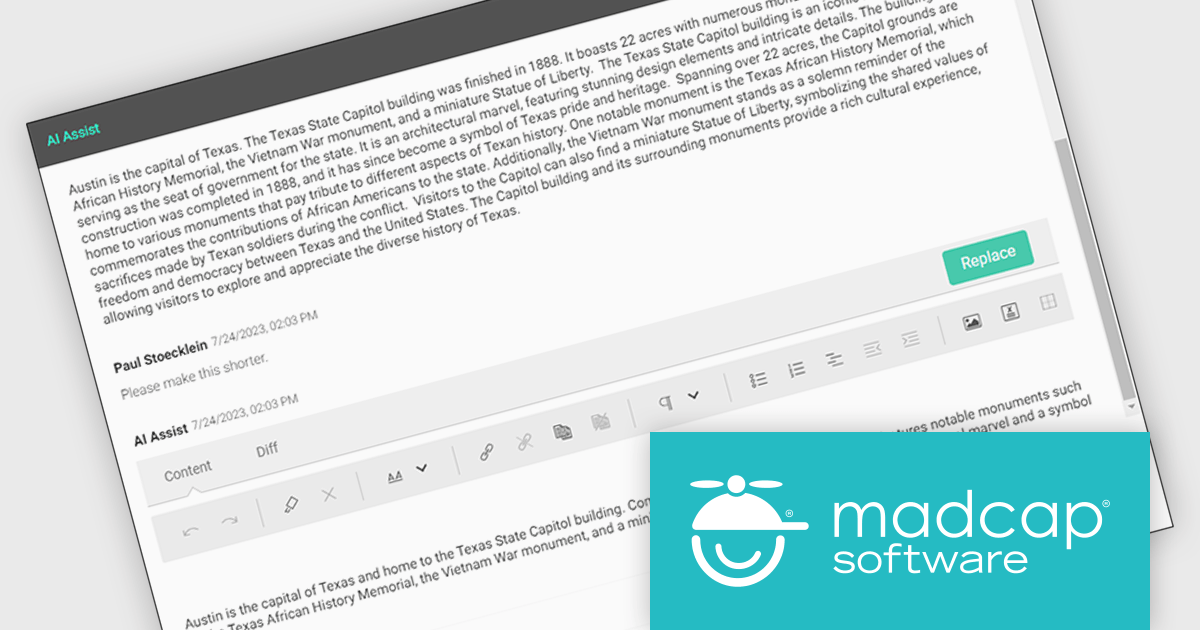
MadCap Central, a cloud-based content experience management (CxM) platform by MadCap Software, offers software developers a centralized hub for managing the entire content development lifecycle. It streamlines tasks like version control, project management, and content collaboration, while also providing functionalities like automated publishing, content hosting, and output analytics. This integrated approach can significantly improve development team efficiency and content accuracy.
The MadCap Central's July 2024 release supercharges AI Assist with the integration of OpenAI's GPT-4o. This cutting-edge update empowers users to interact with content in unprecedented ways, harnessing the power of text, voice, and vision. From effortlessly translating content across languages to delving into complex topics with ease, AI Assist offers lightning-fast, intelligent support. Users can also benefit from personalized recommendations tailored to their specific needs, streamlining workflows and boosting productivity.
To see a full list of what's new in the July 2024 update, see our release notes.
MadCap Central is licensed per user and is available as an annual license. See our MadCap Central licensing page for full details.
For more information, see our MadCap Central product page.

Calculated fields are dynamic values derived from existing data within reporting components. They enable complex data manipulations, calculations, and transformations, providing enhanced data analysis capabilities. By creating new fields based on existing data, calculated fields offer flexibility and efficiency, allowing users to perform calculations, aggregations, and logical comparisons directly within the report. This empowers users to generate insights, visualize trends, and make data-driven decisions without requiring modifications to the underlying data source, ultimately improving report accuracy and usability.
Several Vue.js reporting components offer support for calculated fields:
For an in-depth analysis of features and price, visit Vue.js reporting components comparison.
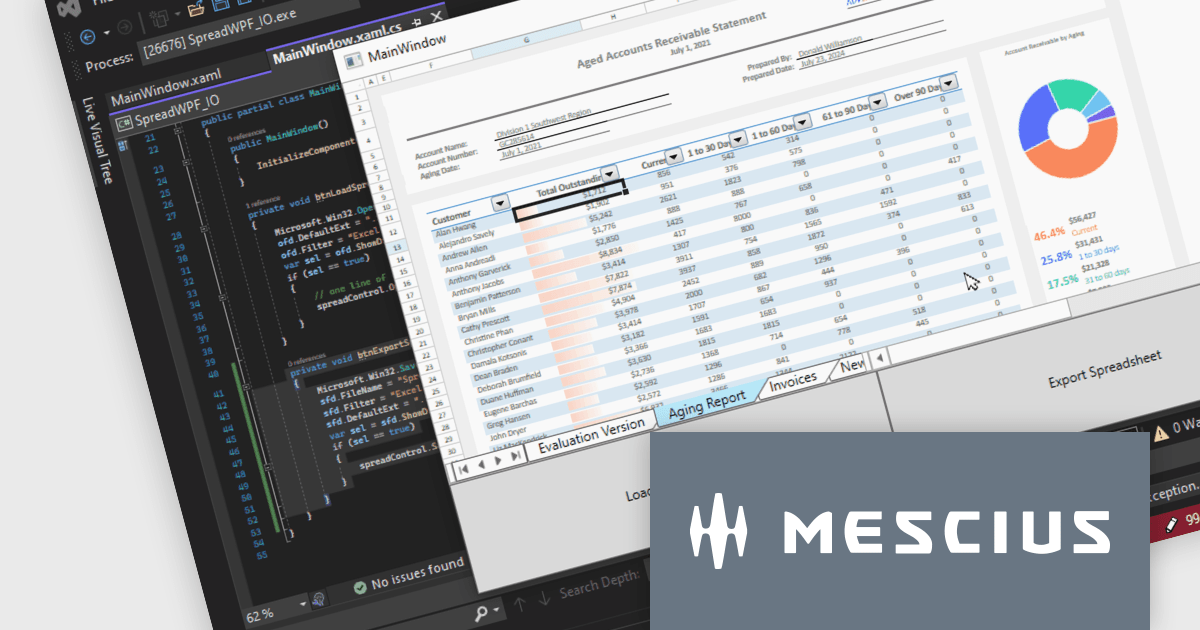
Spread.NET helps you create spreadsheets, grids, dashboards, and forms. It includes a powerful calculation engine with 450+ functions and the ability to import and export Excel spreadsheets. Leverage the extensive .NET spreadsheet API and powerful calculation engine to create analysis, budgeting, dashboard, data collection and management, scientific, and financial applications.
In this blog post, MESCIUS Product Marketing Specialist Mackenzie Albitz guides you through the four essential steps to import and export Excel spreadsheets on your way to creating robust spreadsheet applications with Spread.NET. These steps include:
Sample code is included in the blog and you can download the sample app in either C# or VB.
Read the full blog to get started using the full capabilities of the Spread.NET WPF component.
Spread.NET is licensed per developer and is available as a Perpetual License with a 12 month support and maintenance subscription. We can supply any Spread.NET license including new licenses, maintenance renewals, and upgrade licenses. See our Spread.NET licensing page for full details.
For more information, visit our Spread.NET product page.
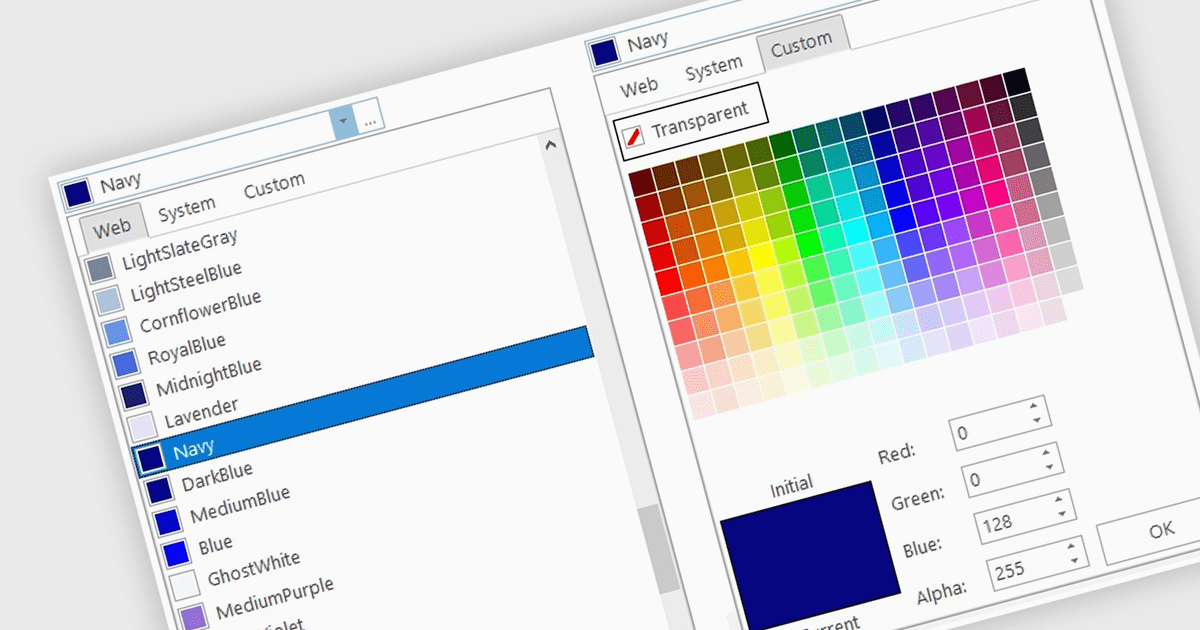
A color picker is user interface component that typically presents a visual spectrum or palette from which users can choose colors, input specific color values like RGB or HEX codes, or use sliders to adjust hue, saturation, and brightness. By enabling users to select and apply colors to various elements, such as text, backgrounds, or data visualizations, this type of data editor enhances the precision and efficiency of color selection and greatly improves the user experience.
Several WinForms data editors can provide you with a color picker, including:
For an in-depth analysis of features and price, visit our WinForms data editors comparison.
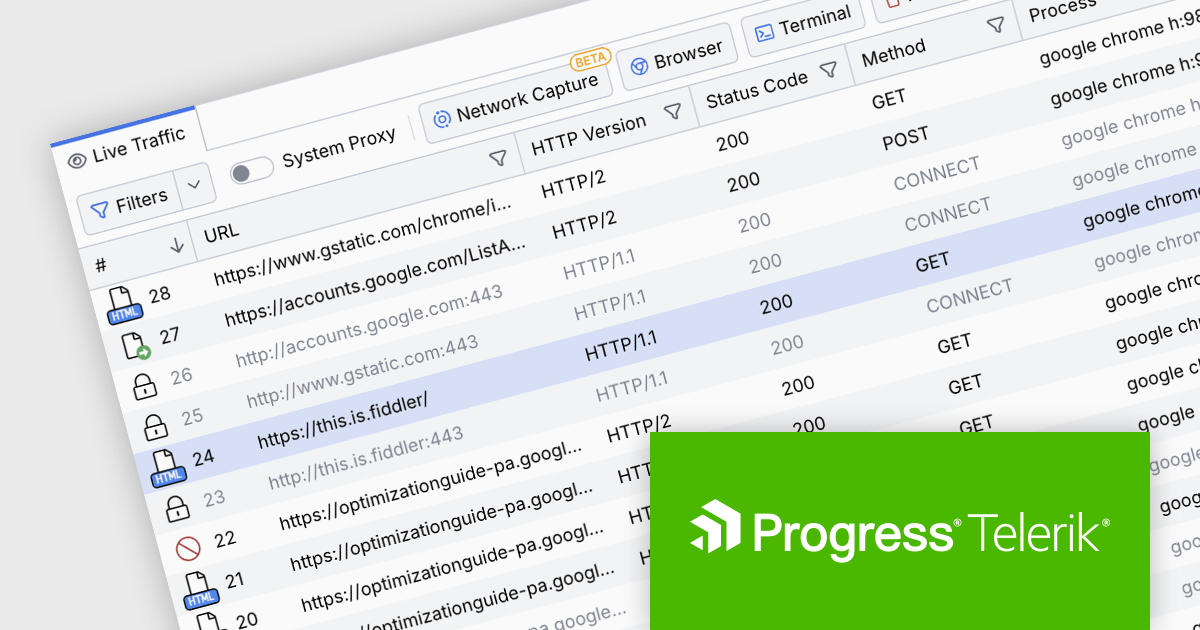
Fiddler Everywhere by Telerik is a cross-platform web debugging proxy designed to help software developers monitor, inspect, and modify HTTP and HTTPS traffic between their applications and the internet. It provides comprehensive tools for troubleshooting network-related issues, analyzing application performance, and testing web applications under different network conditions, streamlining the development and debugging process.
The Fiddler Everywhere v5.15.0 update adds centralized configuration management by allowing administrators to configure app settings through policy management systems on both Windows and macOS platforms. This capability streamlines the process of standardizing configurations across multiple installations in a corporate environment, ensuring consistency and compliance with organizational policies.
To see a full list of what's new in v5.15.0, see our release notes.
Fiddler Everywhere is licensed per user and is available as an annual license with a one year support subscription. See our Fiddler Everywhere licensing page for full details.
For more information, see our Fiddler Everywhere product page.





Tel.: (888) 850 9911
Fax: +1 770 250 6199


