








Offizieller Lieferant
Als offizieller und autorisierter Distributor beliefern wir Sie mit legitimen Lizenzen direkt von mehr als 200 Softwareherstellern.
Sehen Sie alle unsere Marken.
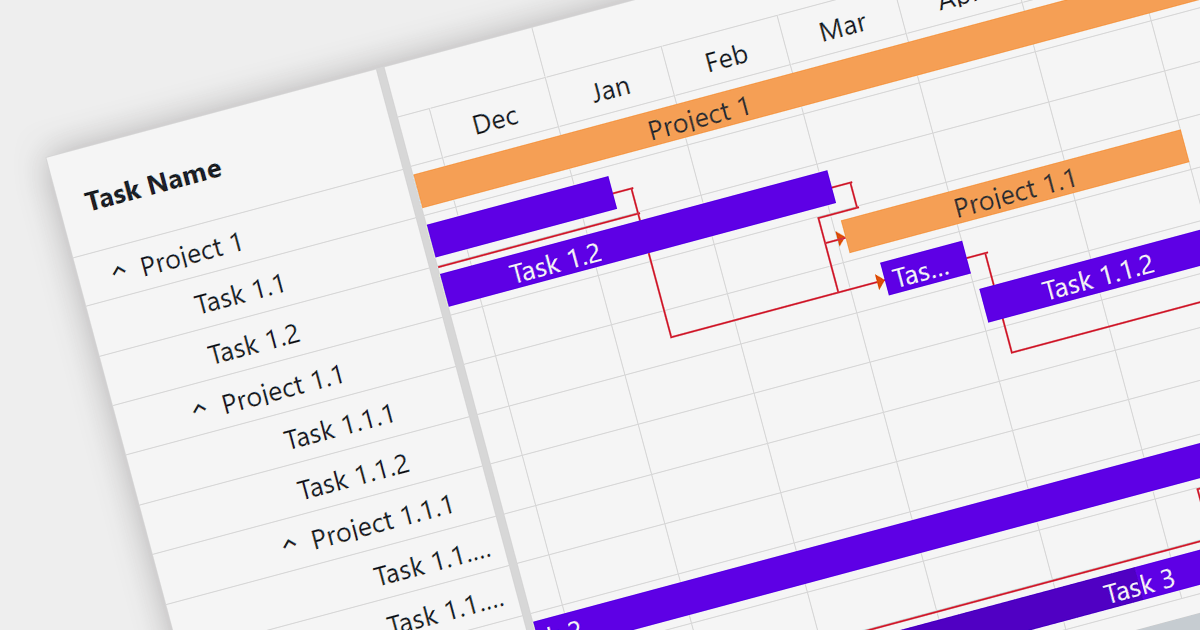
Gantt charts are a type of bar chart designed to illustrate project schedules. They display the start and end dates of different elements of a project and are essential for project management. These charts are useful for tracking project progress and for planning by showing how project tasks overlap and relate to each other.
Several Blazor chart components provide Gantt charts including:
For an in-depth analysis of features and price, visit our Blazor Charts comparison.
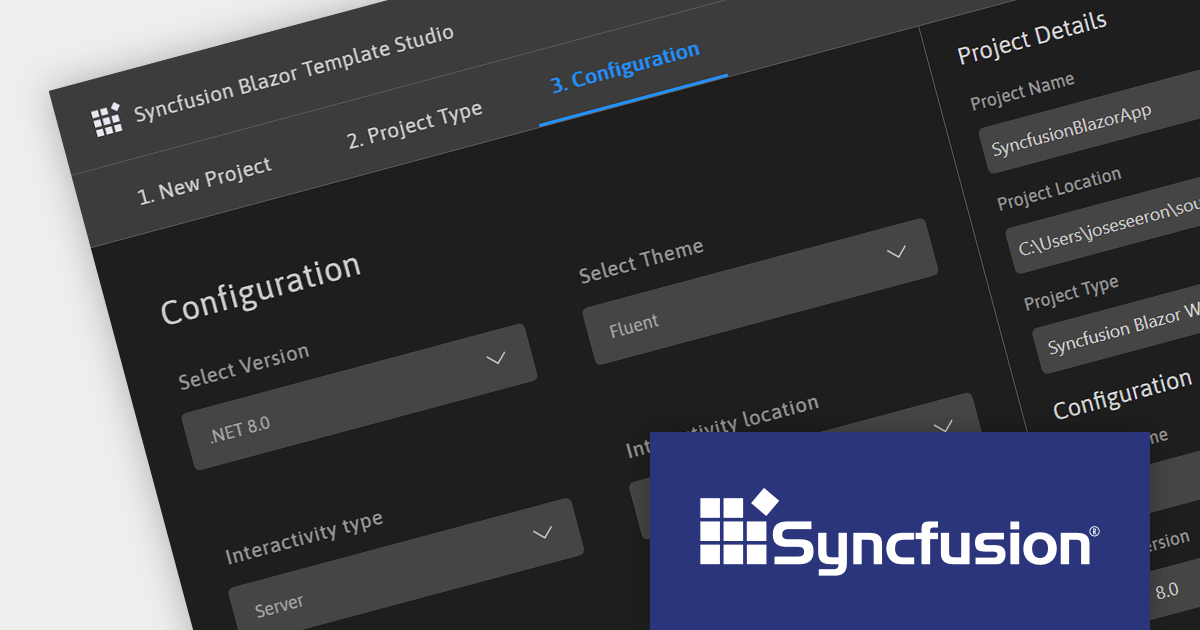
Syncfusion Essential Studio Enterprise provides a comprehensive collection of UI components and frameworks for building modern cross-platform applications. It offers over 1,800 components compatible with .NET WinForms, WPF, ASP.NET Core & MVC, WinUI, MAUI, JavaScript, Xamarin, Blazor, and more, enabling seamless application development across diverse devices and operating systems.
Version 2023 Volume 3 SP1 (23.2.5) adds support for .NET 8, allowing developers to build WinForms, WPF, ASP.NET Core, Blazor and .NET MAUI applications in the new release version of Microsoft's popular .NET ecosystem.
To see a full list of what's new in version 2023 Volume 3 SP1 (23.2.5), see our release notes.
For more information, visit our Syncfusion Essential Studio Enterprise product page.
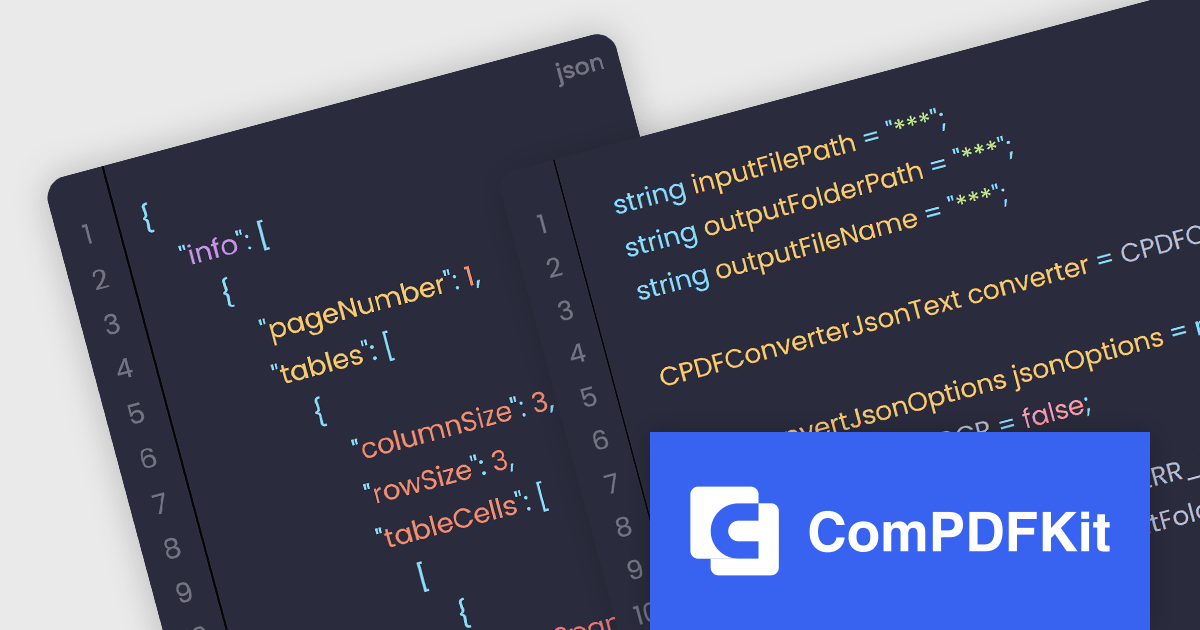
The ComPDFKit Conversion SDK is used to convert PDF files to a variety of other formats such as Microsoft Word, Excel, PowerPoint, HTML, TXT, CSV, RTF, and JSON. Instead of having server-side dependencies, it uses its own built-in conversion engine so it doesn't rely on external apps. This is more secure than other, traditional converters as it doesn't need to transmit sensitive data to external servers. It has advanced PDF parsing capabilities, can analyze a PDF's logical structure to accurately recreate the original document, and can handle complex and irregular tables.
ComPDFKit Conversion SDK v1.9.0 adds an API (for the Windows, Mac, iOS and Android SDKs) which enables you to extract data from PDF files and put that content into JSON format. With this, the SDK can now recognize and extract tables, text and text coordinates and then output structured data as JSON files. The ability to automatically extract from PDFs and utilize the JSON format greatly improves the efficiency and accuracy of conversion whilst at the same time uses a format that is lightweight, versatile, easy to read and easy for machines to parse and generate.
To see a full list of what's new in v1.9.0, see our release notes.
ComPDFKit Conversion SDK is available to buy in the following products:
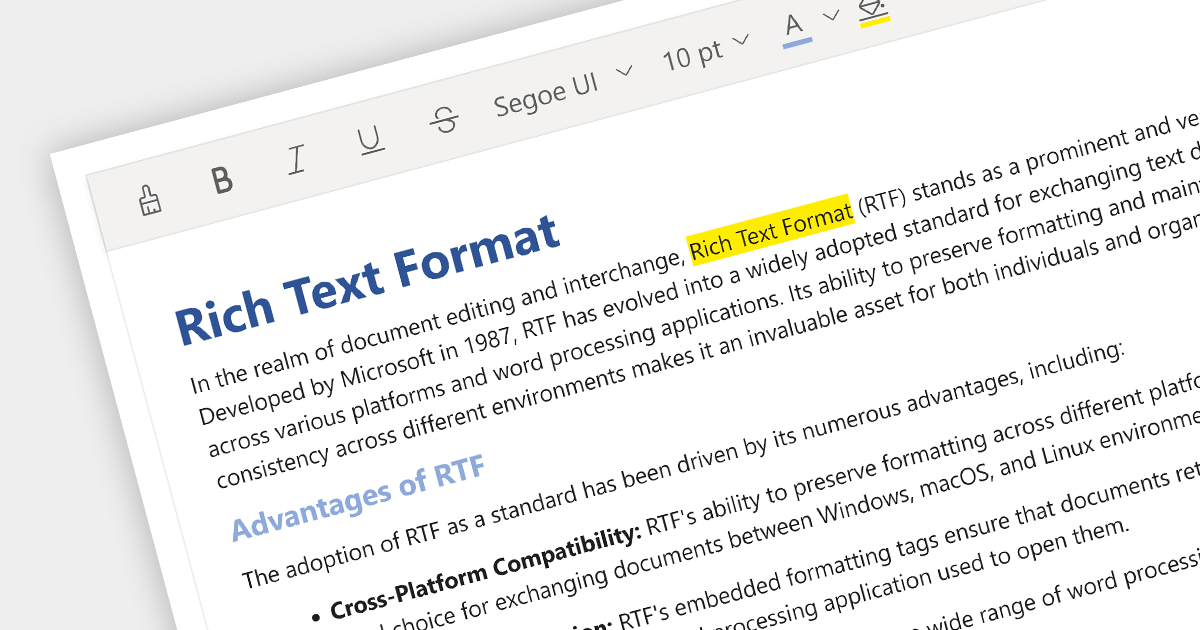
Rich Text Format (RTF) editors allow users to create and edit text with a variety of formatting options, such as font styles, colors, headings, lists, and images. Often used in web and desktop applications, such editors provide a WYSIWYG (what you see is what you get) interface, so users can see how their text will look as they format it. This allows formatted editing without the complexity of HTML markup or the need for separate word processing software.
Several Angular data editor collections provide RTF editing capabilities including:
For an in-depth analysis of features and price, visit our comparison of Angular Data Editor components.
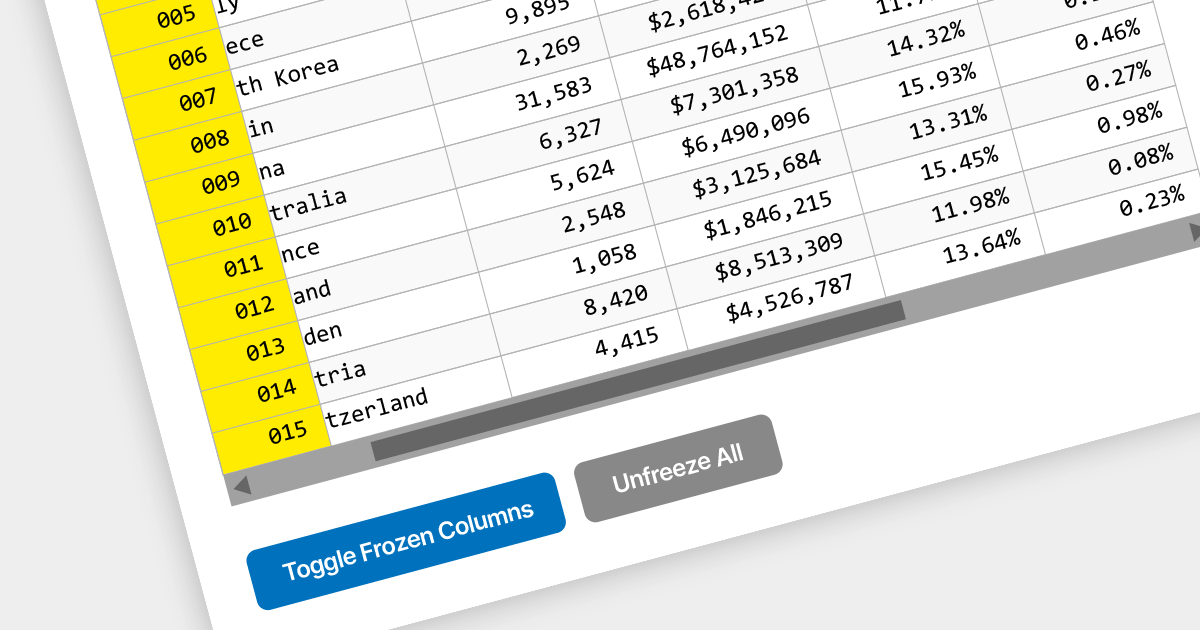
Locked column functionality (also known as frozen or pinned column) allows users to keep one or more columns static while scrolling horizontally through a grid. This is an essential feature for comparing data across a wide grid, ensuring that key information, such as a row identifier column, remains in view.
Several React grid components offer column freezing functionality including:
For an in-depth analysis of features and price, visit our comparison of React Grid components.





Tel.: (888) 850 9911
Fax: +1 770 250 6199


