








Offizieller Lieferant
Als offizieller und autorisierter Distributor beliefern wir Sie mit legitimen Lizenzen direkt von mehr als 200 Softwareherstellern.
Sehen Sie alle unsere Marken.
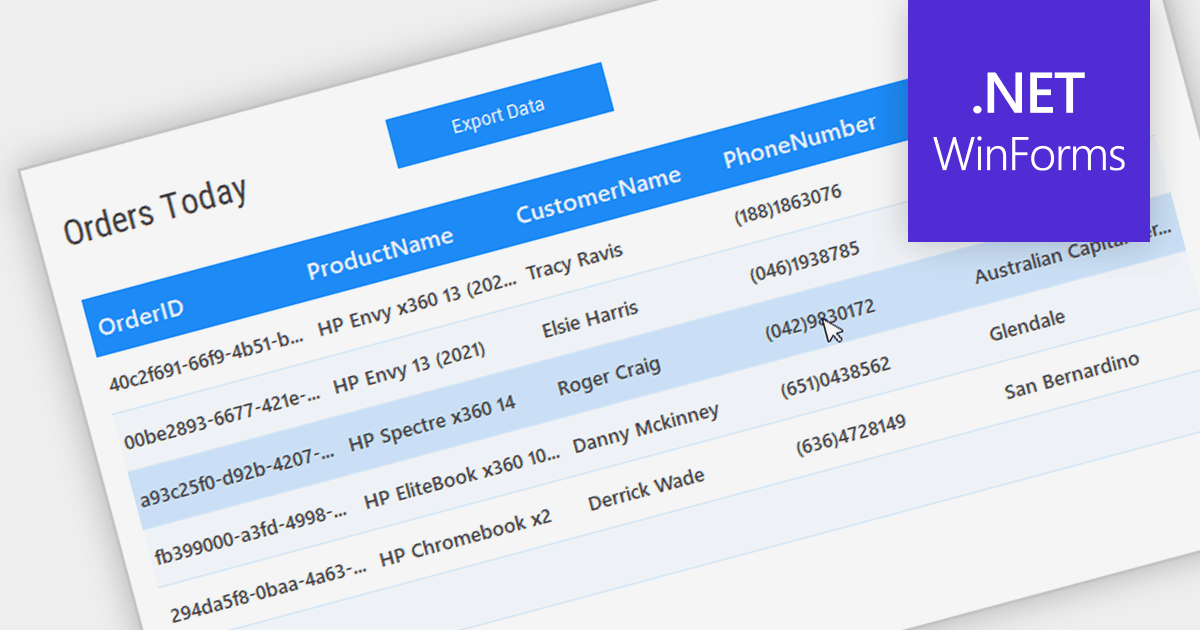
Grid controls with Bound Data Display provide a structured and efficient means of presenting and managing data in software applications. By binding the grid to a data source, such as a database or a collection of objects, developers can ensure real-time synchronization between the data and the grid, eliminating the need for manual updates. This seamless integration enhances data accuracy and consistency, allowing users to view, edit, and manipulate information in a centralized and organized format. The bound data display simplifies data management and enhances user productivity by providing a dynamic and responsive interface that reflects changes in the underlying data source.
Several .NET WinForms Grids support bound data display including:
For an in-depth analysis of features and price, visit our comparison of .NET WinForms Grids.

Wijmo by MESCIUS is a comprehensive suite of JavaScript UI components and data grids designed for building modern, performant enterprise applications. It offers a rich library of customizable elements like charts, gauges, calendars, and grids, compatible with popular frameworks like Angular, React, and Vue. Wijmo boasts efficient data handling, accessibility features, and regular updates, making it a popular choice for developers seeking to enhance their web app's interactivity and visual appeal. Wijmo's FlexGrid component provides a JavaScript UI datagrid which includes built-in sorting, formatting, pagination, and flexible data binding.
In this blog post, MESCIUS Technical Engagement Engineer Andrew Peterson takes you through the process for building a React application to fetch and display data using the WijmoGrid Component. Steps include:
Read the full blog post and get started creating immersive and visually appealing React applications.
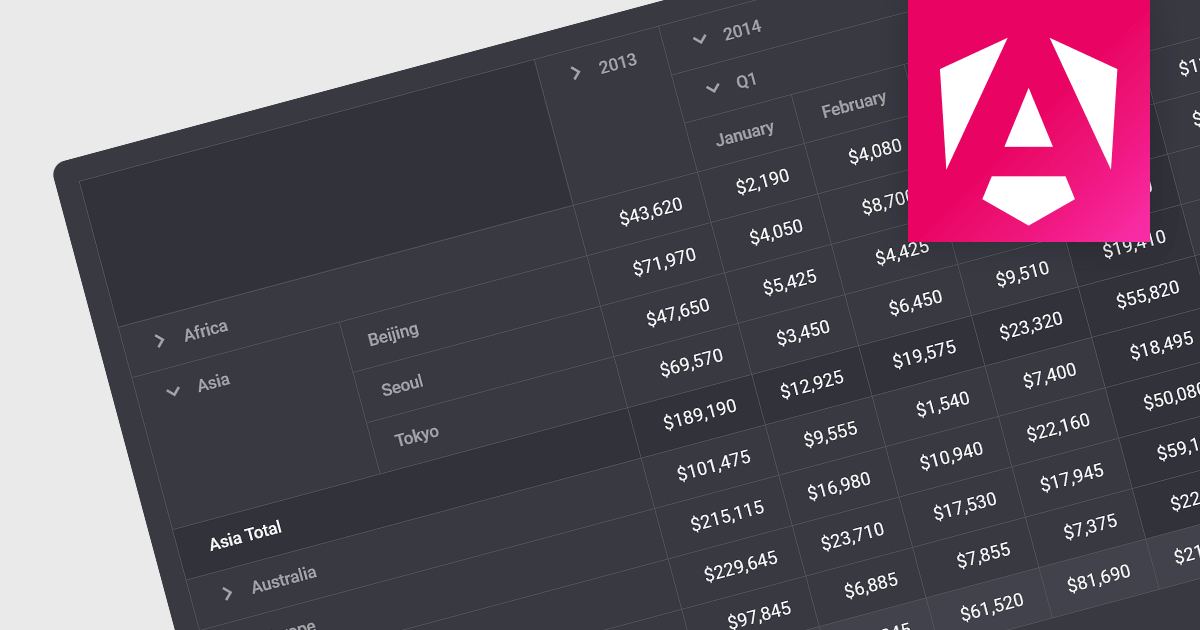
Drill-down capability within a grid control is a user-interactive feature that allows deeper exploration of summarized data. By clicking on specific cells or groups, users navigate down through hierarchical levels, uncovering increasingly granular details hidden within the aggregated view. This empowers informed decision-making by readily accessing both summarized overviews and underlying individual records, all within the familiar grid interface.
Several Angular grid controls offer drill-down capability including:
For an in-depth analysis of features and price, visit our Angular grid controls comparison.
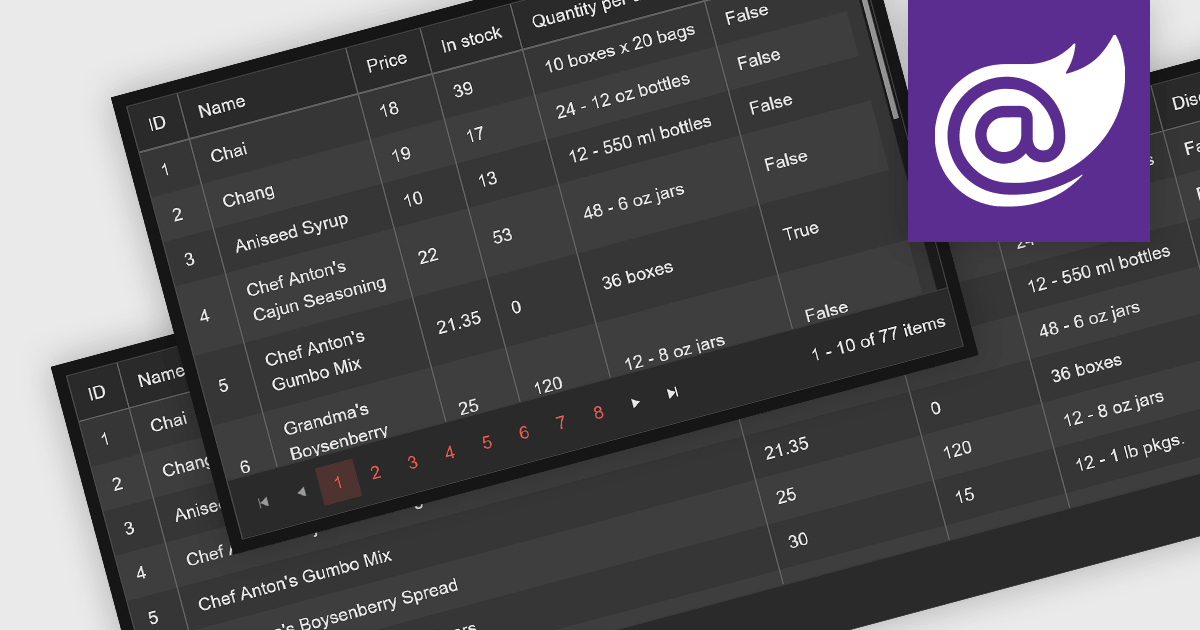
Leveraging a Blazor grid control with responsive layout empowers your application with optimal data visualization across diverse screen sizes and orientations. This enhances the user experience by ensuring seamless navigation, readability, and interaction with grid content, regardless of whether it's being accessed from a desktop computer, tablet, or mobile phone. This flexibility fosters wider accessibility, improves user engagement, and ultimately strengthens the overall value proposition of your Blazor application.
Several Blazor grid controls offer responsive layouts including:
For an in-depth analysis of features and price, visit our Blazor grid controls comparison.

ComponentOne Studio Enterprise is a comprehensive toolkit designed to streamline and accelerate .NET development across mobile, web, and desktop applications. It offers a vast library of performant and customizable UI controls, including data grids, charts, reporting tools, and input components, compatible with various platforms like WinForms, WPF, Blazor, ASP.NET MVC, and Xamarin. By leveraging pre-built components and functionalities, developers can save time and resources, focusing on core business logic and delivering high-quality applications faster. ComponentOne Studio Enterprise includes the FlexGrid for WinForms grid component.
In this blog post, MESCIUS Technical Engagement Engineer Hunter Haaf demonstrates how to integrate the FilterEditor with FlexGrid. Steps include:
Source code examples are included with each step.
Read the full blog post and add powerful runtime filtering to your FlexGrid data.





Tel.: (888) 850 9911
Fax: +1 770 250 6199


