








Offizieller Lieferant
Als offizieller und autorisierter Distributor beliefern wir Sie mit legitimen Lizenzen direkt von mehr als 200 Softwareherstellern.
Sehen Sie alle unsere Marken.
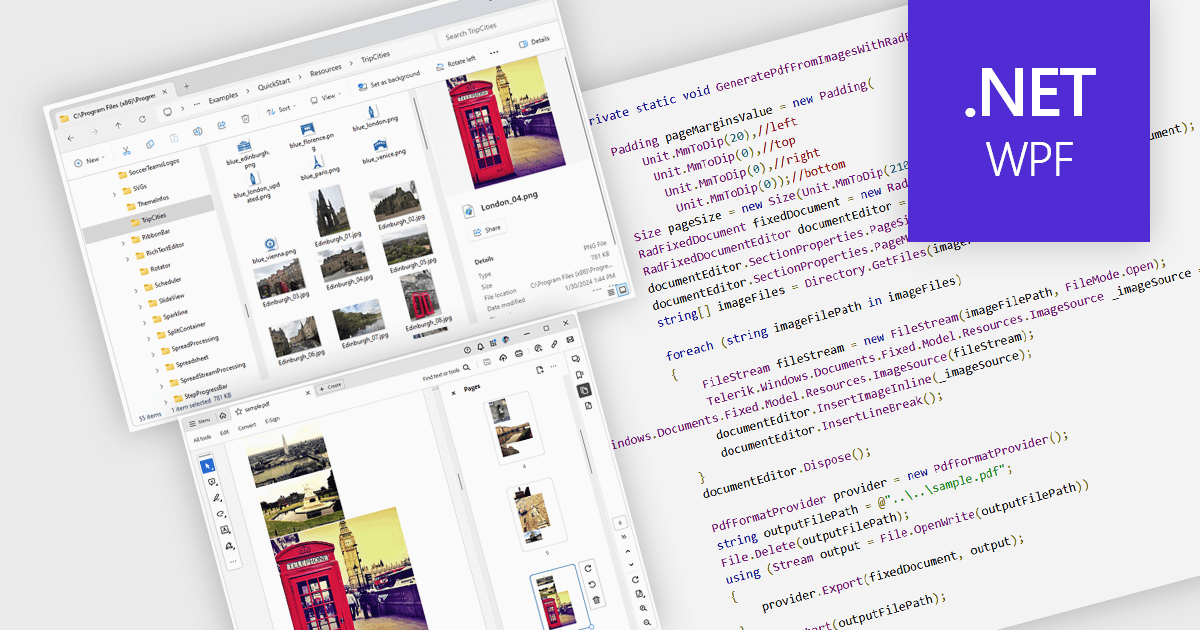
Image to PDF conversion is a common feature in document processing that enables the transformation of static image files, such as JPEG, PNG, or TIFF formats, into a Portable Document Format (PDF) file. PDFs support consistent rendering across different devices and platforms and are compact, secure, and easily viewable. This conversion is widely used to preserve visual content, including scanned documents, receipts, visual records, photos, or graphical outputs while making them easier to share, annotate, archive, or print in a universally accessible format.
Several WPF PDF components allow you to convert images to PDF, including:
For an in-depth analysis of features and price, visit our comparison of PDF components for WPF.
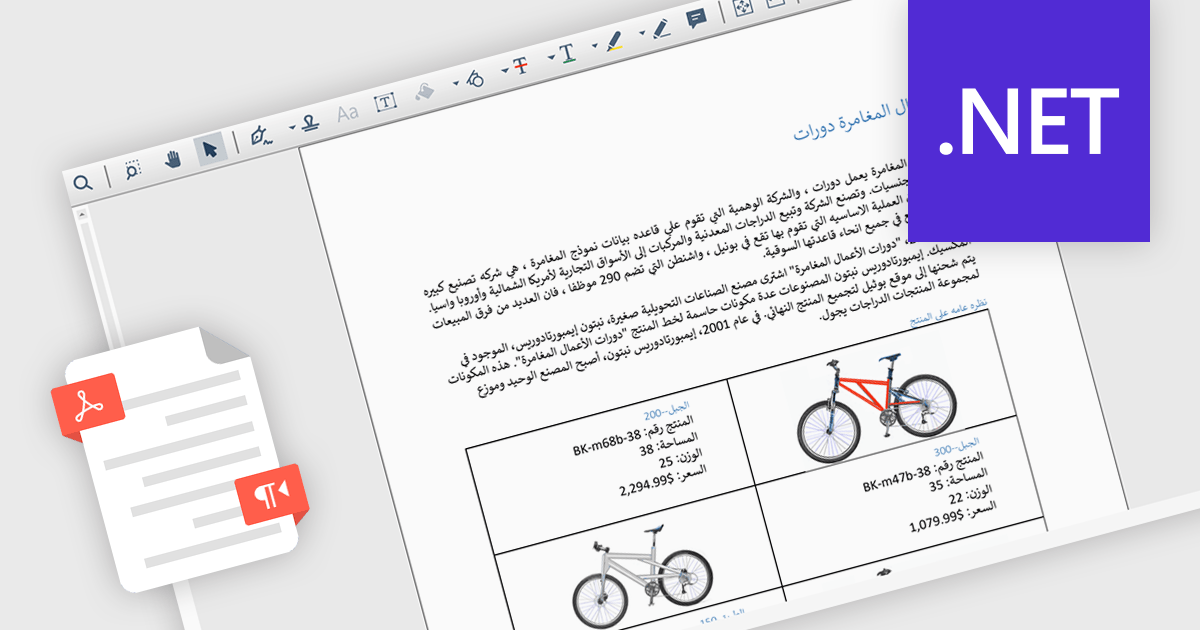
Right-to-left (RTL) language support in PDF rendering refers to the ability to correctly display and align text written in languages such as Arabic, Hebrew, Persian, and Urdu, which are read from right to left. This support ensures that when content is exported to PDF, the text direction, alignment, and overall layout reflect the natural flow of these languages. It plays a critical role in creating documents that are both readable and culturally appropriate, particularly in multilingual or region-specific applications. By maintaining proper structure and formatting, RTL support reduces the need for manual adjustments and helps developers deliver professional-quality documents. Common use cases include generating invoices, reports, or educational materials for users in the Middle East or other RTL-speaking regions, as well as supporting international communication within global organizations.
Several .NET PDF components include RTL support, including:
For an in-depth analysis of features and price, visit our comparison of .NET PDF components.
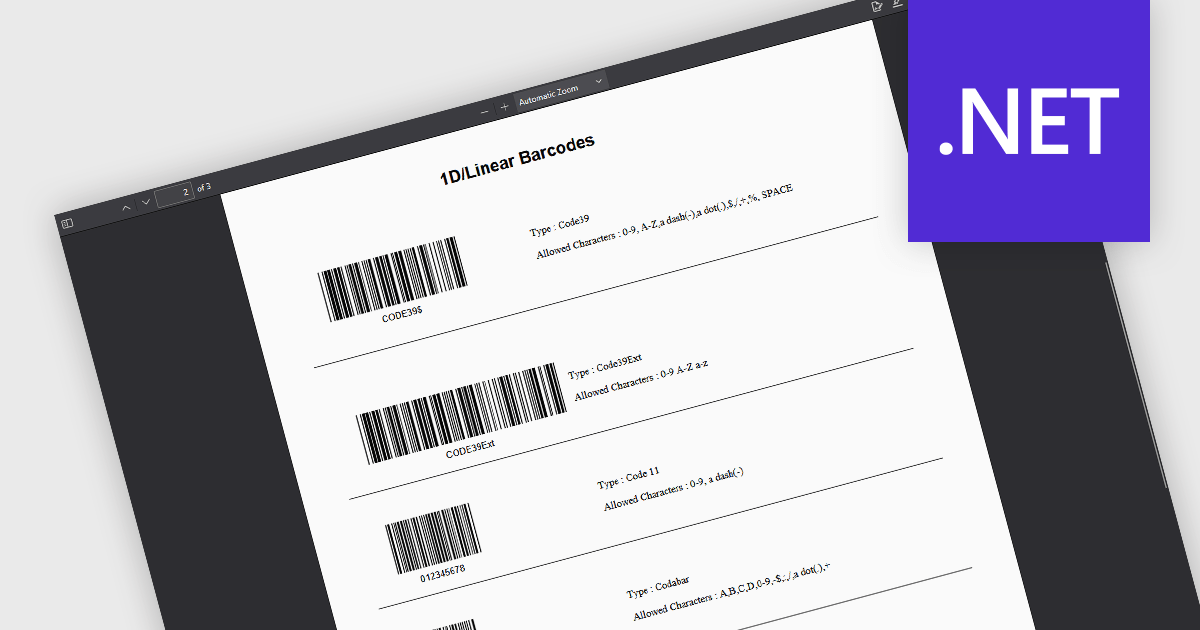
1D Barcode creation in a .NET PDF component refers to the ability to generate linear barcodes—such as Code 39, Code 128, or EAN-13—directly within PDF documents through a .NET application. This feature allows developers to integrate barcode generation into automated workflows for tasks like labeling, inventory tracking, and document indexing. By embedding machine-readable data into PDFs, it enhances data accuracy, speeds up scanning processes, and supports seamless integration with backend systems without requiring external barcode tools or libraries.
Several .NET PDF components allow you to create 1D barcodes, including:
For an in-depth analysis of features and price, visit our comparison of .NET PDF components.
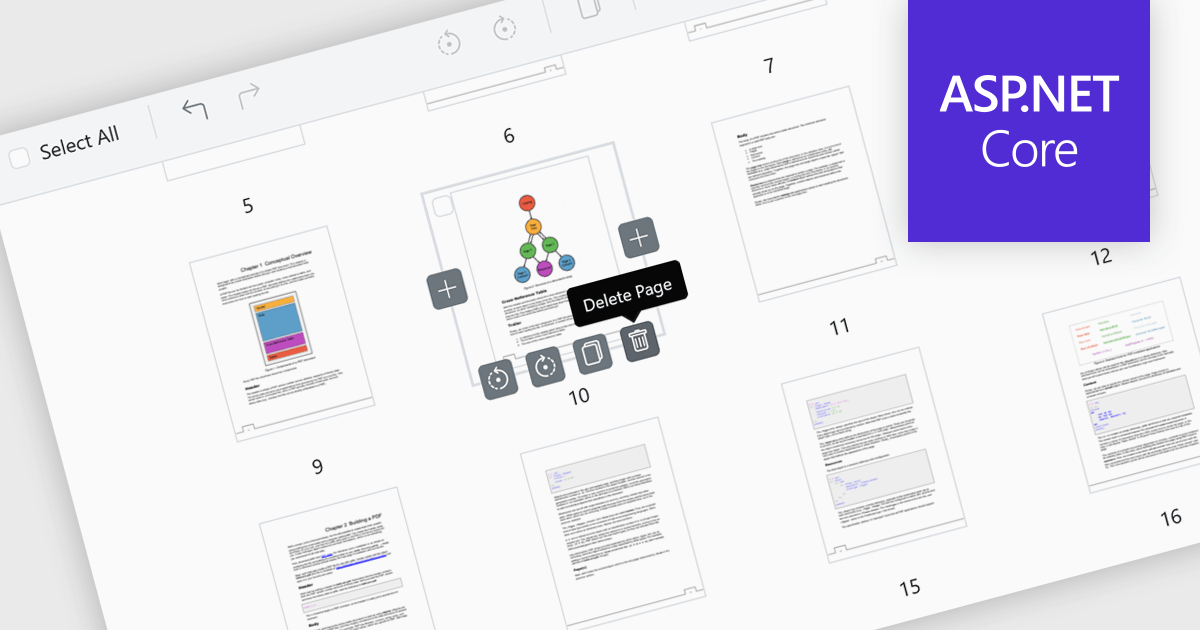
Page deletion in a PDF Viewer allows users to remove unwanted, duplicate, or sensitive pages directly within the application without needing a separate editor. This feature simplifies document management by reducing file size and ensuring the final PDF is clean, concise, and professional. It is particularly useful for correcting errors, such as removing mistakenly added or blank pages, as well as for enhancing security by deleting confidential content before sharing externally. By offering fast, built-in editing, page deletion improves productivity and makes tailoring documents to specific audiences more efficient.
Several ASP.NET Core PDF viewer controls offer the ability to add pages to a PDF file including:
For an in-depth analysis of features and price, visit our ASP.NET Core PDF viewer controls comparison.
Document Solutions for PDF (DsPdf) by MESCIUS is a software development toolkit that provides .NET Core libraries and a JavaScript PDF viewer for manipulating and displaying PDFs. DsPdf enables developers to create, edit, annotate, and redact PDF documents directly within web applications. The included DsPdfViewer component offers a feature-rich, cross-platform solution for viewing and interacting with PDFs in modern browsers on various operating systems, including mobile devices.
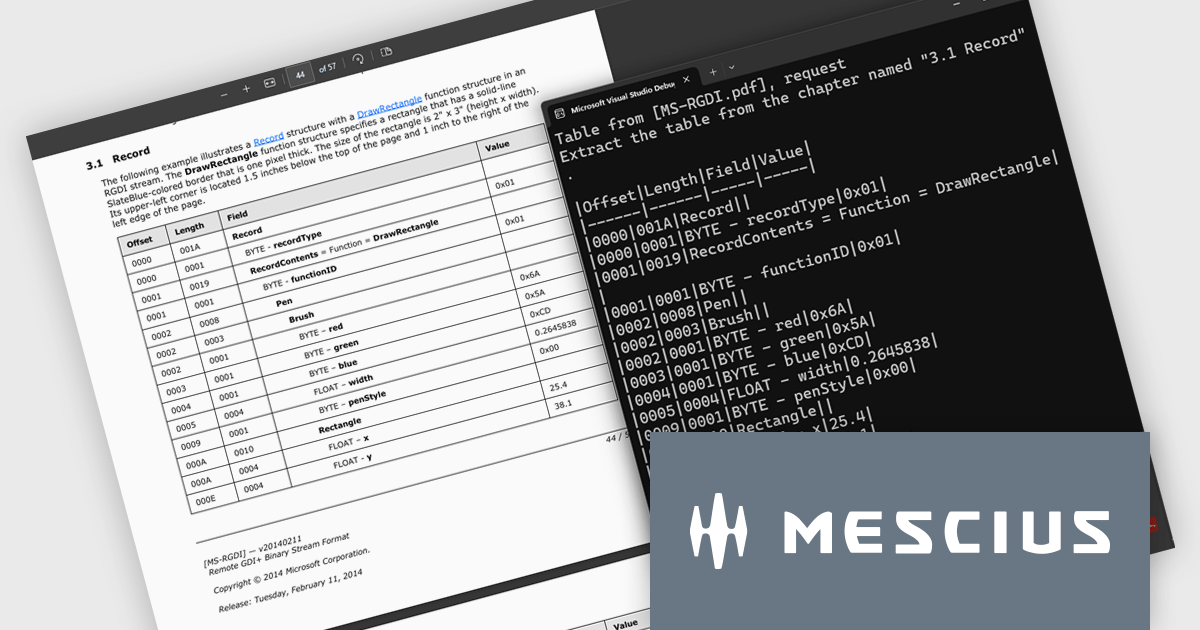
The Document Solutions for PDF v8.2 update introduces a new AI-powered capability to extract tables from documents, enabling developers to convert unstructured tabular data in PDFs into structured, machine-readable formats with ease. By leveraging natural language prompts through OpenAI or Azure OpenAI services, this feature eliminates the need for manual parsing or coordinate-based extraction, reducing development effort. It provides reliable output even from PDFs with complex layouts or inconsistent formatting.
To see a full list of what's new in version 8.2, see our release notes.
Document Solutions for PDF is licensed per developer and is available in several license options for differing distribution needs. Team licenses are also available for multiple developers within the same organization. See our Document Solutions for PDF licensing page for full details.
Document Solutions for PDF is available to buy individually or as part of Document Solutions .NET Bundle.





Tel.: (888) 850 9911
Fax: +1 770 250 6199


