








Offizieller Lieferant
Als offizieller und autorisierter Distributor beliefern wir Sie mit legitimen Lizenzen direkt von mehr als 200 Softwareherstellern.
Sehen Sie alle unsere Marken.
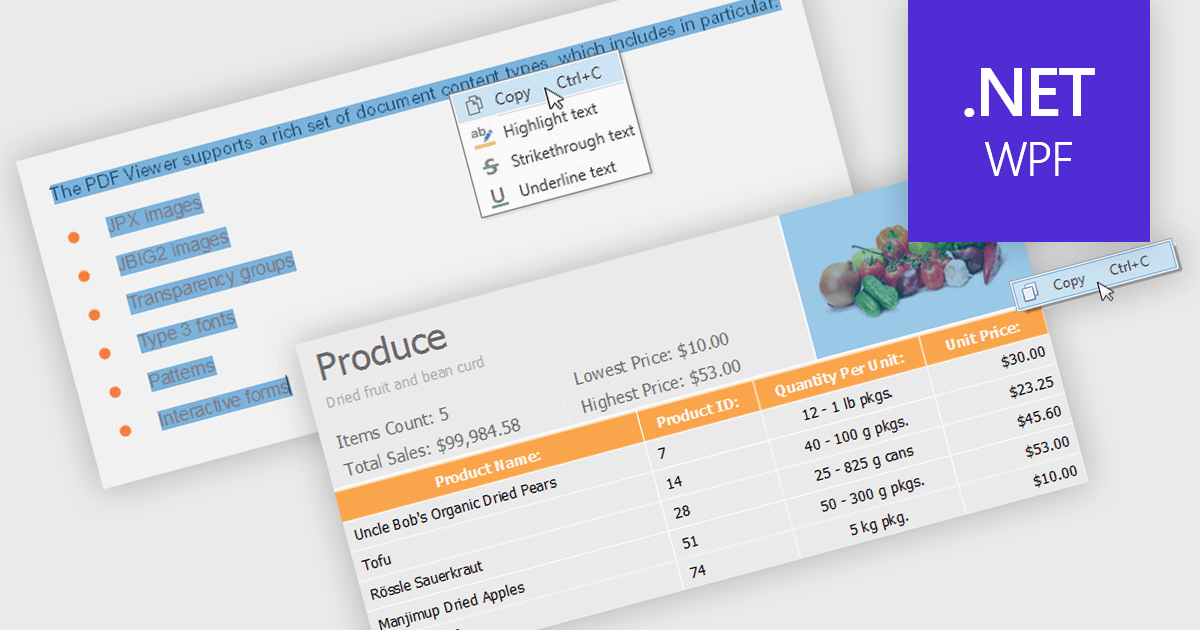
.NET 8 WPF PDF viewers with content extraction capabilities empower end users to unlock valuable information from PDF documents. This functionality goes beyond simply viewing the document and allows users to extract both text and image content. This extracted data can then be saved for further analysis, integrated into other applications, or used to populate forms and reports, streamlining workflows and enhancing the overall user experience.
Several .NET 8 WPF PDF viewer components enable content extraction from PDFs including:
For an in-depth analysis of features and price, visit our .NET 8 WPF PDF viewer components comparison.
IronPDF for .NET empowers developers with a user-friendly C# library to generate, edit, and manage PDFs. It leverages a familiar HTML/CSS foundation for effortless PDF creation, while also offering robust features like text extraction, OCR, signing, and more. This comprehensive solution simplifies complex PDF development tasks, saving time and boosting productivity for .NET projects.
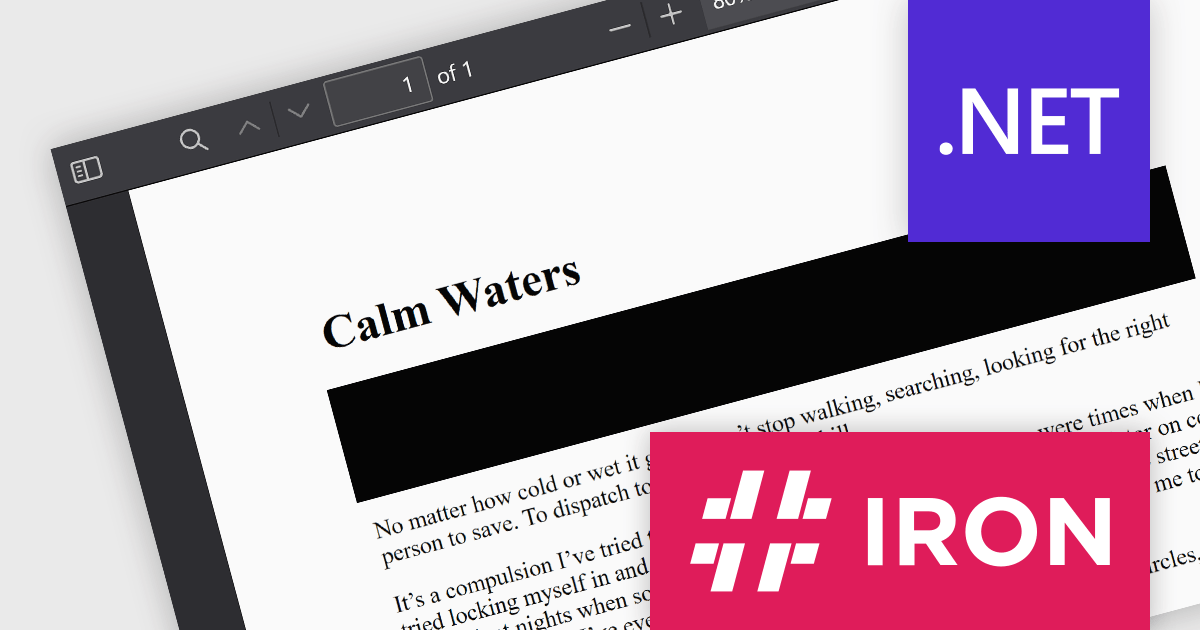
The IronPDF for .NET 2024.6.1 update significantly bolsters its document processing with a new region redaction API. This API empowers developers to programmatically remove sensitive information from specific areas within PDFs. Whether redacting regions within entire documents, multiple pages, or an individual page, this functionality ensures compliance with data protection regulations by facilitating the creation of redacted documents that safeguard sensitive data like personal information.
To see a full list of what's new in 2024.6.1, see our release notes.
IronPDF for .NET is licensed based on the number of developers, organization locations and projects, and is available as a Perpetual license with one free year of product updates and support services. See our IronPDF for .NET licensing page for full details.
IronPDF for .NET is available to buy in the following products:
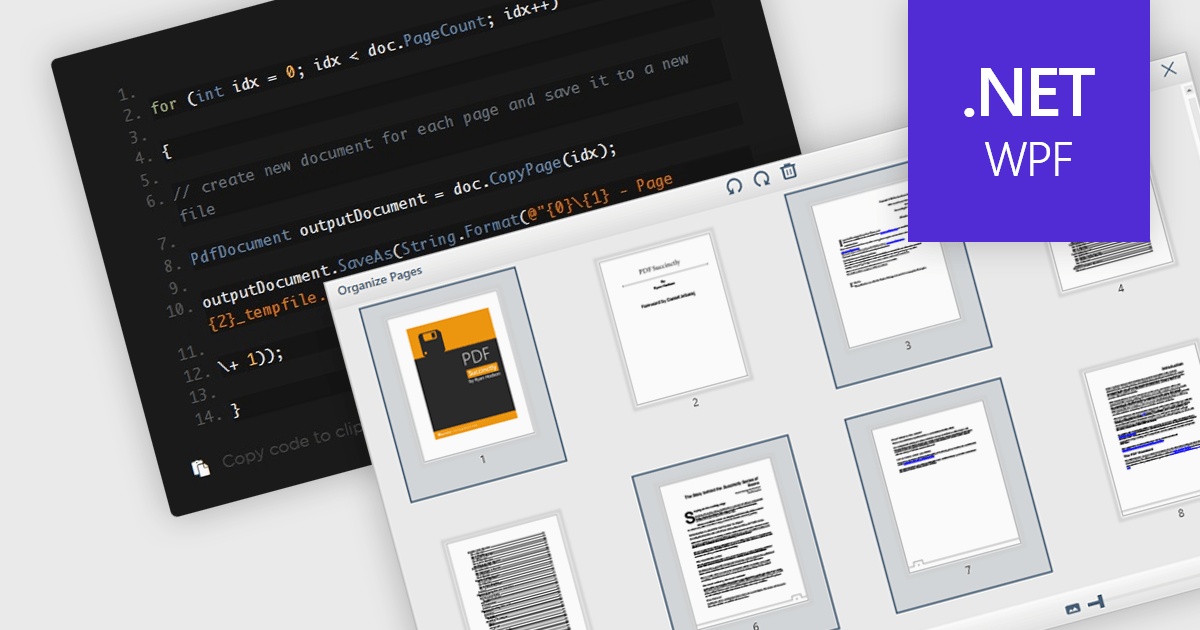
Extracting pages from PDFs offers significant advantages for streamlined workflows and information management. It allows users to focus on specific sections of a document for targeted reading or sharing, reduces file size when sending only relevant content, and simplifies the creation of new documents from existing PDFs, ultimately boosting productivity and enhancing document organization.
Several WPF PDF components offer the ability to extract pages from a PDF file including:
For an in-depth analysis of features and price, visit our WPF PDF Components comparison.
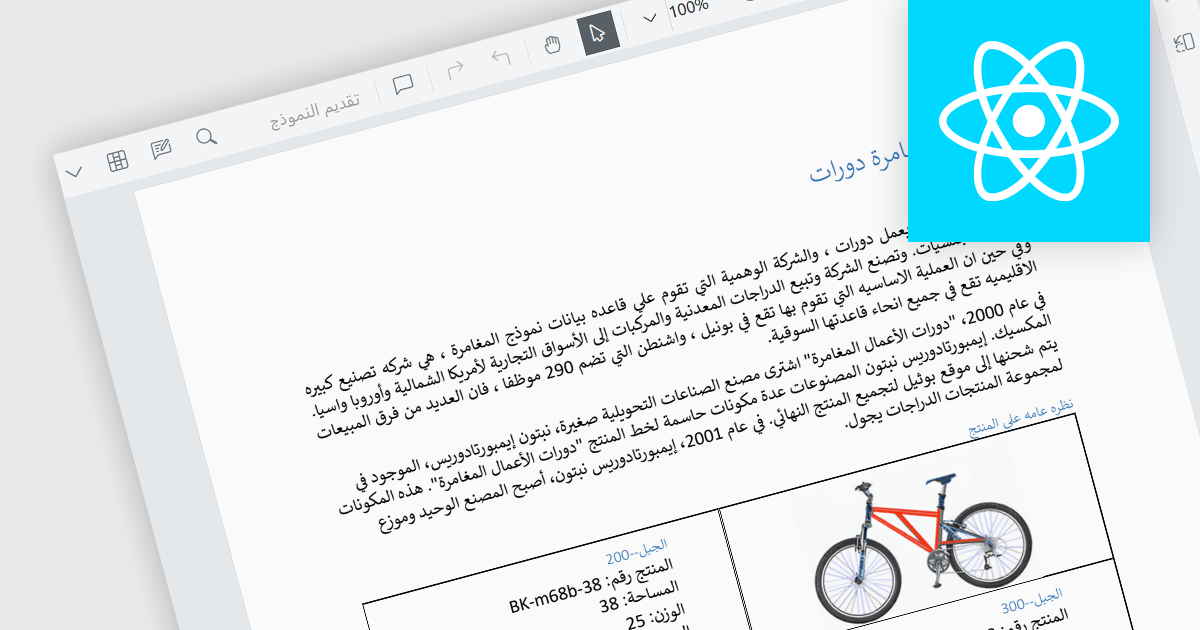
RTL (Right-to-Left) support is the ability to accommodate languages that are read from right to left, such as Arabic, Hebrew, Persian, Urdu, Kashmiri, Pashto, Uighur, Sorani Kurdish, or Sindhi. In a PDF viewer, it ensures the proper display and functionality for PDF documents written in such languages. This includes correctly mirroring the user interface elements, adjusting text flow and maintaining proper alignment, positioning of punctuation etc. within the document itself. RTL support preserves the layout and structure of the document whilst making it easily accessible to users who require said languages. This gives PDF viewing applications more global reach as they can be used by a wider user base.
Several React PDF viewer components include RTL support, including:
For an in-depth analysis of features and price, visit our comparison of React PDF viewer components.
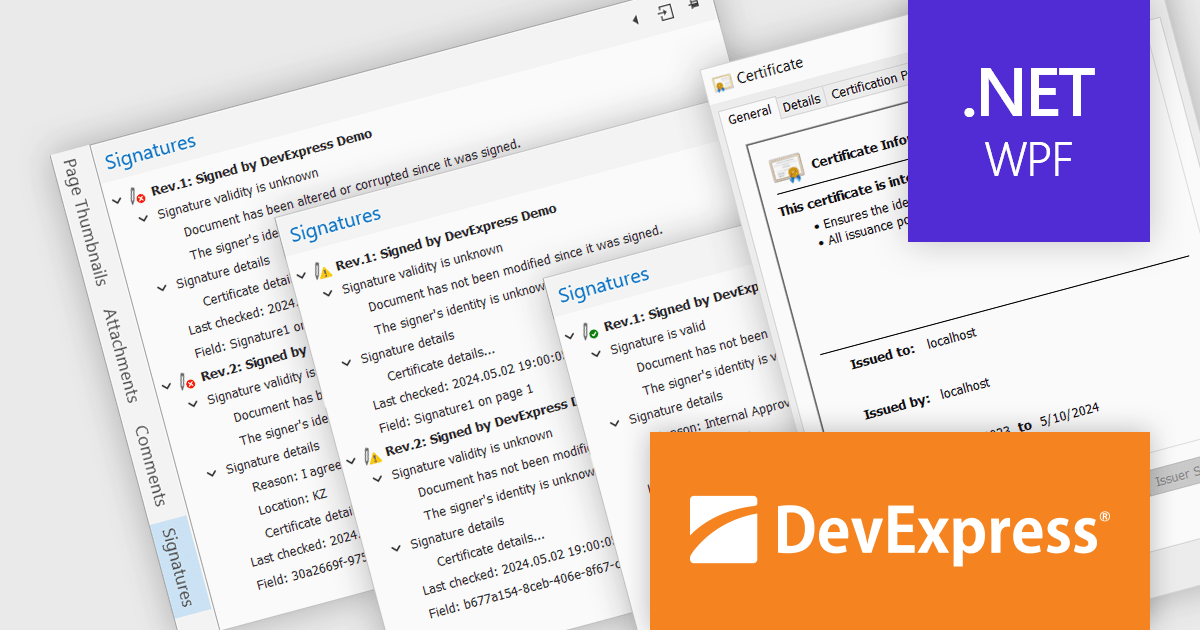
DevExpress WPF is a powerful suite of controls that enhances your WPF development toolkit. It offers data grids, ribbon menus, rich text editors, spreadsheets, charts, and more – all with beautiful themes and touch-friendly interfaces. DevExpress WPF empowers you to build professional-looking, responsive applications that meet modern user expectations, saving you time and effort while adding polish and functionality.
The DevExpress WPF 24.1 update includes a new Signature Info Panel in the PDF Viewer. This feature offers a transparent view of every signature within a PDF, providing detailed information about each signer. The Signature Info Panel goes a step further by intelligently verifying the validity of these signatures in real-time. This instant feedback ensures users can confidently rely on the information presented in the document, saving time and effort.
To see a full list of what's new in version 24.1, see our release notes.
DevExpress WPF is licensed per developer and is available as a Perpetual License with a 12 month support and maintenance subscription. We can supply new subscriptions, subscription renewals, and additional licenses. See our DevExpress WPF licensing page for full details.
DevExpress WPF is available to buy in the following products:





Tel.: (888) 850 9911
Fax: +1 770 250 6199


