








Offizieller Lieferant
Als offizieller und autorisierter Distributor beliefern wir Sie mit legitimen Lizenzen direkt von mehr als 200 Softwareherstellern.
Sehen Sie alle unsere Marken.
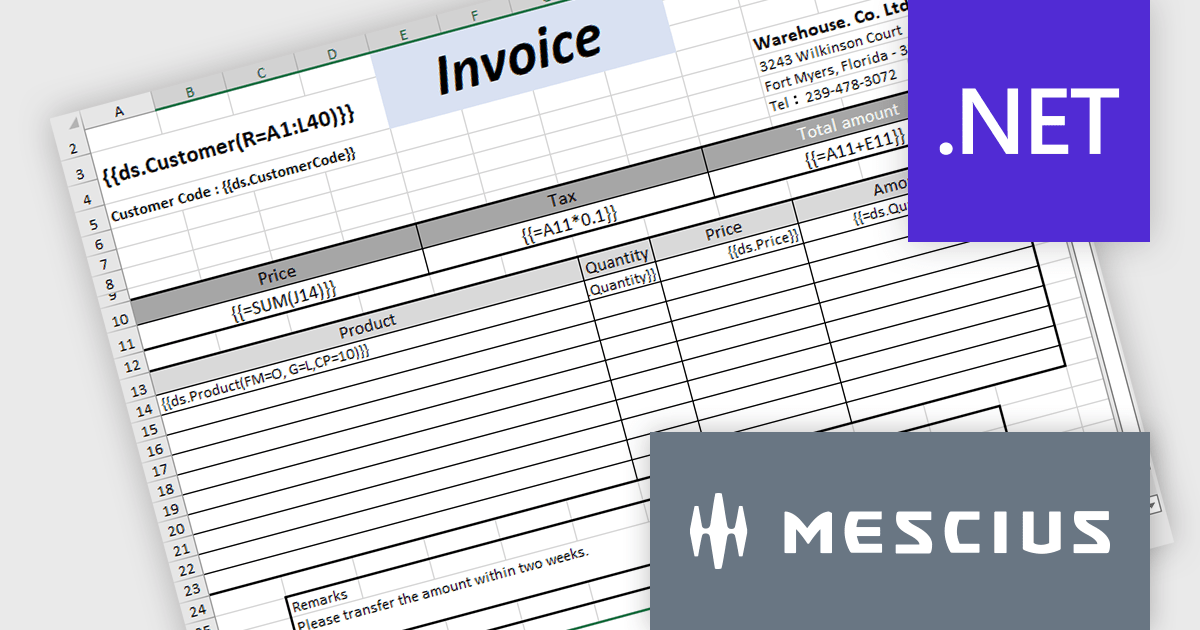
Document Solutions for Excel, .NET Edition (DsExcel) is a high-performance spreadsheet API library that enables .NET developers to create, manipulate, and generate Excel documents within their applications entirely independent of Microsoft Excel. DsExcel boasts a fast and lightweight design and features cross-platform and cross-framework compatibility. It includes a powerful calculation engine that handles over 450 Excel functions and allows for the creation of custom functions for complex calculations.
The Document Solutions for Excel v7.1 update includes enhancements to DsExcel templates which prioritize performance and stability to cater to a broader range of use cases. This includes improved handling of missing data sources, new OverwriteFillFormat functionality to operate in both Pagination and non-Pagination modes, expanded support for image and shape elements, optimized processing for merged cells, and backwards compatibility with older templates to ensure a smooth transition for existing users.
To see a full list of what's new in v7.1.0, see our release notes.
Document Solutions for Excel, .NET Edition is licensed per developer and is available in several license options for differing distribution needs. Team licenses are also available for multiple developers within the same organization. See our Document Solutions for Excel, .NET Edition licensing page for full details.
Learn more on our Document Solutions for Excel, .NET Edition product page.
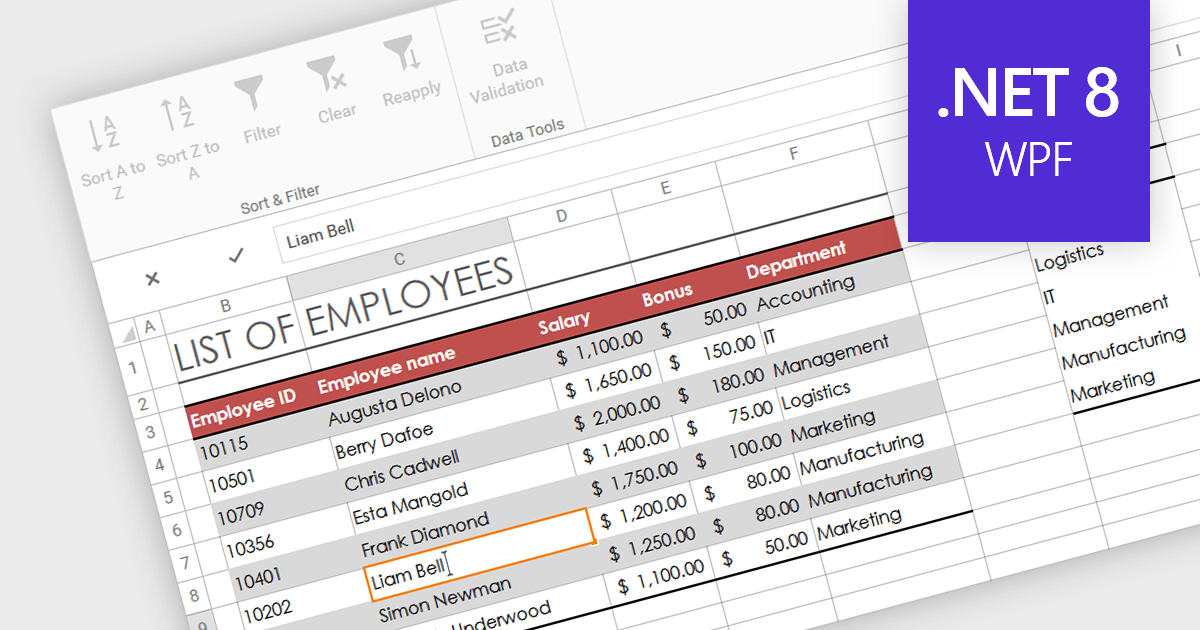
In-cell data editing refers to the functionality within spreadsheet software that allows users to directly click on and modify the contents of a cell without the need for separate data entry forms or pop-up dialogs. This feature allows for quicker and more direct changes to the data displayed on the screen, enhancing productivity by reducing the steps required for data manipulation.
Several .NET 8 WPF spreadsheet controls support in-cell data editing including:
For an in-depth analysis of features and price, visit our comparison of .NET 8 WPF Spreadsheet Controls.
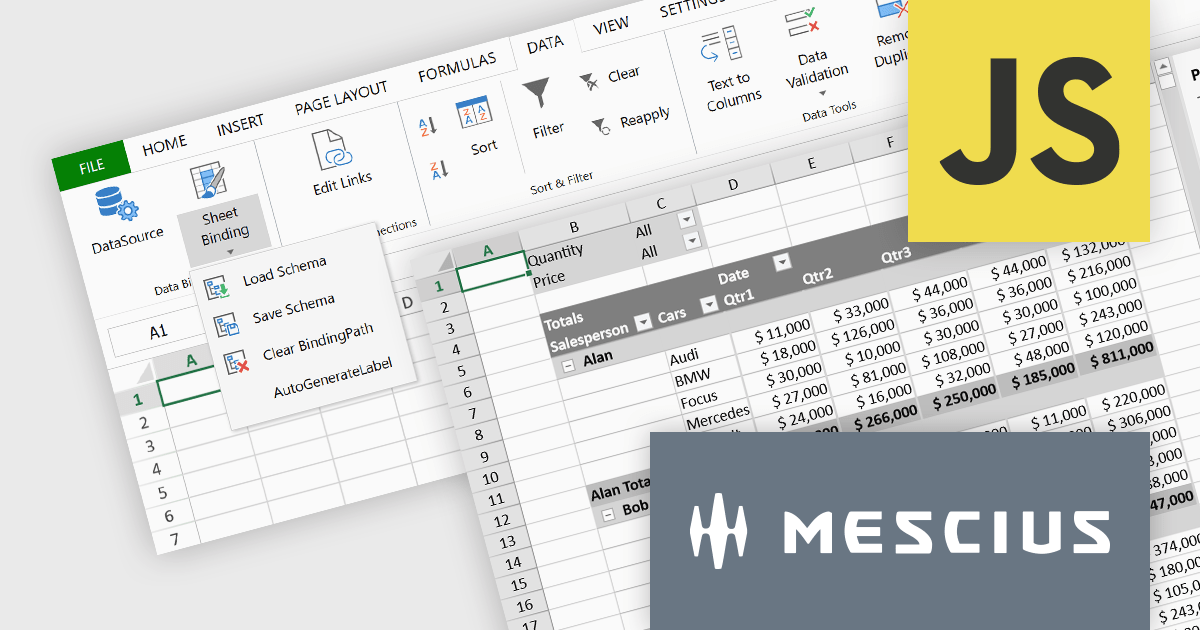
SpreadJS is a complete enterprise JavaScript spreadsheet solution used to create financial reports and dashboards, budgeting and forecasting models, scientific, engineering, healthcare, education, science lab notebooks, and other similar JavaScript business applications. Leverage the high-speed calculation engine with over 500 Excel built-in functions in 19 languages, to deliver true Excel-like spreadsheet experiences with zero dependencies on Excel. Fully customize your application’s needs with SpreadJS’s optional deployment add-on components for Pivot Tables UI, and an Excel-like Designer ribbon, allowing your users to perform complex interactive analysis and data visualization.
MESCIUS has created a brief but informative video blog that highlights the functionality of these powerful add-ons:
View the Video Blog and learn how to effortlessly upgrade your JavaScript spreadsheets.
SpreadJS is licensed per developer and includes 1 Year Maintenance (major and minor version releases and unlimited support phone calls). SpreadJS requires an Annual or Perpetual Deployment License. The optional Add-ons are available at an additional cost, and require a SpreadJS license. See our SpreadJS licensing page for full details.
For more information, visit our SpreadJS product page.

.NET spreadsheet controls with built-in pivot table functionality empower developers to seamlessly integrate robust data analysis into their applications. This feature allows users to effortlessly rearrange and aggregate large datasets, gaining insights through customizable views without modifying the original data. Pivot tables streamline decision-making by simplifying complex tasks like sorting, filtering, and visualizing information, ultimately enhancing the usability and effectiveness of these spreadsheet applications.
Several .NET Spreadsheet controls support pivot tables including:
For an in-depth analysis of features and price, visit our comparison of .NET Spreadsheet Controls.
Document Solutions for Excel, .NET Edition (DsExcel, previously GcExcel) is a high-speed, small-footprint, server-side spreadsheet API that requires no dependencies on Excel. With full .NET support, you can generate, load, modify, and convert spreadsheets in .NET, .NET Framework, .NET Core, Mono, and Xamarin. Apps using the spreadsheet API can be deployed to cloud, Windows, Mac, or Linux. Its powerful calculation engine and breadth of features means you'll never have to compromise design or requirements. The interface-based API is modeled on Microsoft Excel's document object model which means you can import, calculate, query, generate, and export any spreadsheet scenario.
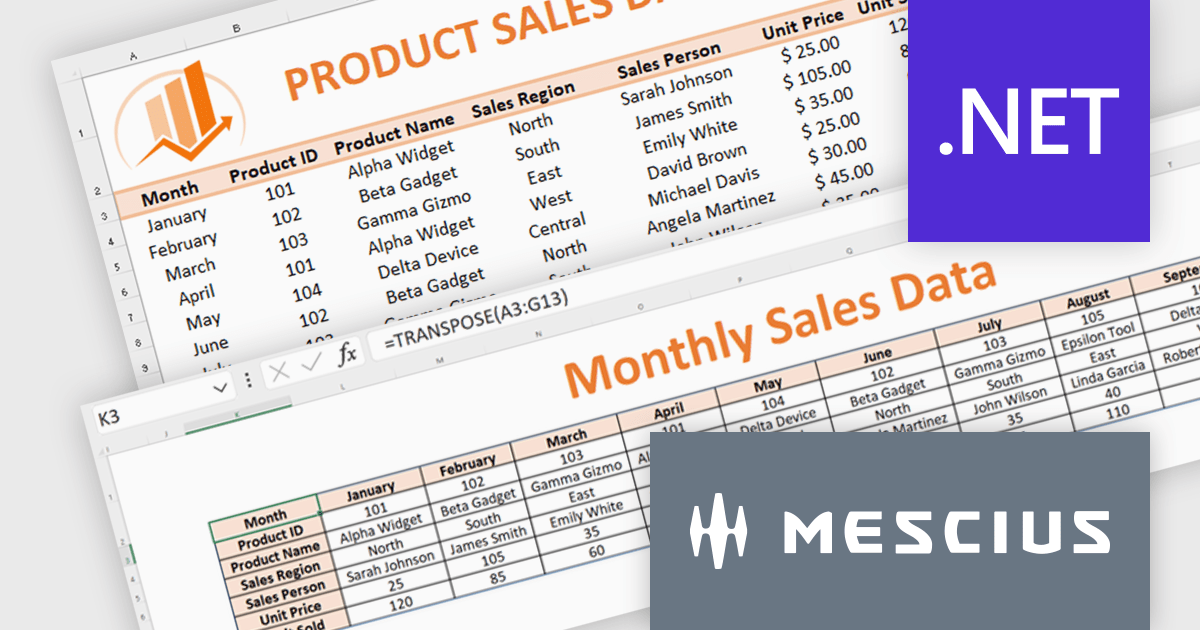
Formulas and functions play an important role in data analysis. Microsoft Excel provides a range of functions that simplify the extraction of key metrics during data analysis. In this pair of blog posts from MESCIUS, Software Engineer Prabhat Sharma demonstrates how to use DsExcel to implement Excel functions and other Excel-like functionalities.
Part 1 of the blog shows you how to drill into sales data and integrate the following functions:
Part 2 of the blog digs into monthly budget data to show you how to use:
Document Solutions for Excel is licensed per developer for either one distribution location or unlimited distribution locations. Licenses are perpetual, and include a one year subscription for all software releases (including hotfixes and major releases) plus Platinum Support. See our Document Solutions for Excel, .NET Edition licensing page for full details.
Learn more about Document Solutions for Excel, .NET Edition.





Tel.: (888) 850 9911
Fax: +1 770 250 6199


