








Offizieller Lieferant
Als offizieller und autorisierter Distributor beliefern wir Sie mit legitimen Lizenzen direkt von mehr als 200 Softwareherstellern.
Sehen Sie alle unsere Marken.
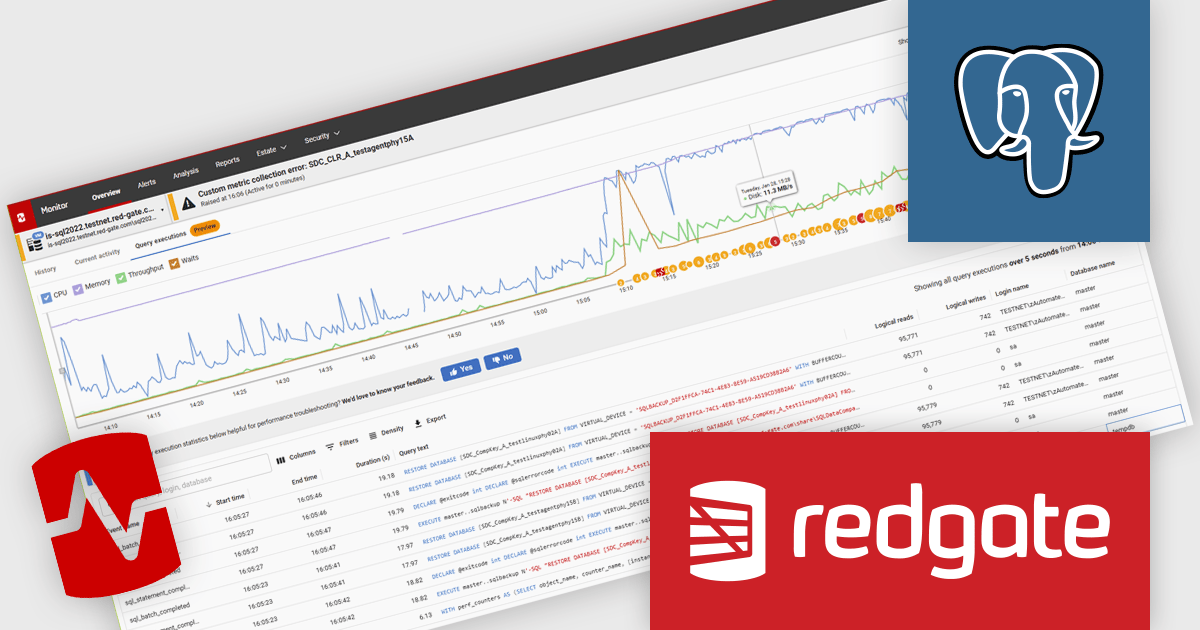
Redgate Monitor (formerly known as SQL Monitor) is a database monitoring tool that helps users quickly identify and fix performance problems on a variety of platforms, including SQL Server and PostgreSQL. It provides real-time monitoring, alerting, root cause analysis, and performance tuning recommendations. Redgate Monitor can be used by DBAs, developers, and operations teams to improve the performance of their databases.
The Redgate Monitor 14.2 update introduces custom metrics and alerts for PostgreSQL, enabling software developers and database teams to create targeted monitoring tailored to their specific workloads. This enhancement allows teams to define and collect metrics unique to their PostgreSQL environments, set alert thresholds based on operational requirements, and gain greater control over performance tracking. By aligning monitoring with the metrics that truly impact system health and reliability, the update improves diagnostic accuracy, reduces unnecessary noise, and supports more proactive issue resolution across PostgreSQL databases.
To see a full list of what's new in v14.2 see our release notes.
Redgate Monitor is licensed per server on an annual subscription basis. Each Server License will enable you to monitor either 1 Server (Multiple instances), 5 Azure SQL Databases, 1 Cloud (PaaS) instance, or 1 Cluster node. See our Redgate Monitor licensing page for full details.
For more information, visit our Redgate Monitor product page.

A scatter chart is a visual tool that displays relationships between two variables by plotting data points on an X and Y axis. Each point represents a value pair, helping users quickly identify patterns, correlations, and outliers within complex datasets. Scatter charts effectively highlight trends, clusters, and anomalies that might not be visible in tables. With customizable markers, colors, and sizes, they clearly differentiate data groups. Common use cases include analyzing sales versus marketing spend, comparing temperature and energy use, or assessing customer satisfaction relative to pricing. This turns raw data into clear and actionable visual insights.
Several JavaScript chart controls offer scatter charts including:
For an in-depth analysis of features and price, visit our JavaScript chart controls comparison.
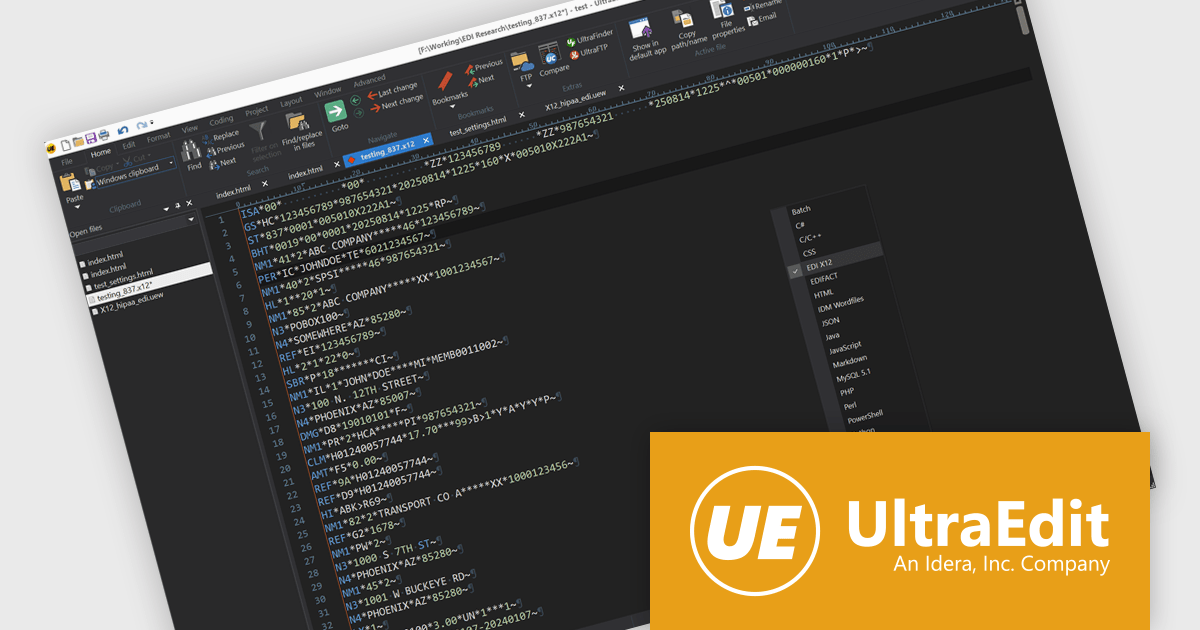
UltraEdit Core is a powerful text editor designed specifically for programmers, available on Windows, Linux, and macOS. It offers syntax highlighting and code structuring for a wide range of languages, enabling efficient code editing and comprehension. Additionally, UltraEdit Core supports large files beyond 4GB, regular expressions for complex searches, and integrates features like FTP, SSH, and scripting for streamlined development workflows.
The UltraEdit Core 2025.1 release has expanded its default language set to include built-in support for Electronic Data Interchange (EDI), addressing the needs of enterprise users who regularly handle structured business documents. With two new wordfiles - one for US EDI standards and another for European and International formats - EDI files now open automatically with appropriate syntax highlighting and structure recognition. This eliminates the need for manual configuration and makes editing EDI content more efficient and accurate straight out of the box.
To see a full list of what's new in version 2025.1, see our release notes.
UltraEdit Core is licensed per user and is available as a Perpetual or Annual Subscription License. See our UltraEdit Core licensing page for full details.
UltraEdit Core is available to buy in the following products:
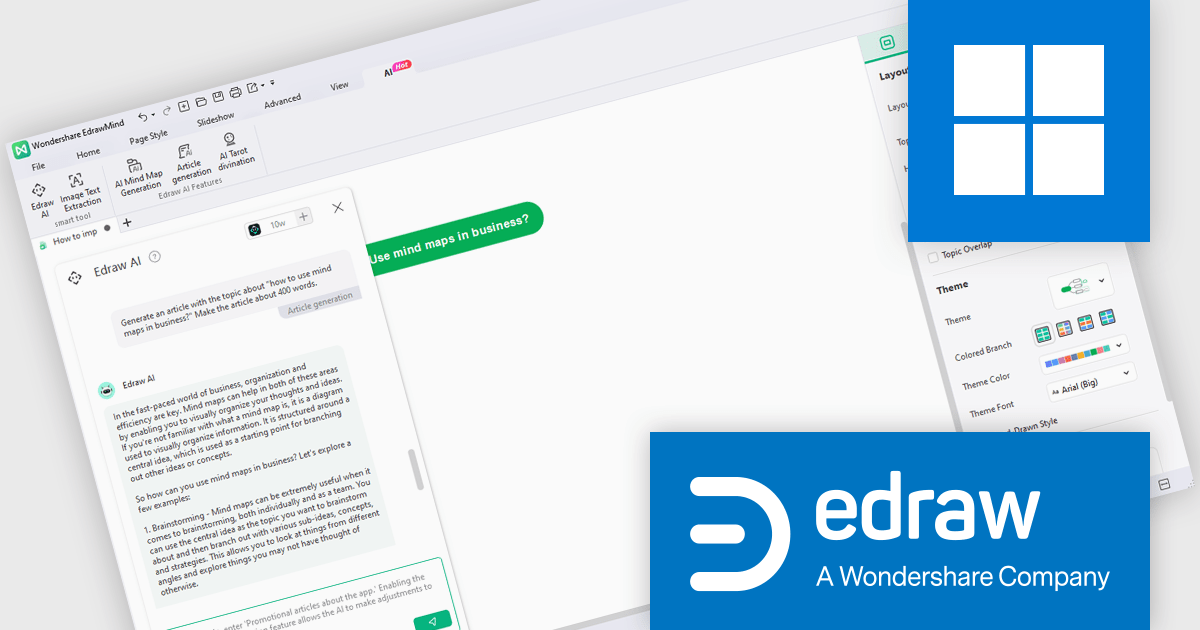
EdrawMind is a powerful mind mapping tool that helps users visually organize ideas and information. It features customizable templates, drag-and-drop functionality, and the ability to add images, links, and notes. With real-time collaboration, cross-platform support, and cloud integration, it enhances team productivity and creativity. Ideal for professionals, educators, and students, EdrawMind streamlines planning, brainstorming, and learning processes.
The EdrawMind v13.0 update enhances AI summarization by introducing synchronous generation of notes, enabling developers to create richer, more informative mind maps with minimal effort. This feature automatically mounts detailed AI-generated notes to key nodes in real time, turning visual structures into comprehensive, knowledge-oriented diagrams. By supporting content extraction from PDFs, documents, web pages, and single sentences, it improves the process of capturing and organizing complex technical information. The result is a faster, more efficient way to document system architectures without interrupting the creative or analytical process.
To see a full list of what's new in v13.0, see our release notes.
EdrawMind is licensed per user and can be purchased as an Annual Subscription or Lifetime license. Team plans are available for businesses, giving flexibility to provision, track and manage authority across groups and teams. See our EdrawMind licensing page for full details.
Learn more on our EdrawMind product page.
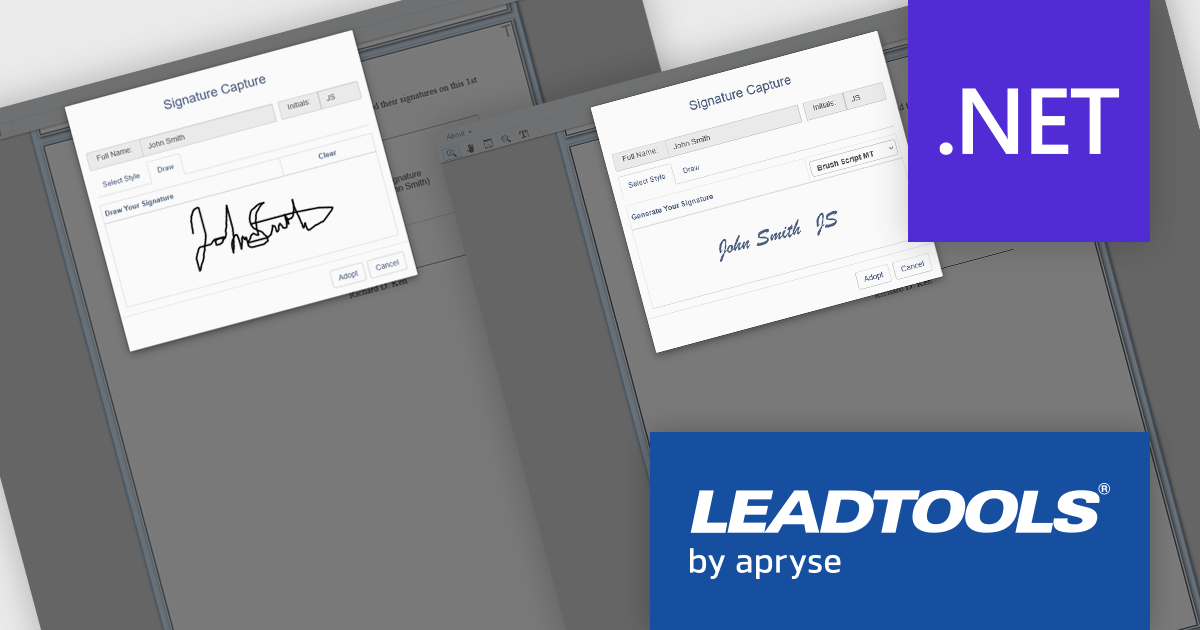
LEADTOOLS Document Suite is a comprehensive set of document imaging SDKs designed to facilitate document processing and management tasks within software applications. It offers developers advanced capabilities for tasks such as OCR (Optical Character Recognition), barcode recognition, PDF manipulation, document conversion, annotation, and more. Leveraging this suite, developers can seamlessly integrate sophisticated document functionality into their software solutions, enabling efficient handling of various document formats and improving productivity in document-centric workflows.
LEADTOOLS Document Suite enables developers to integrate styled and hand-drawn signature functionality directly into their applications, allowing users to sign documents in a secure, natural, and fully digital environment. This feature improves document workflows by removing the need for physical signatures while maintaining authenticity and compliance. Developers can offer end users a smooth, device-independent signing experience that supports touch, stylus, or mouse input, ensuring flexibility and ease of use across platforms.
LEADTOOLS Document Suite SDK is licensed as Development Licenses, for developers to use the SDKs, and Deployment Licenses, for the right to distribute end user solutions. See our LEADTOOLS Document Suite SDK licensing page for full details.
Learn more on our LEADTOOLS Document Suite SDK product page.





Tel.: (888) 850 9911
Fax: +1 770 250 6199


