








Offizieller Lieferant
Als offizieller und autorisierter Distributor beliefern wir Sie mit legitimen Lizenzen direkt von mehr als 200 Softwareherstellern.
Sehen Sie alle unsere Marken.
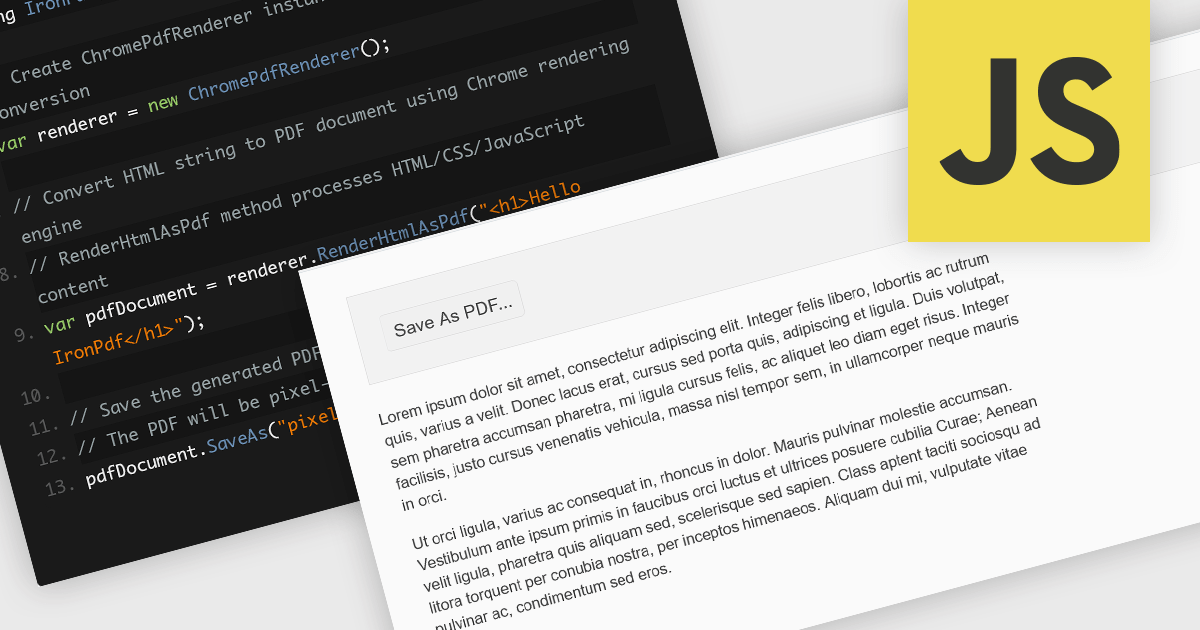
Converting HTML files to PDF within PDF component libraries offers an easy way to capture richly styled, web-based content in a fixed, shareable format. This feature typically uses a browser-like rendering engine to accurately represent CSS, images, fonts, and links, ensuring that what you see in the browser is preserved in the document. It's especially useful for generating reports, invoices, documentation, and static snapshots of dynamic web pages, combining familiarity of web-based layout with the portability and consistency of PDFs.
Several JavaScript PDF controls offer HTML fo PDF conversion including:
For an in-depth analysis of features and price, visit our JavaScript PDF controls comparison.
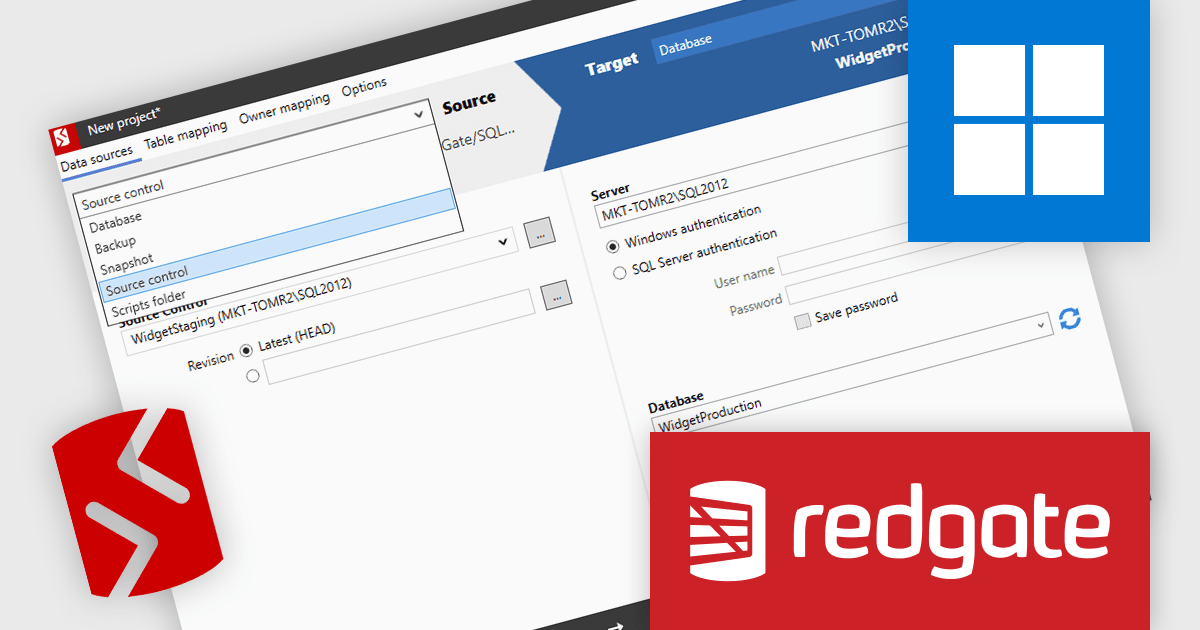
SQL Compare by Redgate Software simplifies SQL Server schema comparison and synchronization, helping teams maintain consistency and improve deployments. It automates change detection, reduces errors, and improves efficiency with advanced object filtering. Used across industries like finance, healthcare, and e-commerce, it supports database version control, troubleshooting, and DevOps integration for reliable database management.
Redgate SQL Compare streamlines the resolution of production database issues by allowing developers to compare the live environment directly with a backup, snapshot, or source-controlled version. This capability enables precise identification of schema differences and supports the deployment of individual objects to correct issues quickly and safely. By avoiding the need for full database restores or broad, high-risk deployments, it reduces downtime and minimizes disruption to critical systems. For static data corrections, integration with SQL Data Compare further enhances the ability to address problems efficiently, ensuring production stability while maintaining alignment with development workflows.
SQL Compare is licensed per developer and is available as a 1, 2 or 3 year subscription license which includes full support plus all major versions of the software released during the subscription period. For full details, see our SQL Compare licensing page.
For more information, visit our SQL Compare product page.
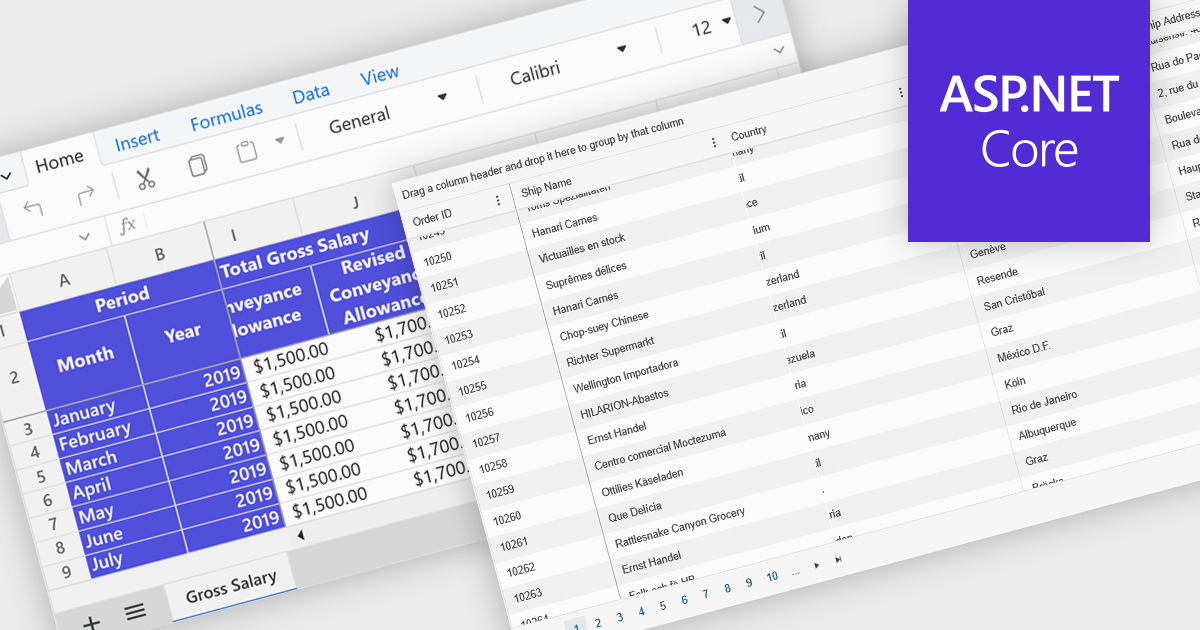
Freeze Panes in spreadsheets is a feature that keeps selected rows or columns visible while you scroll through your data. This helps maintain context in large spreadsheets by keeping headers or labels in view, making it easier to read, analyze, and enter information accurately. Common use cases include freezing the top row in a budget sheet to keep month names visible, or locking the first column to see item names while reviewing data across many columns. It is especially valuable in financial reports, sales tracking, and project management tools where clarity and precision are essential.
Several ASP.NET Core spreadsheet controls offer freeze pane support including:
For an in-depth analysis of features and price, visit our ASP.NET Core spreadsheet controls comparison.
List & Label by combit is a software development toolkit that empowers developers to integrate comprehensive reporting functionalities into their desktop, web, and cloud applications. It offers features such as data binding, complex data visualization, and a user-friendly report designer, along with printing, exporting, and previewing capabilities. List & Label operates independently of programming languages and data sources, providing developers with the flexibility to design and deliver informative reports within their development environment.
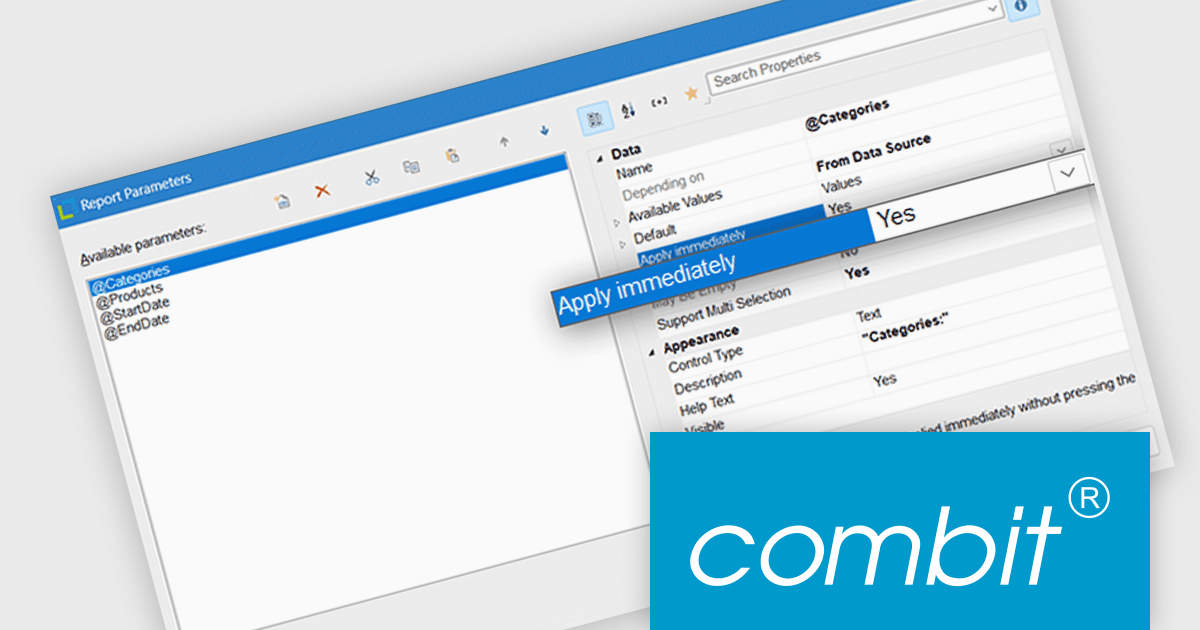
List & Label now includes an "Apply immediately" property for report parameters, which when set, automatically re-renders the report immediately after the property in question is changed. This feature removes the need to manually refresh the report when updating the parameters, making it particularly useful in interactive reporting scenarios where users need to see updated results as they adjust filters or settings in real time.
List & Label is licensed per developer and is available as a Perpetual License with a 12 month support and maintenance subscription. See our List & Label licensing page for full details.
List & Label is available in the following products:
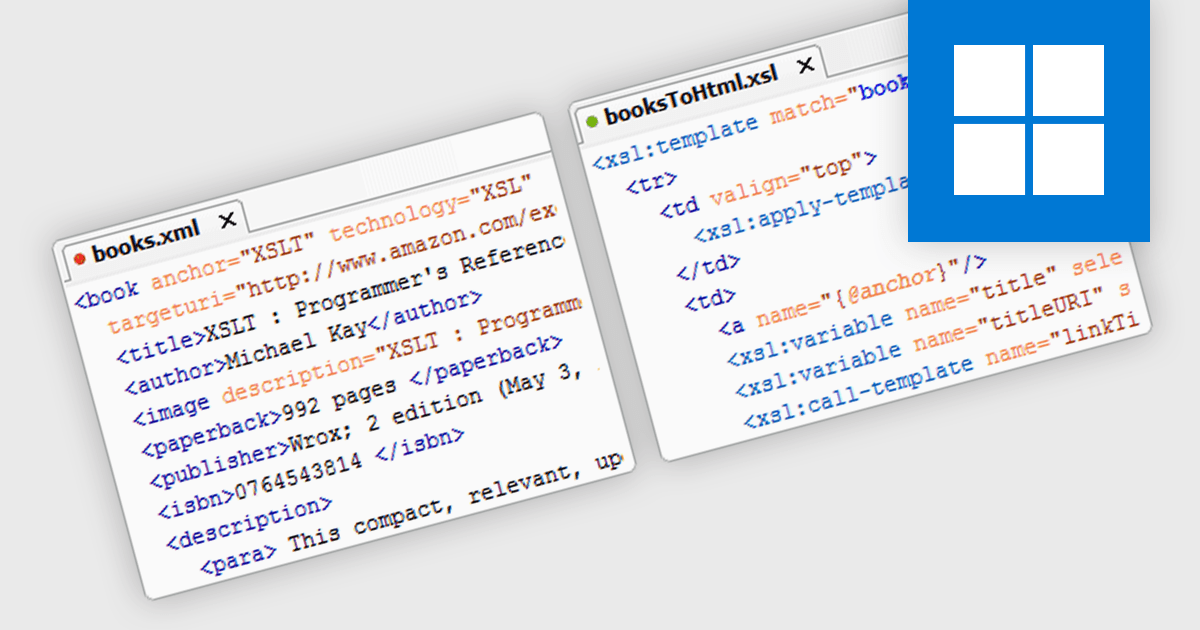
XSLT support in a structured document tool enables developers to define transformations of XML data into other formats such as HTML, plain text, or different XML structures using the XSLT (Extensible Stylesheet Language Transformations) standard. This capability allows for automated document formatting, data extraction, and content adaptation without manual intervention, which is particularly useful in environments where consistent and repeatable processing of structured data is required. By supporting XSLT, the tool facilitates integration with existing XML-based workflows and enhances the ability to manipulate complex document structures programmatically, improving maintainability and reusability of data transformations.
XSLT has evolved through three main versions, each expanding its capabilities for transforming XML data. XSLT 1.0, the original W3C standard, provides core transformation features and is widely supported. XSLT 2.0 introduced significant enhancements including strong data typing, regular expressions, grouping, and better XPath support, allowing more powerful and maintainable transformations. XSLT 3.0 builds on this with support for streaming large documents, higher-order functions, and integration with JSON and maps, offering improved performance and flexibility for complex or high-volume processing tasks.
Several Structured Document tools offer support for XSLT 1.0, 2.0 and 3.0 including:
For an in-depth analysis of features and price, visit our comparison of Structured Document tools.





Tel.: (888) 850 9911
Fax: +1 770 250 6199


