








Offizieller Lieferant
Als offizieller und autorisierter Distributor beliefern wir Sie mit legitimen Lizenzen direkt von mehr als 200 Softwareherstellern.
Sehen Sie alle unsere Marken.
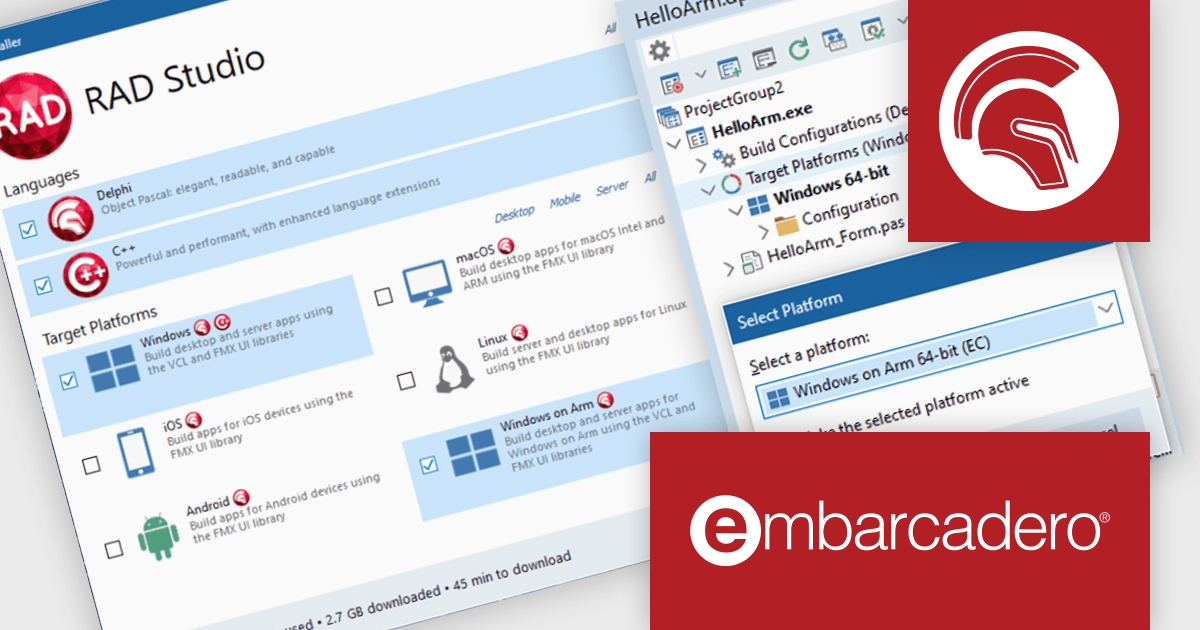
RAD Studio by Embarcadero is an integrated development environment (IDE) used to build applications for various platforms. It allows programmers to create native apps for Windows, macOS, mobile devices (Android and iOS), and more using C++ or Delphi. RAD Studio is known for its rapid application development features and is targeted towards professional developers building data-rich and visually appealing applications.
The RAD Studio 13.1 Florence release introduces a native Windows on Arm target for the Delphi compiler, enabling developers to produce Arm64 binaries directly from their existing applications. This removes the dependency on Intel-based emulation, improving performance and compatibility on modern Arm-powered devices, including virtualized environments on Arm-based Macs.
To see a full list of what's new in version 13.1 Florence, see our release notes.
RAD Studio is licensed per Named, Network Named or Concurrent user and is available as a Perpetual License with an Update Subscription that includes support and free upgrades for 1 Year. See our RAD Studio licensing page for full details.
RAD Studio is available to buy in the following products:
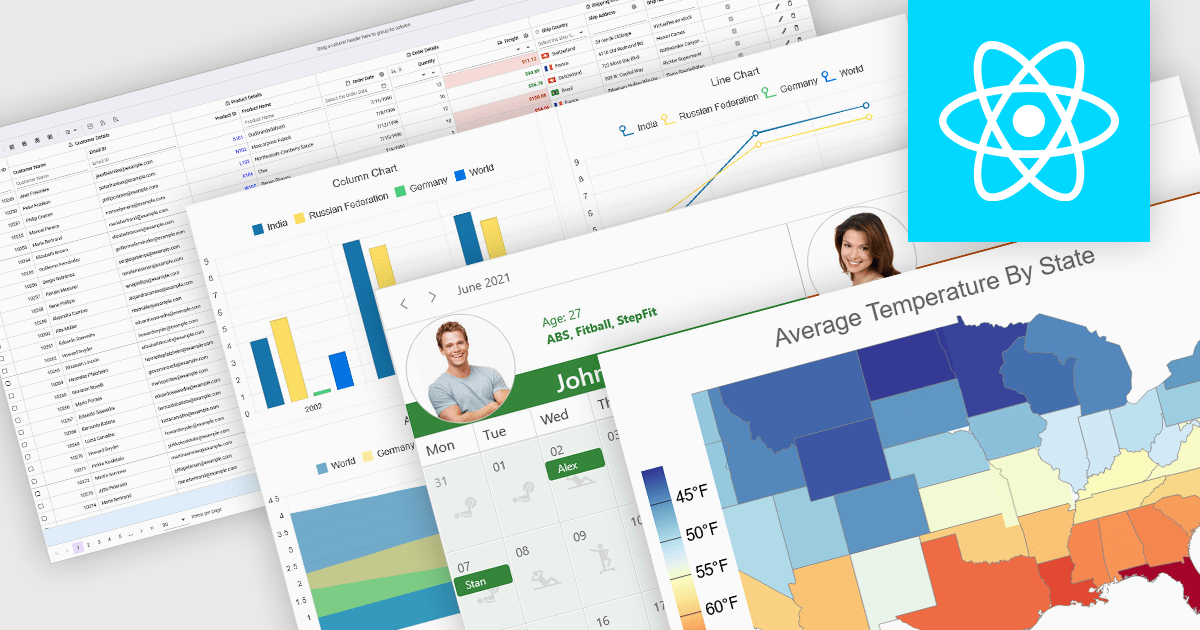
React components in UI suites provide prebuilt, reusable building blocks for creating modern, responsive web applications using the React framework. These components are designed to integrate effortlessly into React's declarative model, enabling developers to construct complex user interfaces while maintaining consistency, performance, and maintainability. By offering a comprehensive set of controls and visual elements, UI suites help accelerate development and reduce the effort required to implement advanced functionality from scratch.
Common controls include:
For an in-depth analysis of features and price, visit our React UI suites comparison.
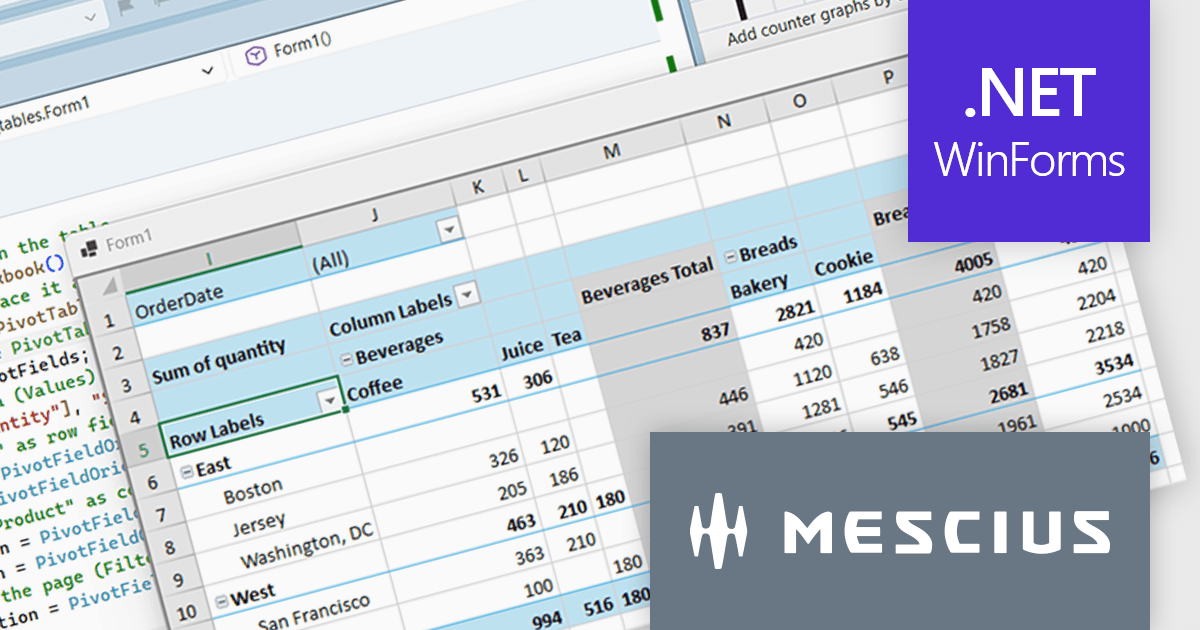
Spread.NET helps you create spreadsheets, grids, dashboards, and forms. It includes a powerful calculation engine with 450+ functions and the ability to import and export Excel spreadsheets. Leverage the extensive .NET spreadsheet API and powerful calculation engine to create analysis, budgeting, dashboard, data collection and management, scientific, and financial applications.
In this blog post, MESCIUS Product Marketing Specialist Mackenzie Albitz demonstrates how to build a Pivot Table using the Spread.NET WinForms component, enabling your users to quickly analyze large datasets with the ability to summarize, group, and reorganize data. Creating the Pivot Table includes the following steps:
Detailed source code and sample data are included to assist you along the way.
Read the complete blog post to learn how to integrate a spreadsheet component into your .NET applications and provide your users with familiar spreadsheet functionality without referring them to an external program.
Spread.NET is licensed per developer and is available as either a Perpetual or Annual license, depending upon geographic location. We can supply any Spread.NET license including new licenses, maintenance renewals, and upgrade licenses. See our Spread.NET licensing page for full details.
For more information, visit our Spread.NET product page.
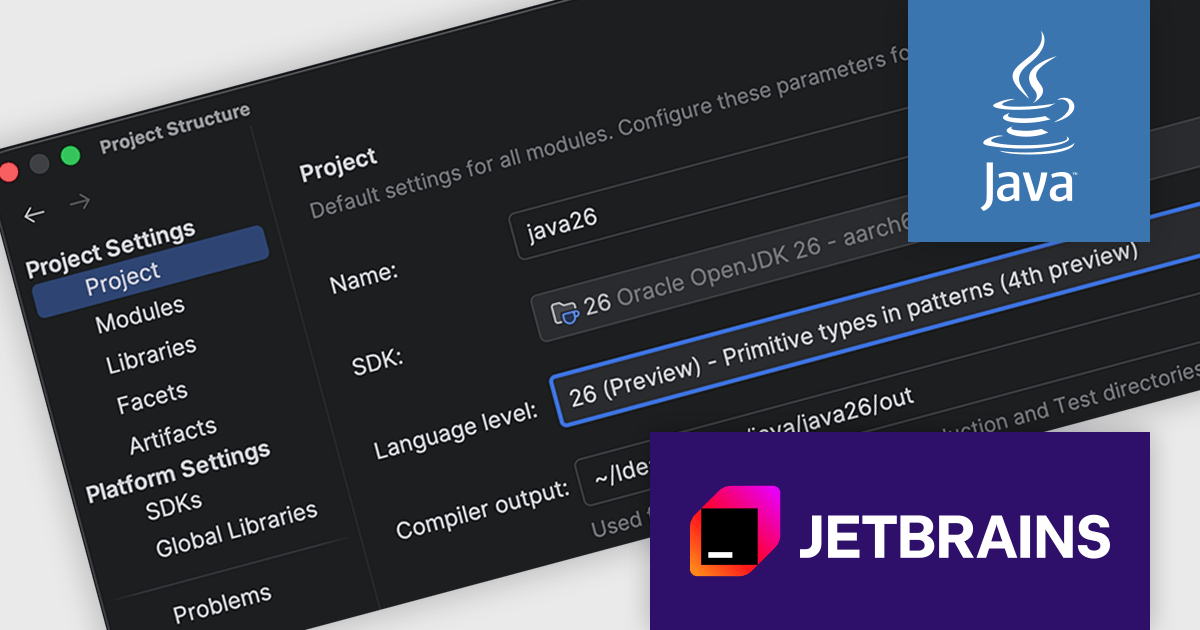
IntelliJ IDEA by JetBrains is an integrated development environment (IDE) designed to maximize developer productivity through intelligent code assistance, deep language understanding, and robust developer tools. Known for its support for Java and a wide array of other languages and frameworks, IntelliJ IDEA offers advanced code completion, on-the-fly analysis, and reliable refactoring tools that accelerate the entire development process. With a strong focus on ergonomics and performance, it enables professionals to write, test, and debug high-quality code faster and with greater confidence.
IntelliJ IDEA introduces support for Java 26, ensuring developers can work with the newest Java 26 features, APIs, preview capabilities, and performance improvements. It enables accurate code analysis, refactoring, and debugging aligned with the latest specifications, making it easier to experiment with new capabilities while maintaining code quality. This support is particularly valuable for teams looking to adopt modern Java features early, validate compatibility, and keep projects aligned with the evolving Java ecosystem.
IntelliJ IDEA is licensed per user as a commercial annual subscription. We can supply New Subscriptions, Subscription Renewals, Lapsed Subscription Renewals, and Additional Developer Licenses. See our IntelliJ IDEA licensing page for full details.
IntelliJ IDEA is available to buy in the following products:
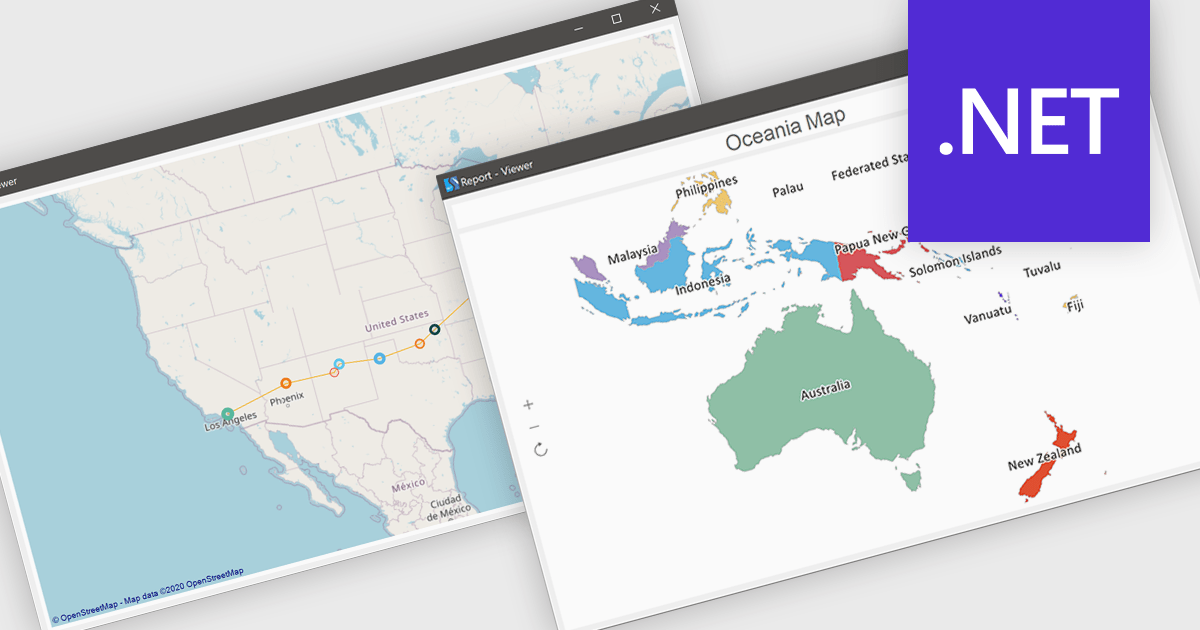
Maps in reports enable data to be visualized geographically, allowing information to be presented in the context of location rather than in traditional tables or charts. By transforming complex datasets into intuitive map-based visuals, this feature makes it easier to identify regional trends, compare performance across territories, and uncover patterns that might otherwise go unnoticed. It enhances data storytelling by providing a clear and engaging way to communicate insights, while also supporting faster, more informed decision-making. Common use cases include analyzing sales performance by region, tracking customer demographics, monitoring delivery logistics, and evaluating market opportunities across different areas.
Several .NET reporting controls offer maps, including:
For an in-depth analysis of features and price, visit our comparison of .NET reporting controls.





Tel.: (888) 850 9911
Fax: +1 770 250 6199


