








Offizieller Lieferant
Als offizieller und autorisierter Distributor beliefern wir Sie mit legitimen Lizenzen direkt von mehr als 200 Softwareherstellern.
Sehen Sie alle unsere Marken.
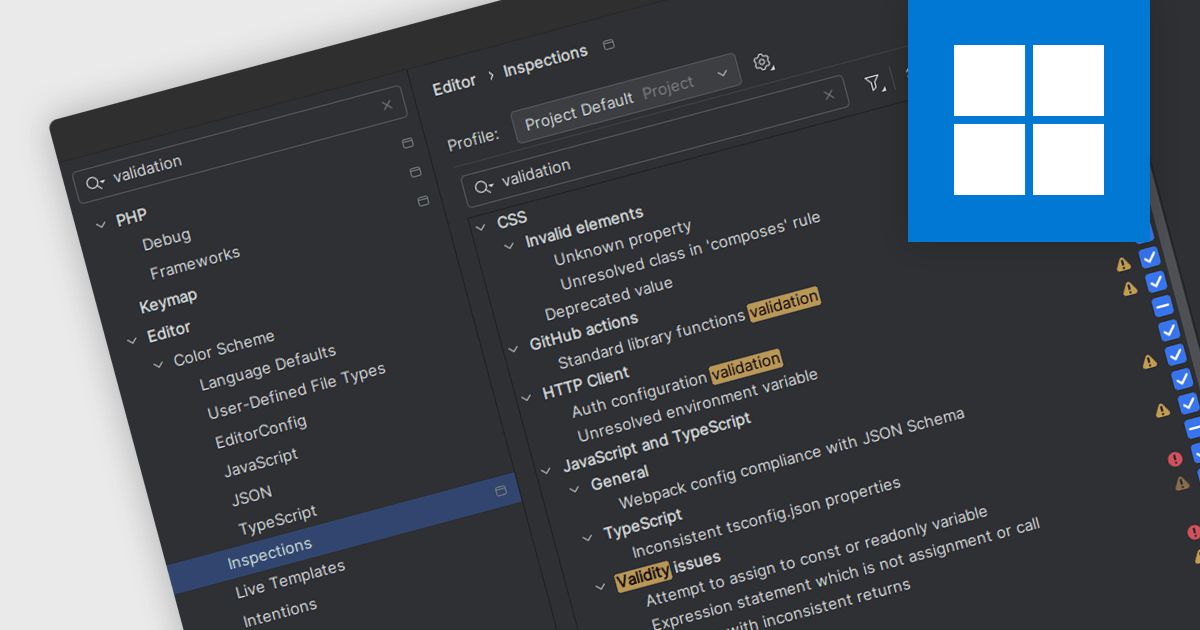
Code validation in IDEs is a real-time analysis process that scrutinizes code syntax, semantics, and adherence to coding standards, providing immediate feedback to developers. By detecting errors, potential issues, and inconsistencies early in the development cycle, it significantly enhances code quality, maintainability, and reliability. This proactive approach streamlines debugging, reduces errors, improves collaboration, and ensures code consistency across projects, ultimately leading to faster development and more robust software.
Several IDEs offer support for code validation including:
For an in-depth analysis of features and price, visit our IDEs comparison.
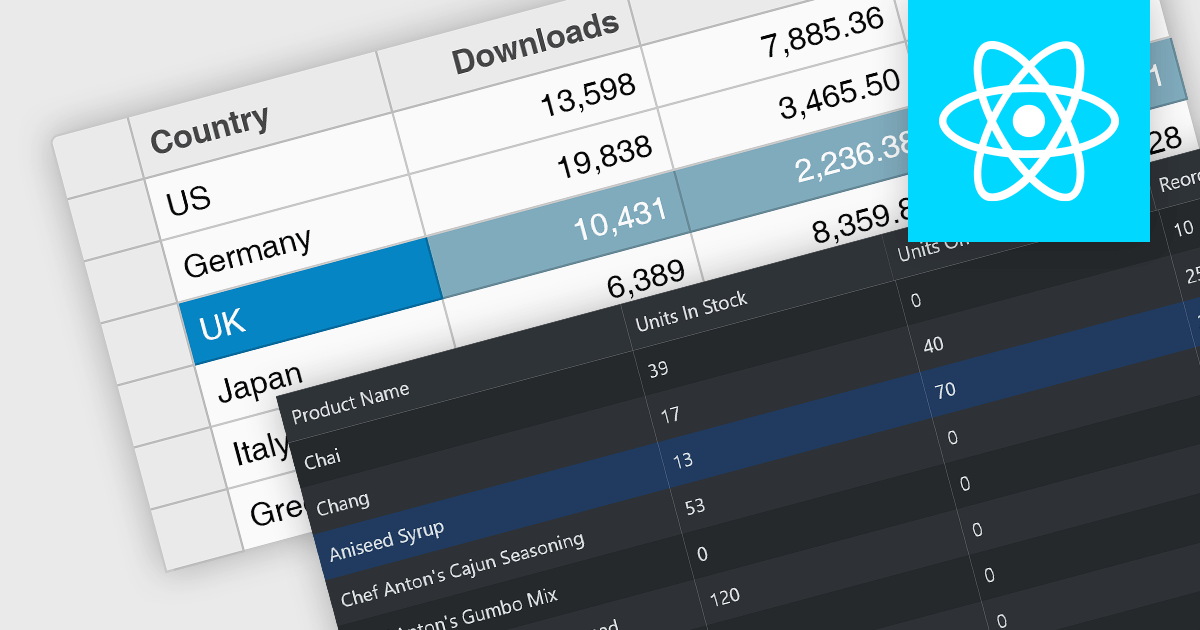
Row selection functionality empowers users to interact with data grids by selecting individual or multiple rows, enabling efficient data manipulation and analysis. Users can perform actions on selected rows such as editing, deleting, exporting, or filtering data. This feature significantly enhances user experience and productivity by providing a direct and intuitive way to manage and process large datasets, facilitating tasks like batch updates, generating reports, or performing complex data operations based on user-defined criteria.
Several React grid controls offer row selection including:
For an in-depth analysis of features and price, visit our comparison of React grid controls.
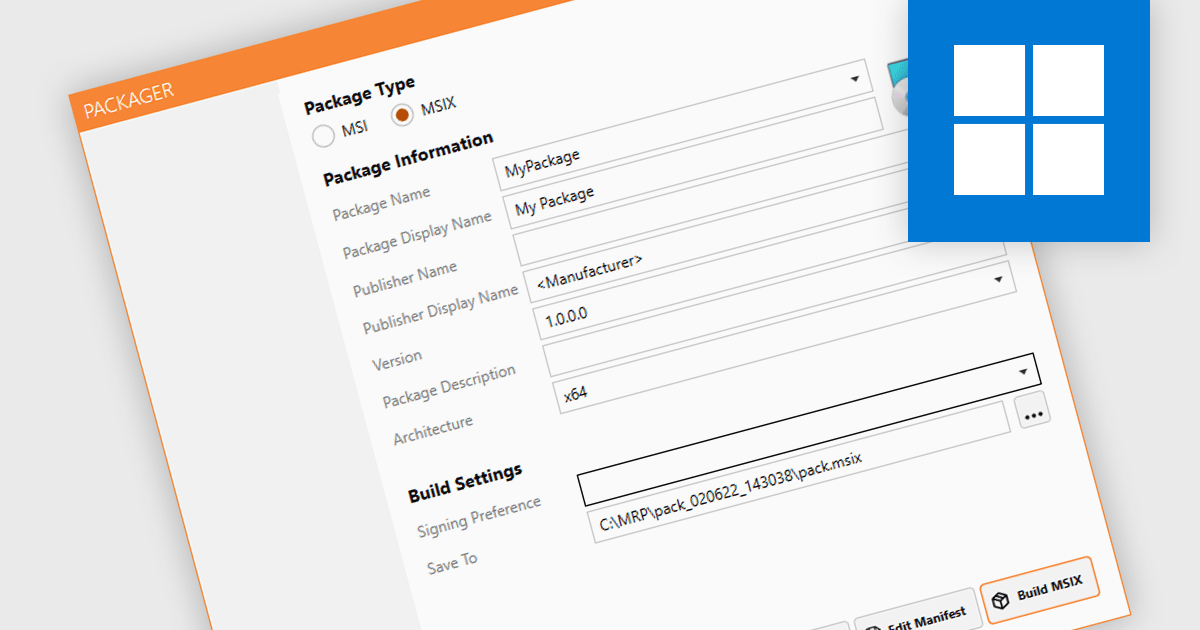
MSIX package authoring is the process of creating, configuring, and managing MSIX packages, which are a modern deployment format for Windows applications. It encapsulates an application and its dependencies into a single, lightweight and self-contained file, ensuring that applications run in isolated environments to prevent conflicts with other software and system settings. This format combines the best features of existing packaging formats like MSI and AppX, and makes for cleaner installations with more efficient use of resources. Being able to create such packages streamlines the deployment process and reduces the complexity of maintaining applications.
Several installation tools support MSIX package authoring, including:
For an in-depth analysis of features and price, visit our comparison of installation tools.
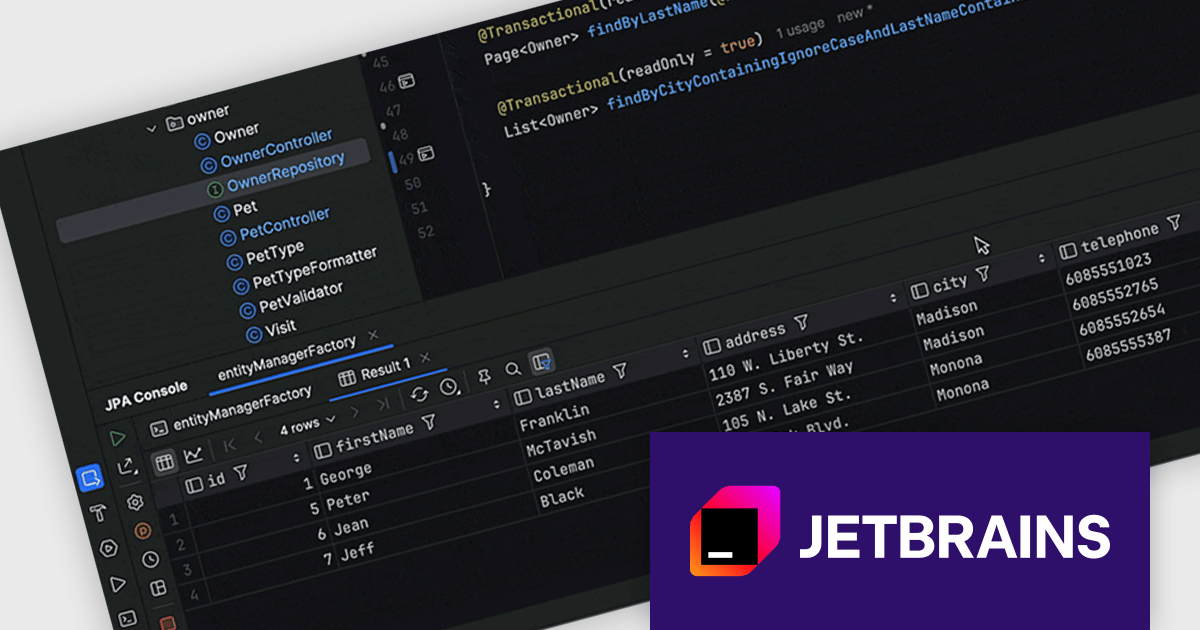
IntelliJ IDEA is a feature-rich Java IDE that empowers developers with a comprehensive set of tools for intelligent coding assistance, effortless navigation and search, seamless refactorings, in-depth code analysis, comprehensive Web and Enterprise development support, robust unit testing capabilities, and streamlined team collaboration features.
IntelliJ IDEA 2024.2 now offers enhanced Spring Data JPA (Java Persistence API) support, significantly streamlining your development workflow. By executing Spring Data JPA methods directly within the IDE, you can instantly preview the generated SQL query without the need to run your application or delve into log files. This powerful feature empowers you to thoroughly test and refine your data access logic efficiently. With a simple click on the gutter icon, you can seamlessly execute any repository method in the JPA console, providing unparalleled insight into your data interactions and accelerating your development process.
To see a full list of what's new in version 2024.2 see our release notes.
IntelliJ IDEA is licensed per user as a commercial annual subscription. We can supply New Subscriptions, Subscription Renewals, Lapsed Subscription Renewals, and Additional Developer Licenses. See our IntelliJ IDEA licensing page for full details.
IntelliJ IDEA is available to buy in the following products:
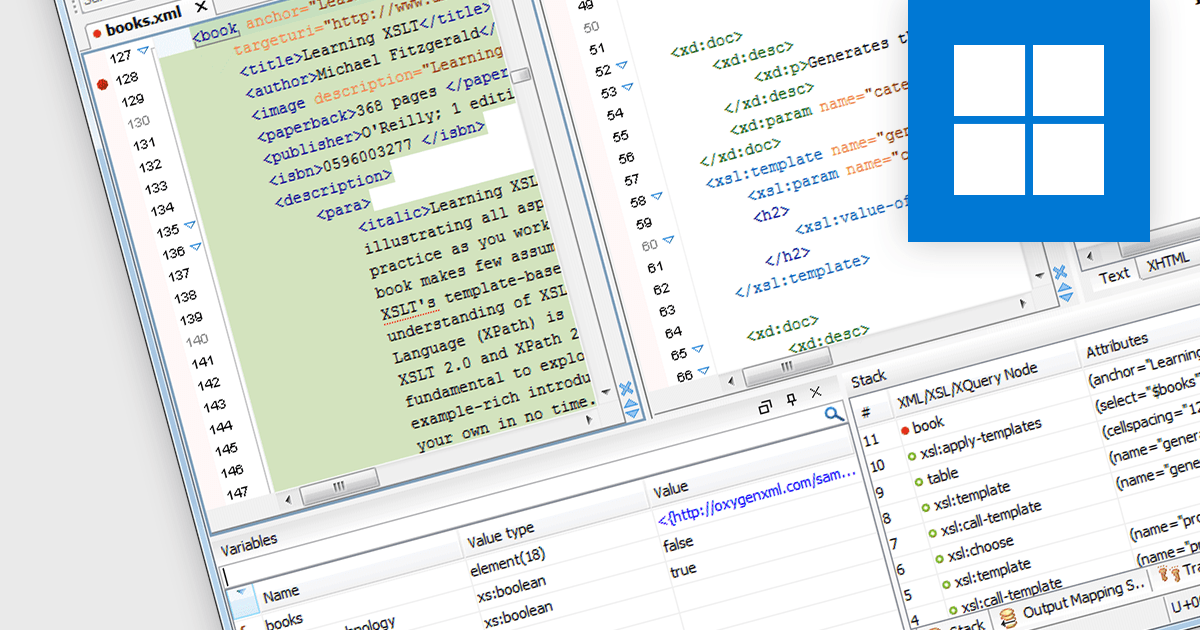
XSLT debugging in a Structured Document Tool refers to the process of analyzing and troubleshooting Extensible Stylesheet Language Transformations within an XML-based development environment. This functionality allows developers to step through XSLT code, inspect variables, and view the transformation of XML data in real-time, ensuring that the stylesheets produce the correct output. It enhances productivity by providing immediate feedback, reducing errors, and facilitating a deeper understanding of how data is being processed and transformed. The ability to interactively debug XSLT directly within a structured document tool significantly accelerates the development process, particularly in complex XML-based applications.
Several structured document tools offer XSLT debugging including:
For an in-depth analysis of features and price, visit our Structured Document Tools comparison.





Tel.: (888) 850 9911
Fax: +1 770 250 6199


