








Offizieller Lieferant
Als offizieller und autorisierter Distributor beliefern wir Sie mit legitimen Lizenzen direkt von mehr als 200 Softwareherstellern.
Sehen Sie alle unsere Marken.
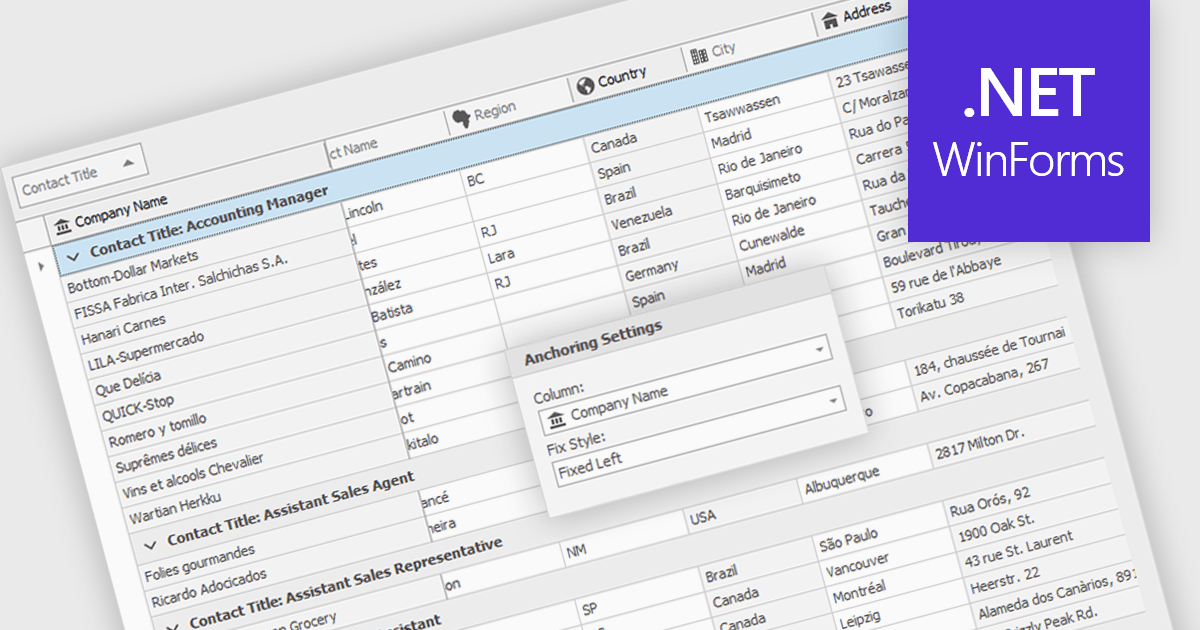
Freezing columns allows specific grid columns to remain visible on the screen while the user scrolls horizontally across the rest of the data. This functionality is beneficial for software developers because it improves user experience by ensuring important reference information, like row identifiers or column headers, stays constantly in view regardless of the data set's width. This can significantly aid in data comprehension and navigation for users working with large datasets.
Several WinForms grid components allow you to freeze columns, including:
For an in-depth analysis of features and price, visit our WinForms grid components comparison.
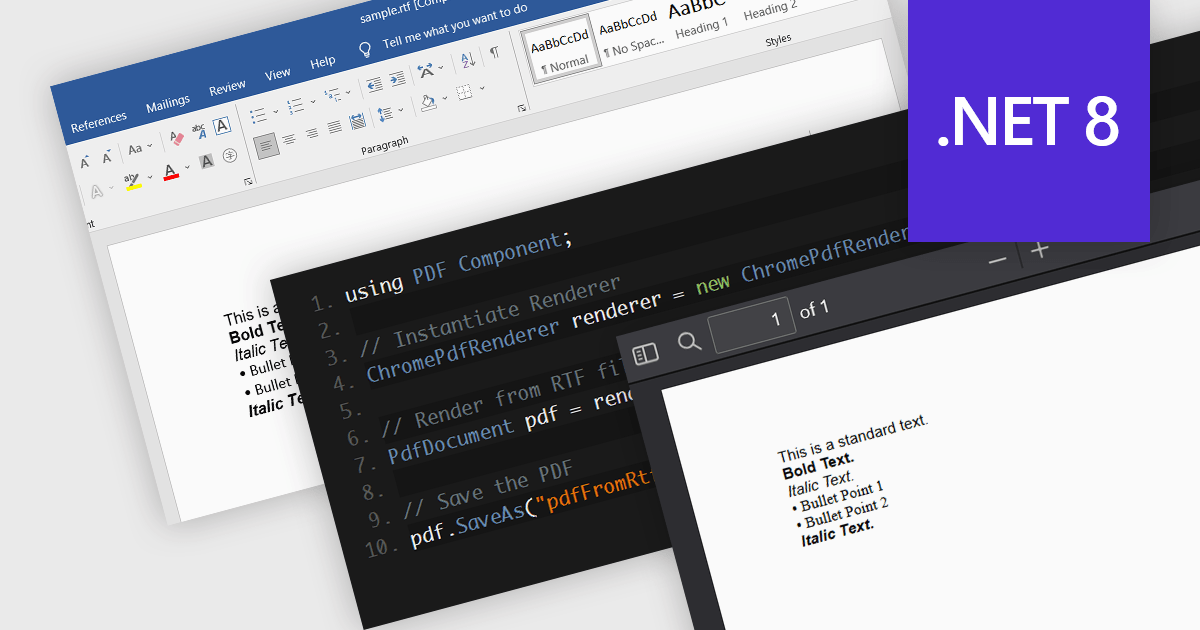
PDF components with RTF to PDF conversion support empower users to transform rich text documents into universally compatible PDFs. This functionality offers significant advantages, including ensuring consistent formatting across different devices and platforms, enhancing document security with features like password protection, and simplifying file sharing with recipients who may not have access to the original RTF editing software. This functionality is valuable for a variety of scenarios, from generating secure and presentable reports to easily sharing formatted text content with collaborators.
Several .NET 8 PDF components allow you to convert RTF to PDF, including:
For an in-depth analysis of features and price, visit our comparison of .NET 8 PDF components.

ComponentSource, the world's largest marketplace for software components and development tools, and AprelTech, a software development company specializing in comprehensive system administration tools that can handle even difficult-to-automate tasks, are pleased to celebrate their three year partnership.
AprelTech provides IT professionals with powerful tools to simplify Windows server management. Its products empower IT teams to manage virtual environments and deploy applications efficiently. AprelTech's primary products are:
ComponentSource's global reach and licensing expertise has enabled AprelTech to attract a wider audience for its powerful development tools. This partnership also strengthens ComponentSource's product portfolio with the inclusion of AprelTech's innovative solutions.
Learn more about AprelTech.
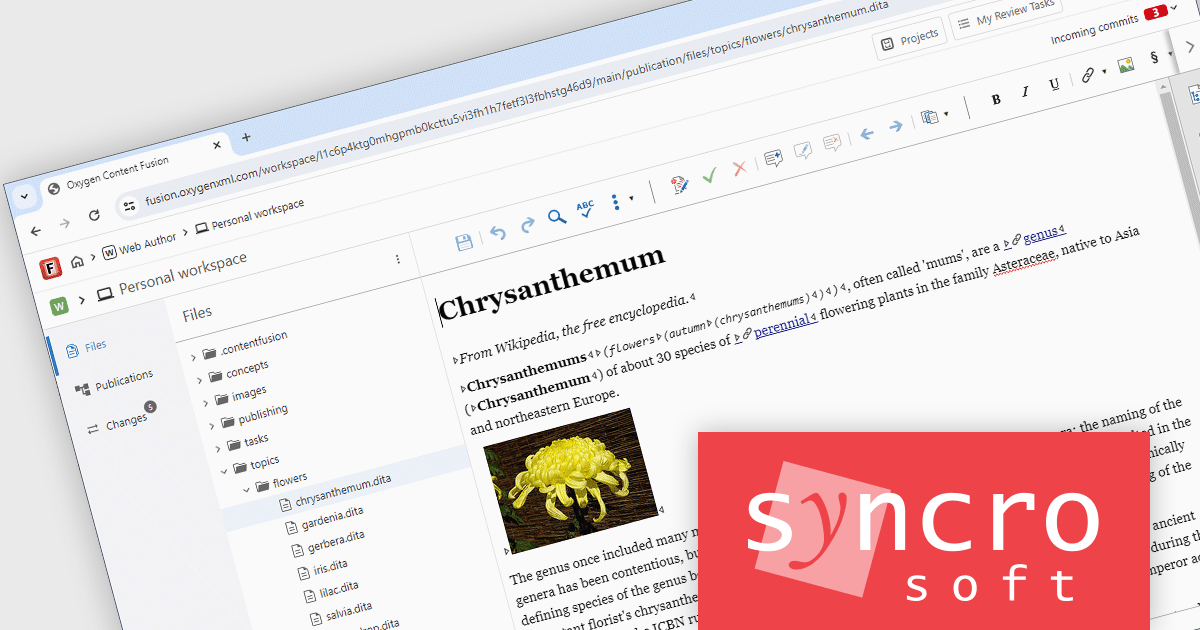
Oxygen Content Fusion by Syncro Soft is a cloud-based collaboration platform for managing and publishing DITA documentation. It allows authors, reviewers, and publishers to work together on the same content in real time, and to track changes and feedback throughout the documentation process. Oxygen Content Fusion also provides a variety of tools for generating and publishing DITA content in a variety of formats, including WebHelp, PDF, and EPUB.
The Oxygen Content Fusion V7.0 update adds a new authoring workspace feature, allowing users to make changes across multiple files within a project and then commit them to the project's default branch. This new feature also enables users to preview their workspace changes prior to committing using a dedicated Changes view. They can also use this view to discard any particular modifications that they do not want to keep, or to start from scratch.
To see a full list of what's new in 7.0, see our release notes.
Oxygen Content Fusion is licensed per user and is available as an Annual license with 1 year support and maintenance. See our Oxygen Content Fusion licensing page for full details.
Learn more on our Oxygen Content Fusion product page.
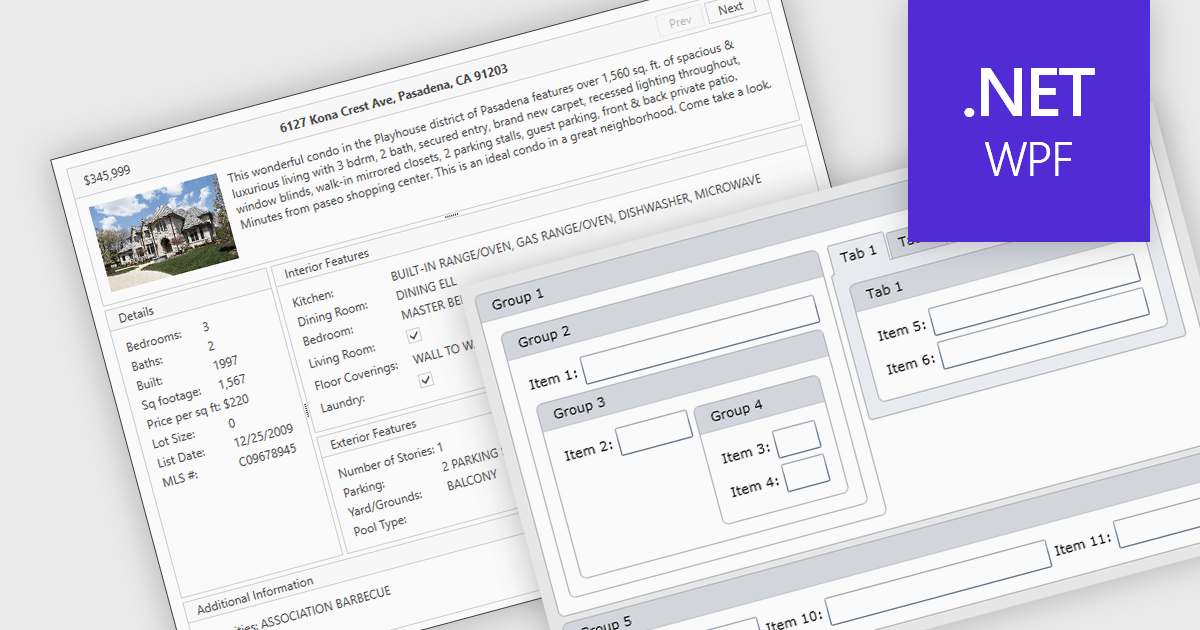
Layout components are reusable building blocks that define the structure and arrangement of content within a user interface. They encapsulate layout logic such as grid systems, promoting code reusability, consistency, and maintainability. By abstracting layout, these components enhance development efficiency and improve the overall design cohesion of an application.
Several WPF UI suites offer layout components including:
For an in-depth analysis of features and price, visit our WPF UI suites comparison.





Tel.: (888) 850 9911
Fax: +1 770 250 6199


