







Category News

Optimieren Sie Ihr Installationsprogramm durch Konvertieren von MSI in MSIX

Januar 5, 2024
Die Migration auf MSIX ermöglicht reibungslose Bereitstellungen, sauberer Deinstallationen und bietet moderne Verwaltungsfunktionen für eine optimierte App-Erfahrung.

MSIX installers offer a modern way to install and manage software on Windows. They bundle an app with its data, ensuring a reliable and clean installation. MSIX combines the best features of traditional installers like MSI with the sleekness of modern Windows app formats like AppX. This means apps install faster, take up less space, and can be easily updated or uninstalled without any messy leftovers. Converting MSI to MSIX is a feature that allows legacy MSI packages to be converted into the latest MSIX format, leveraging the enhanced security, reliability, and deployment features of MSIX.

Several installation tools support the conversion of MSI to MSIX including:

  • Advanced Installer Enterprise by Caphyon is a Windows installer authoring tool that allows you to effortlessly convert existing MSIs to modern MSIX packages and customize them by using a dedicated GUI.
  • InstallShield Premier by Revenera is a Windows installation development solution, providing developers with the ability to transform their MSI files into MSIX packages via the conversion wizard.
  • AdminStudio Enterprise by Flexera offers tools for individual or bulk file conversion to MSIX format and for testing these packages afterwards, ensuring compatibility and optimized performance.

For an in-depth analysis of features and price, visit our Installation Tools comparison.
Compare Installation Tools

Verbessern Sie die PDF-Verwaltung mit XMP-Extraktion

Januar 4, 2024
Steigern Sie die Effizienz, treiben Sie die Automatisierung voran und gewinnen Sie Einblicke durch das programmgesteuerte Extrahieren von XMP-Metadaten aus PDF-Dateien.

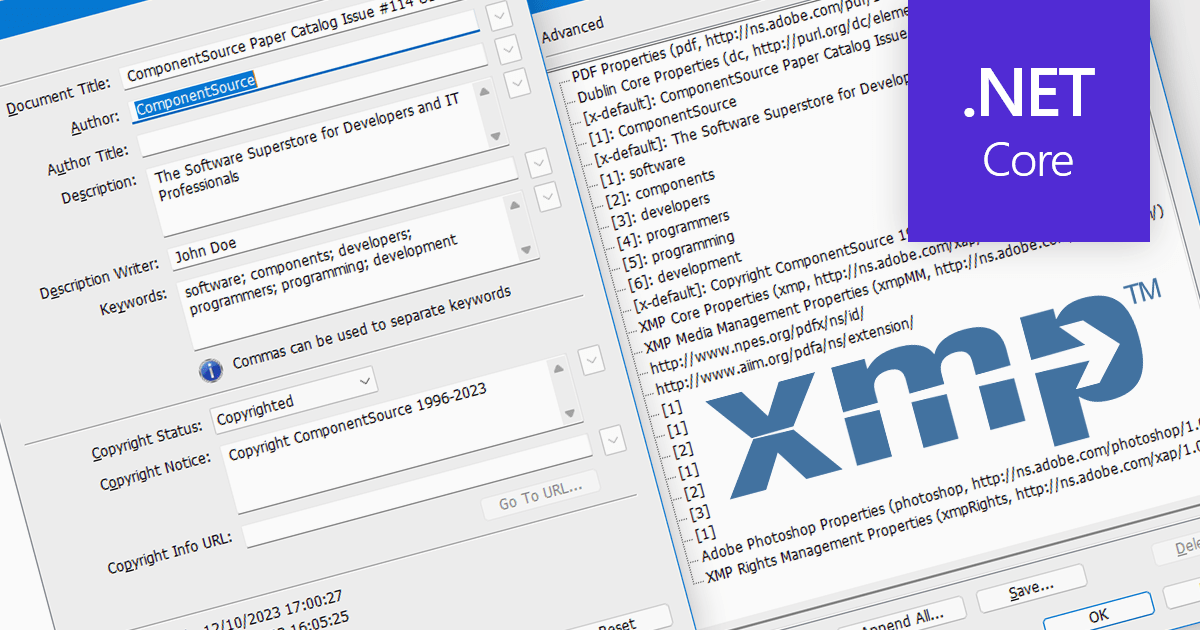
XMP, or Extensible Metadata Platform, acts like a digital label embedded within PDFs, carrying information beyond the document itself. It holds details like author names, creation dates, keywords, and even revision history. Programmatically extracting this XMP data unlocks a treasure trove of possibilities. Imagine automatically organizing PDFs based on author or keyword, extracting copyright information for legal purposes, or even tracing the evolution of a document through its XMP timestamps. This power makes XMP extraction invaluable for researchers, librarians, and anyone who wants to squeeze the most out of their PDF collection.

Several .NET Core PDF components support the extraction of XMP metadata including:

  • Aspose.PDF for .NET is an advanced library for PDF manipulation, including XMP metadata extraction and editing capabilities that works in .NET Core.
  • DevExpress PDF Document API (part of DevExpress Office File API) includes a PdfDocument.Metadata property which allows you to access a document's metadata.
  • ImageGear for .NET by Accusoft is an powerful document processing toolkit featuring XMP metadata extraction options as well as text extraction for .NET Core use cases.
  • Document Solutions for PDF by MESCIUS (formerly GrapeCity) is a specialized PDF library enabling seamless XMP metadata access and manipulation in .NET Core environments.

For an in-depth analysis of features and price, visit our .NET Core PDF Components comparison.
Compare .NET Core PDF Components

Beibehalten von Kontext beim Scrollen durch Rasterdaten

Januar 4, 2024
Verbessern Sie die Benutzerfreundlichkeit bei der Arbeit mit großen Datensätzen, indem Sie Spaltenüberschriften am oberen Rand des Rasters fixieren.

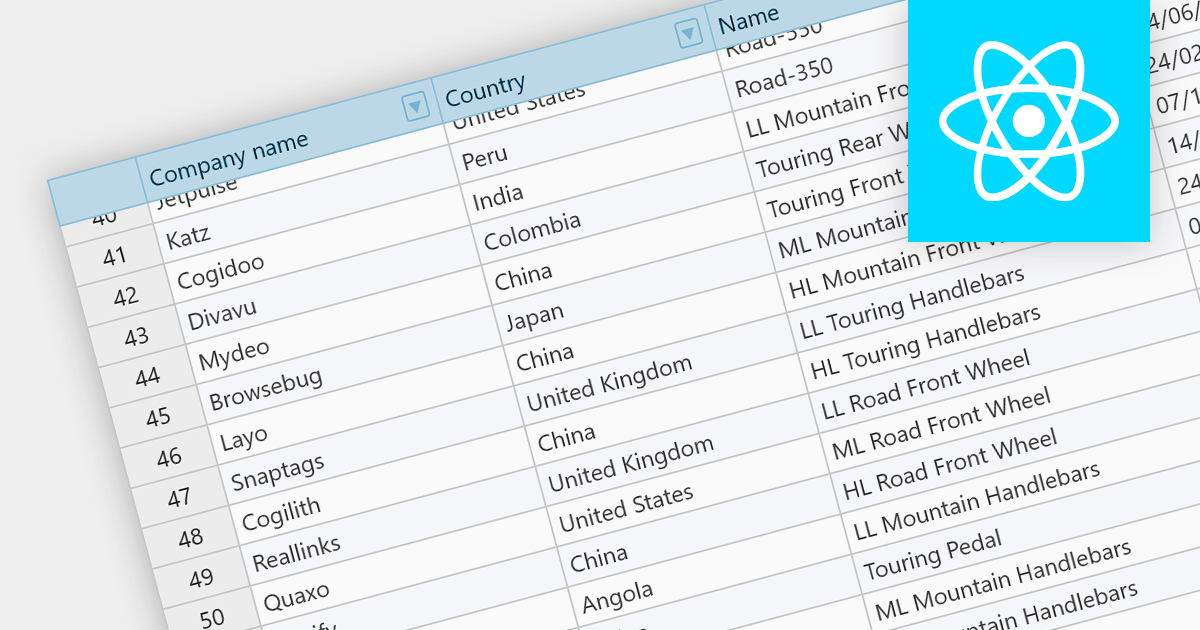
Fixed headers are a user interface element found in grids, particularly those managing large datasets. They comprise the top section of the grid, typically encompassing the row containing column labels and potentially additional rows with key information. Unlike the scrollable body of the grid, these headers remain anchored to the viewport, acting as a persistent reference point while users navigate through the data, thus improving user experience.

Several React grids support fixed headers including:

  • KendoReact Data Grid (part of KendoReact by Telerik) includes fixed headers that stay visible as you scroll, offering seamless navigation through massive datasets.
  • Wijmo FlexGrid (part of Wijmo by MESCIUS) allows you to lock headers in place for easy column reference, even with horizontal scrolling.
  • Syncfusion Grid control for JavaScript (part of Syncfusion Essential Studio) includes pinned headers that offer consistent context amidst complex data exploration.
  • Handsontable provides you with the ability to freeze rows or columns to keep key data points always in view.

For an in-depth analysis of features and price, visit our React grids comparison.
Compare React Grid Components

Integrieren Sie Candlestick-Diagramme in Ihre WinForms-Apps

Januar 4, 2024
Candlestick-Charts ermöglichen das visuelle Erfassen von Kursbewegungen, Eröffnungs-/Schlusskursen und Hochs/Tiefs und zeigen so die Marktstimmung und Handelsmöglichkeiten auf.

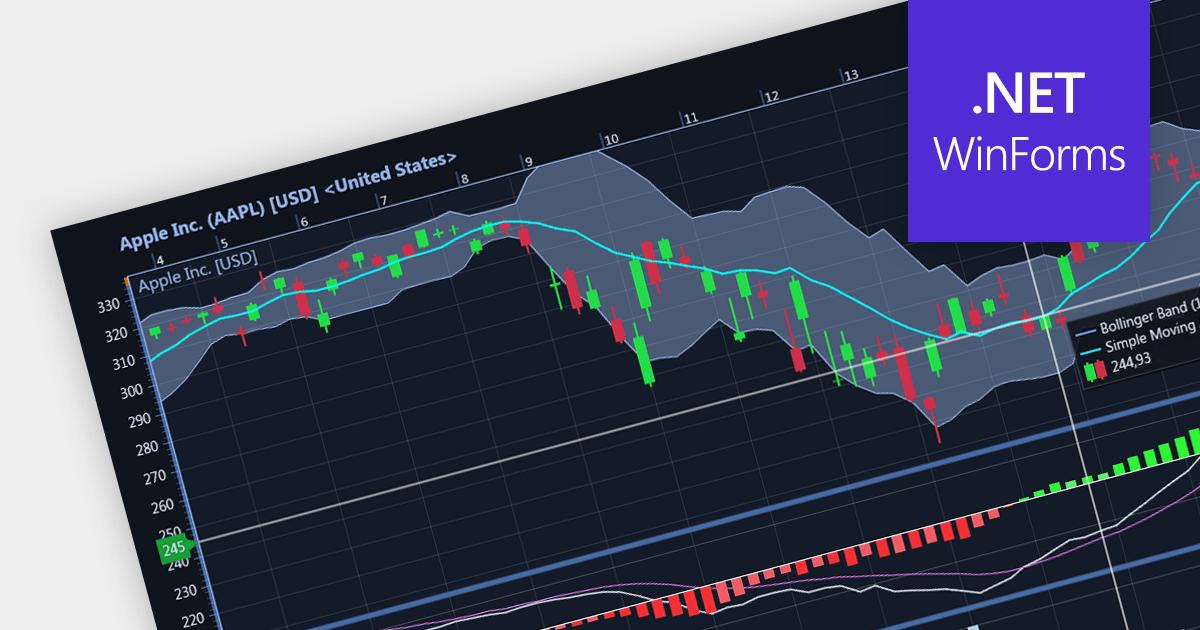
Candlestick charts are a style of financial chart used to describe price movements of a security, derivative, or currency. Each "candlestick" typically shows one day, with the central "box" representing the range between the opening and closing prices and the lines showing highs and lows. Their unique visual format helps traders to quickly understand market sentiment.

Several WinForms chart controls offer Candlestick charts including:

  • DevExpress WinForms Chart (part of DevExpress WinForms) provides precision control over every candlestick aspect, from shadows to wicks, ideal for technical analysis.
  • ComponentOne Charts for WinForms (part of ComponentOne Studio WinForms) includes built-in candlestick templates and financial indicators that accelerate market analysis.
  • Telerik Windows Forms ChartView (part of Telerik UI for WinForms) provides streamlined candlestick rendering with smooth zooming/panning, ideal for dynamic trading platforms.
  • Syncfusion WinForms Chart (part of Syncfusion Essential Studio Enterprise) offers extensive customization options that let you tailor candlesticks to your trading needs.
  • LightningChart .NET provides fast candlestick updates that keep you ahead of the market, perfect for real-time trading dashboards.

For an in-depth analysis of features and price, visit our WinForms chart controls comparison.
Compare WinForms Chart Controls

Optimieren Sie die Versionskontrolle mit SVN in Ihrer IDE

Januar 3, 2024
Nutzen Sie das Subversion VCS, um Dateiänderungen direkt in Ihrer Entwicklungsumgebung zu verwalten. Vergleichen Sie markführende IDEs mit SVN-Unterstützung.

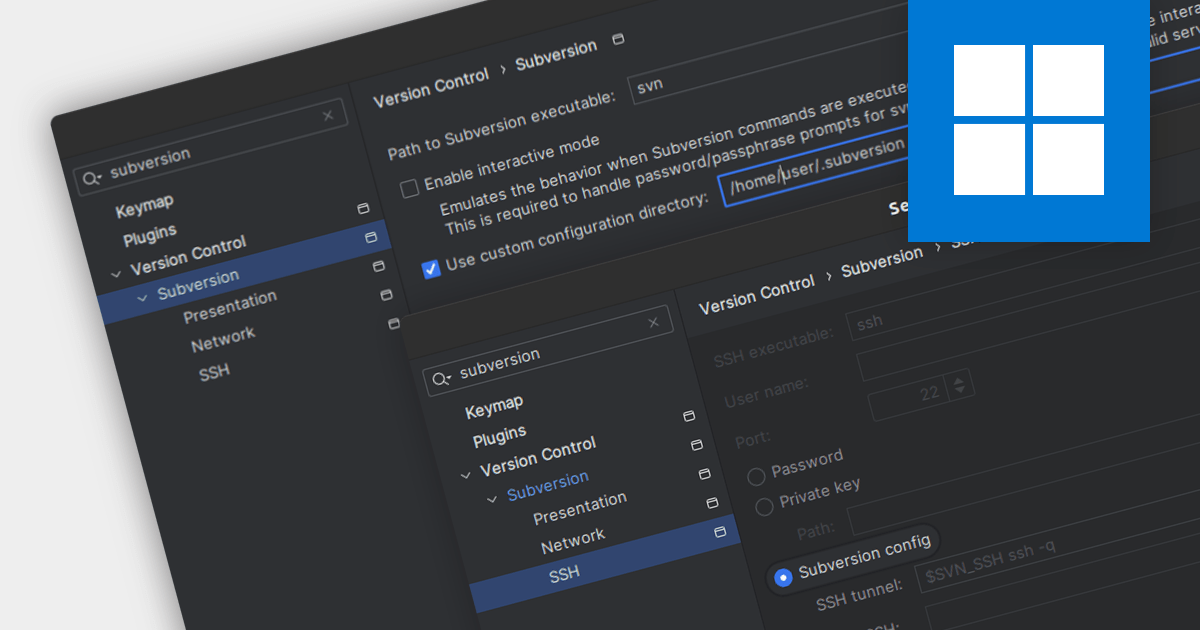
Subversion (SVN) is a mature, open-source version control system (VCS) designed for reliable collaboration and historical tracking of digital assets. It employs a centralized repository to store and manage file revisions, enabling teams to track changes, revert to previous versions, and merge concurrent edits seamlessly. Integrated Development Environments (IDEs) with Subversion support help manage changes to files such as source code, web pages and documentation over time, without leaving the environment.

Several IDEs offer Subversion capabilities including:

  • IntelliJ IDEA by JetBrains is a powerful IDE that provides an interface for major version control systems including SVN, allowing you to merge conflicts, manage branches, and more.
  • Delphi Enterprise by Embarcadero has the ability to integrate with Subversion, enabling direct code commits, branching, merging, and revision comparison within the IDE for efficient project management.
  • EiffelStudio by Eiffel Software offers a built-in source control tool that supports Subversion, eliminating the need for external programs and seamlessly integrating version control with your development workflow.

For an in-depth analysis of features and price, visit our IDEs comparison.

Compare IDEs
