
ComponentOne Doc-To-Help Enterprise 2012
Create professional Help Systems and Manuals from HTML or Word.
Veröffentlicht von MESCIUS (formerly GrapeCity)
Wird von ComponentSource seit 1996 vertrieben
Create professional Help Systems and Manuals from HTML or Word.
Veröffentlicht von MESCIUS (formerly GrapeCity)
Wird von ComponentSource seit 1996 vertrieben
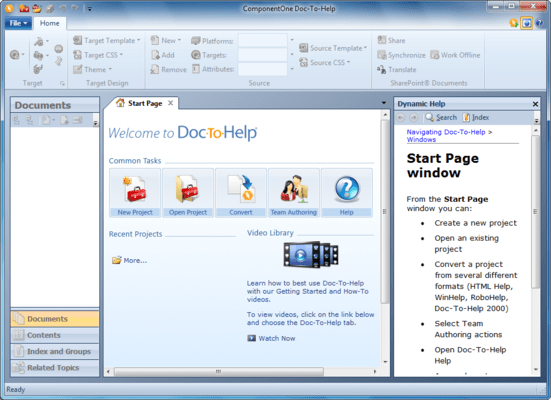
ComponentOne Doc-To-Help Enterprise is now part of Doc-To-Help.
Released: Jan 20, 2011
New NetHelp Search Engine
Doc-To-Help’s NetHelp output has a new search engine with exact phrase, fuzzy, Boolean, and synonym search. The best part is that you don’t have to do anything. It is automatically built into every NetHelp output.
Build Scheduler
Doc-To-Help always allowed you to schedule builds via command line, but now there is a convenient interface to schedule one-off or recurring builds. Run your builds at night or start them and do something else while you wait.
Translation Support
Doc-To-Help integrates with SharePoint’s translation management features to help you manage and track translations.
User Experience Improvements
Every release contains a number of features and enhancements Doc-To-Help users are asking for. More items you will find in this release include:
Tel.: (888) 850 9911
Fax: +1 770 250 6199


