













Proveedor oficial
Como distribuidores oficiales y autorizados, le suministramos licencias legítimas directamente de más de 200 editores de software.
Ver todas nuestras marcas.
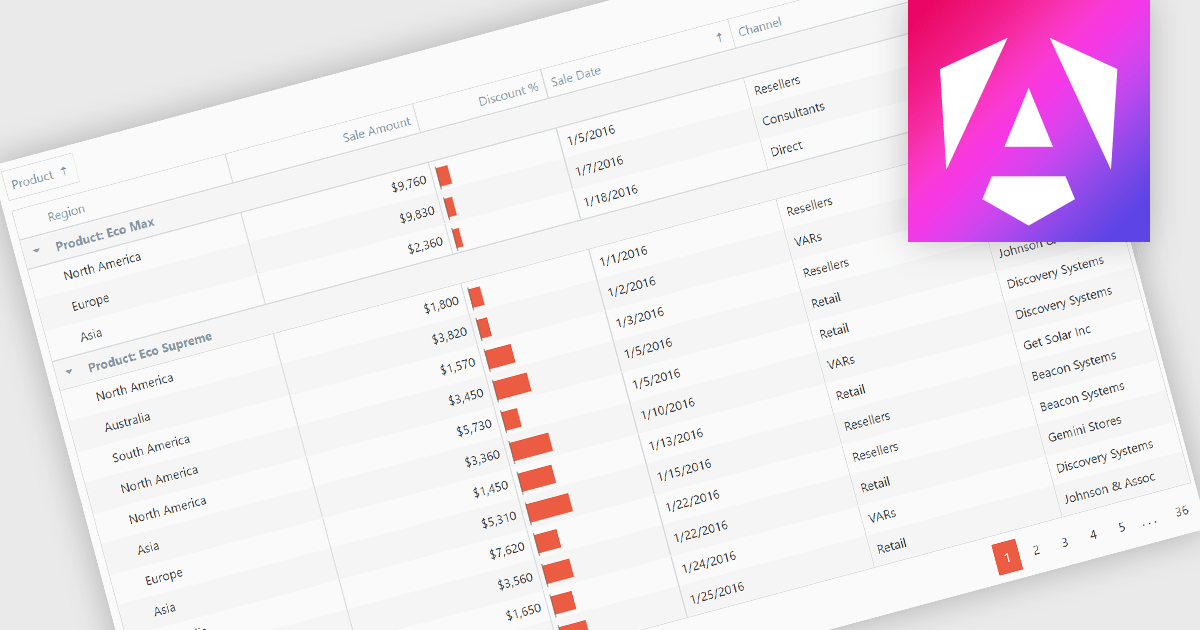
Grouping grid data organizes the data into distinct groups within a grid-like structure. It involves visually clustering related data points together, often using color, shading, or borders, to enhance pattern recognition and make complex datasets more understandable. This method is useful for identifying trends, outliers, and correlations within large amounts of information.
Several Angular grid controls offer support for grouping including:
For an in-depth analysis of features and price, visit our Angular grid controls comparison.
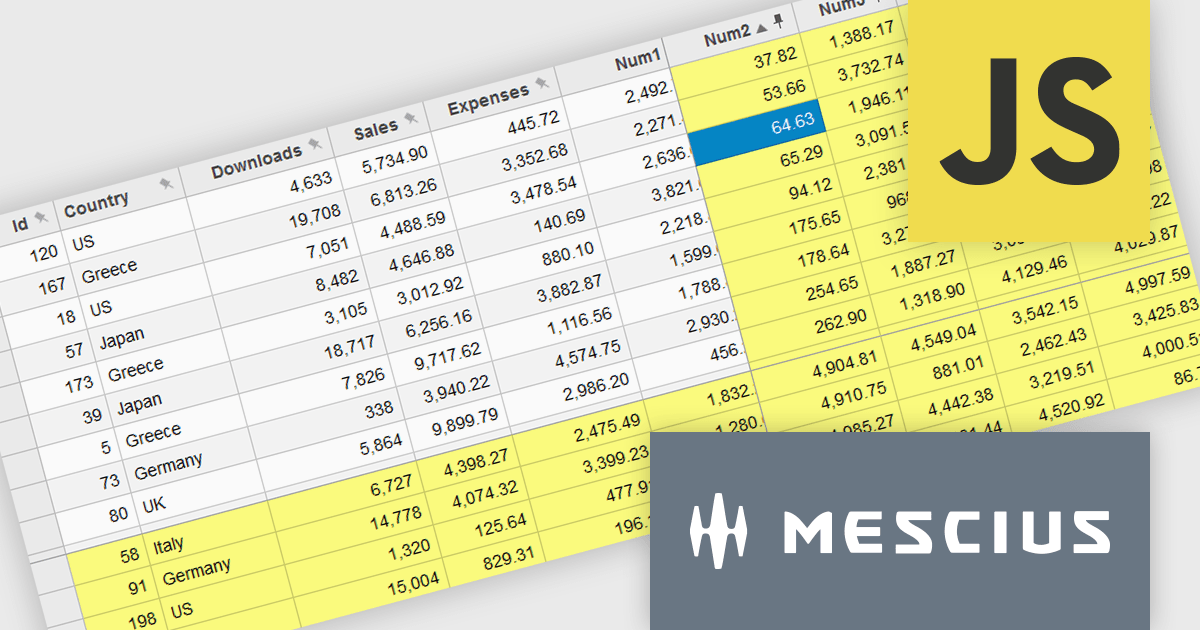
Wijmo by MESCIUS is a comprehensive JavaScript library offering a suite of high-performance UI components and data grids specifically designed to streamline the development of modern enterprise applications. It emphasizes reduced development time and improved maintainability, along with a focus on performance through its efficient design and small module size. Wijmo integrates seamlessly with popular JavaScript frameworks like Angular, React, and Vue.js, and supports cutting-edge technologies like TypeScript, making it a versatile solution for building complex web applications.
The Wijmo 2024 v2 update improves FlexGrid with the ability to freeze and pin columns to the right and rows to the bottom. Previously, freezing was limited to the left side for columns and the top for rows. Experience greater flexibility and improved data presentation with the ability to freeze cells in any direction. This feature streamlines data analysis by keeping critical rows and columns visible, enhancing usability and allowing users to focus on key information. With a more intuitive interface, users enjoy a seamless experience, leading to higher satisfaction and a more professional software tool.
To see a full list of what's new in 2024 v2 (Build 5.20242.21), see our release notes.
Wijmo is licensed per developer. Developer Licenses are perpetual and include 1 year Subscription which provides upgrades, including bug fixes and new features. See our Wijmo licensing page for full details.
Learn more on our Wijmo product page.
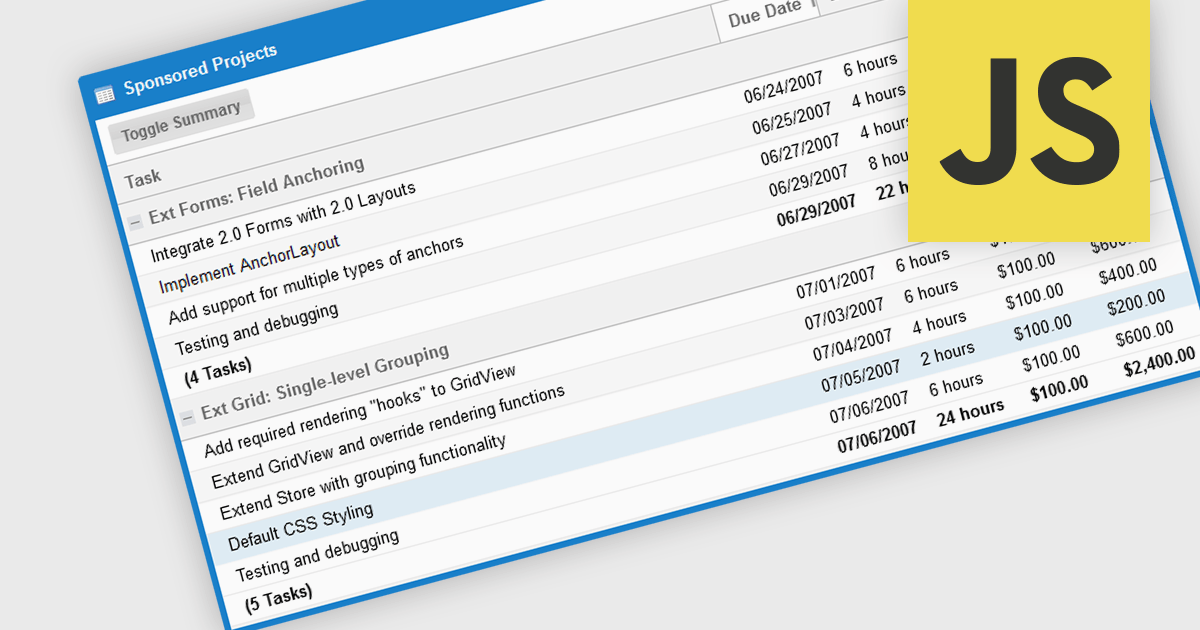
The grouping/summary feature in grid controls enables users to categorize and analyze data effectively by grouping rows based on specific criteria. This functionality allows for the aggregation of data within each group, providing valuable summaries such as totals, averages, counts, and more. By organizing information in a more structured manner, users can gain deeper insights into trends, patterns, and outliers within their data. This feature is particularly useful for large datasets, financial reporting, and data analysis tasks that require a high level of customization and flexibility.
Several JavaScript Grid controls offer grouping / summary support including:
For an in-depth analysis of features and price, visit our comparison of JavaScript grid controls.
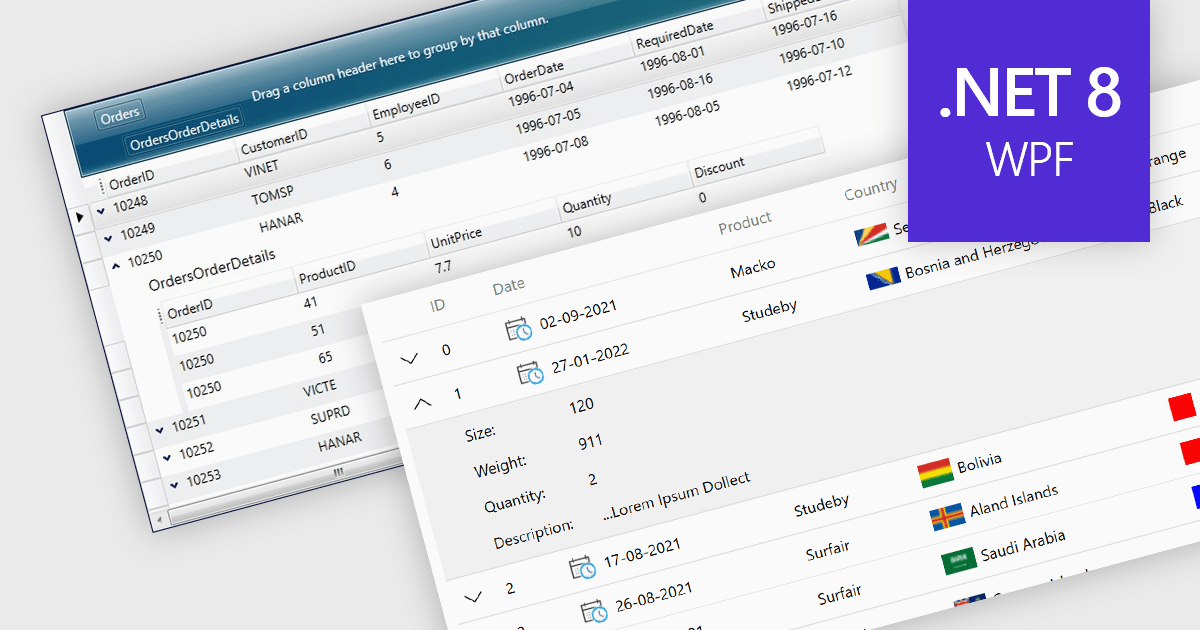
Master-detail is a user interface design technique where a primary data set (the master) is displayed in a grid format, and related information (the detail) is typically shown in an adjacent pane when a master item is selected. The resulting hierarchical structure allows users to efficiently navigate and explore complex data sets by viewing high-level information in the master grid while accessing more granular details on demand, without navigating away from the main page. The master-detail view enhances the user experience as it improves the organization of the grid and streamlines workflows as users can quickly switch between records and details.
Several .NET 8 WPF grid components offer support for master-detail, including:
For an in-depth analysis of features and price, visit our comparison of .NET 8 WPF grid components.
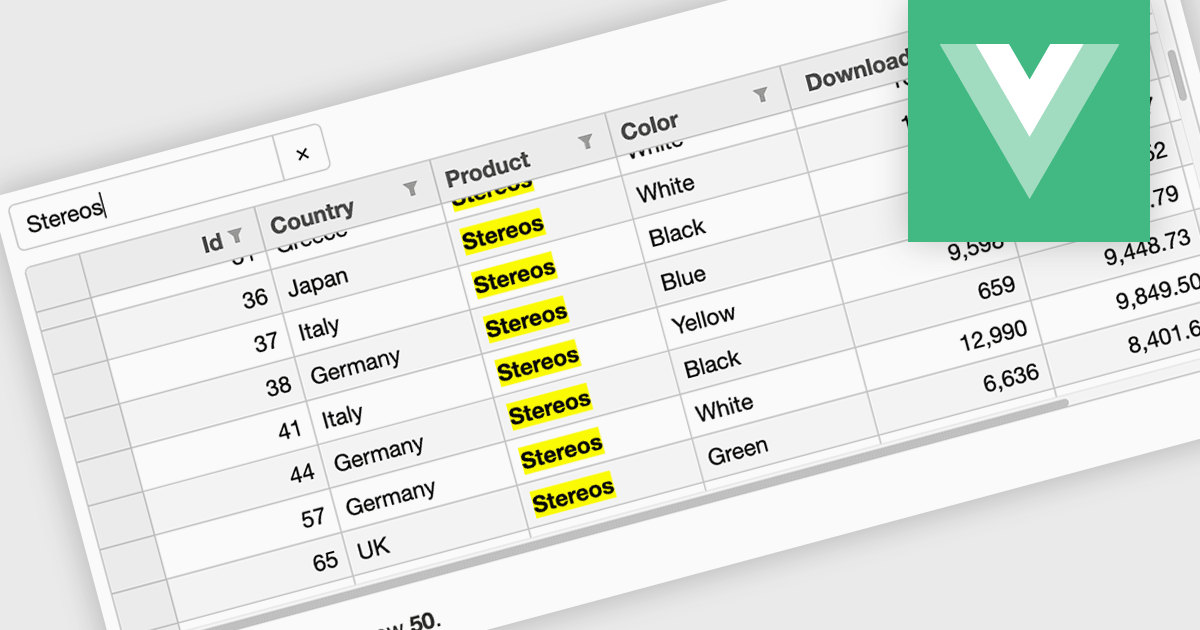
Searching in a grid component refers to the ability for users to quickly locate specific data within a table or grid-like structure. It involves filtering the displayed data based on user-defined criteria, such as text strings or numerical values. This functionality significantly enhances user experience by allowing users to efficiently find relevant information without having to manually scan through large datasets. By implementing search functionality, developers can improve the usability and overall effectiveness of their grid applications.
Several Vue.js grid controls offer searching functionality including:
For an in-depth analysis of features and price, visit our comparison of Vue.js grid controls.
Tel: (888) 850 9911
Fax: +1 770 250 6199


