








Fournisseur officiel
Comme nous somme les distributeurs officiels et autorisés, nous vous fournissons des licences légitimes directement à partir de 200+ éditeurs de logiciels.
Voyez toutes nos marques.
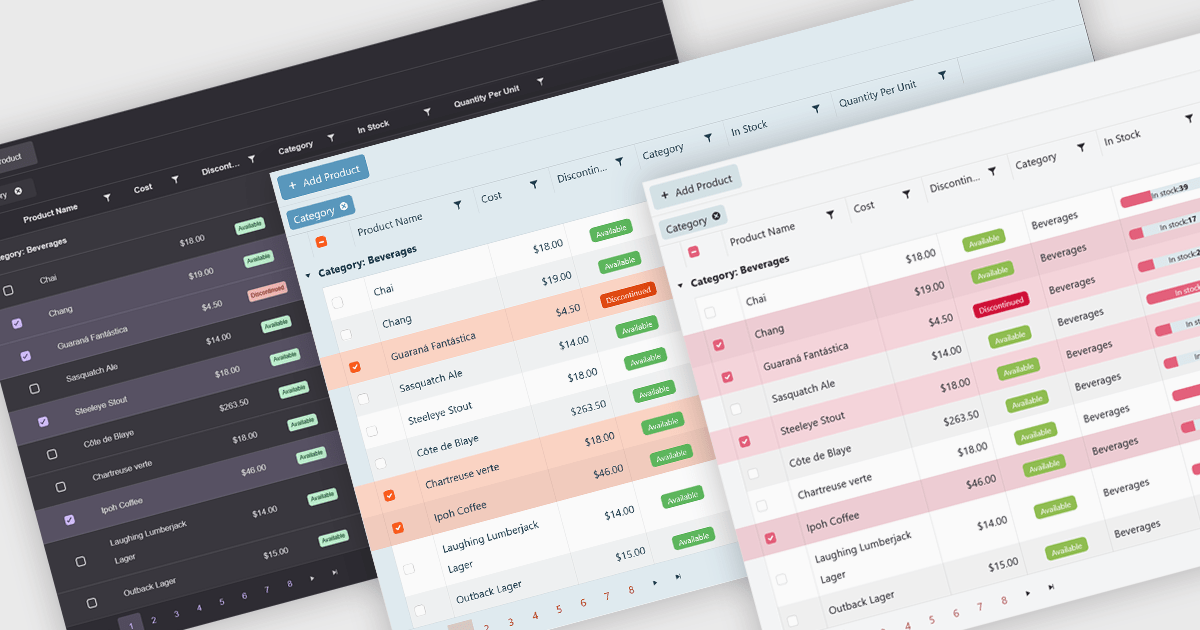
Built-in themes for grids are pre-designed visual styles that can be applied directly to data grid components within applications. These themes define elements such as color schemes, typography, spacing, and borders to create a consistent and polished appearance without requiring manual CSS. The primary benefit is efficiency, as teams can quickly implement a cohesive look that aligns with modern user interface standards. Built-in themes also enhance usability by improving readability, supporting accessibility, and offering a familiar interface that reduces user effort. For example, enterprise dashboards, admin panels, and financial reporting tools can all benefit from built-in themes to present complex data in a clear, user-friendly format while maintaining visual consistency across different parts of the application.
Several .NET Blazor grid components offer built-in theme support including:
For an in-depth analysis of features and price, visit our .NET Blazor grid controls comparison.
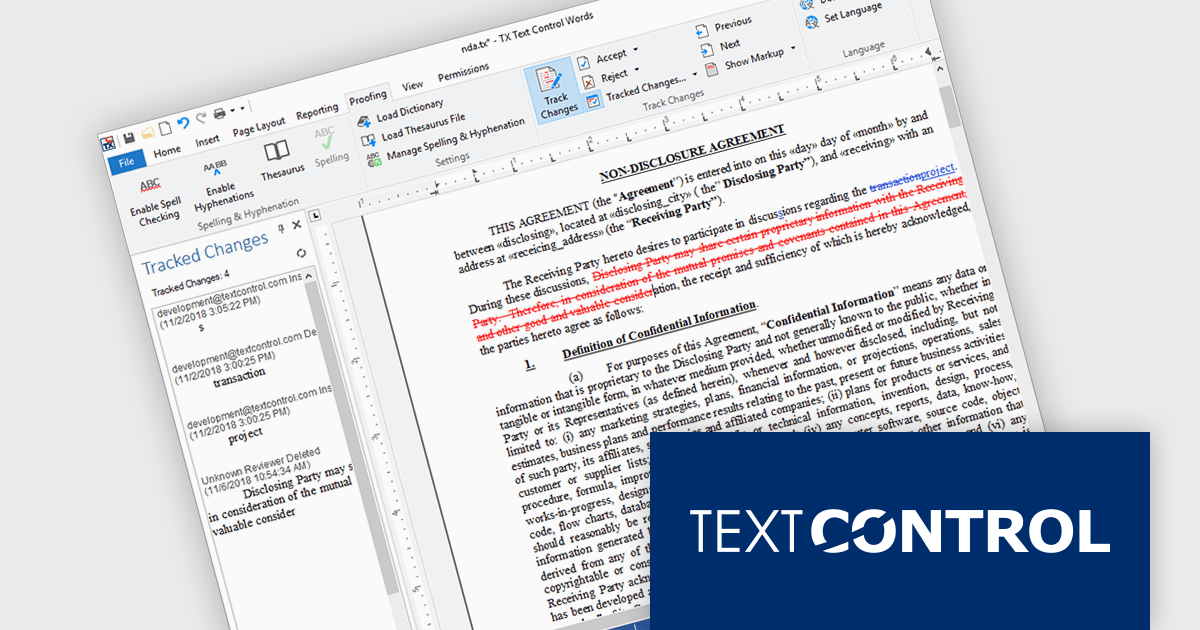
TX Text Control .NET Server for ASP.NET is a server-side component that equips your web applications with a powerful, Microsoft Word-compatible document editor. This allows you to develop applications that generate and edit various document formats (RTF, DOCX, PDF, etc.) on the fly, using data from databases or files. It also includes features like PDF generation and a browser-based editor with a familiar MS Word-inspired interface, ultimately enhancing the document processing capabilities of your web applications.
TX Text Control .NET Server for ASP.NET allows multiple authors to review and manage document edits. This feature is particularly useful in contexts like legal or healthcare, where it's important to keep a detailed record of changes. A sidebar shows each modification along with metadata such as the timestamp, change type, text position, content, highlight color, and author name. The functionality is fully accessible through the TX Text Control .NET Server API, giving developers control over how changes are processed and displayed.
TX Text Control .NET Server for ASP.NET is licensed per developer and is available as a Perpetual License with a 12 month support and maintenance subscription. Run time licenses are required for the deployment to production servers. See our TX Text Control .NET Server for ASP.NET licensing page for full details.
For more information, visit our TX Text Control .NET Server for ASP.NET product page.
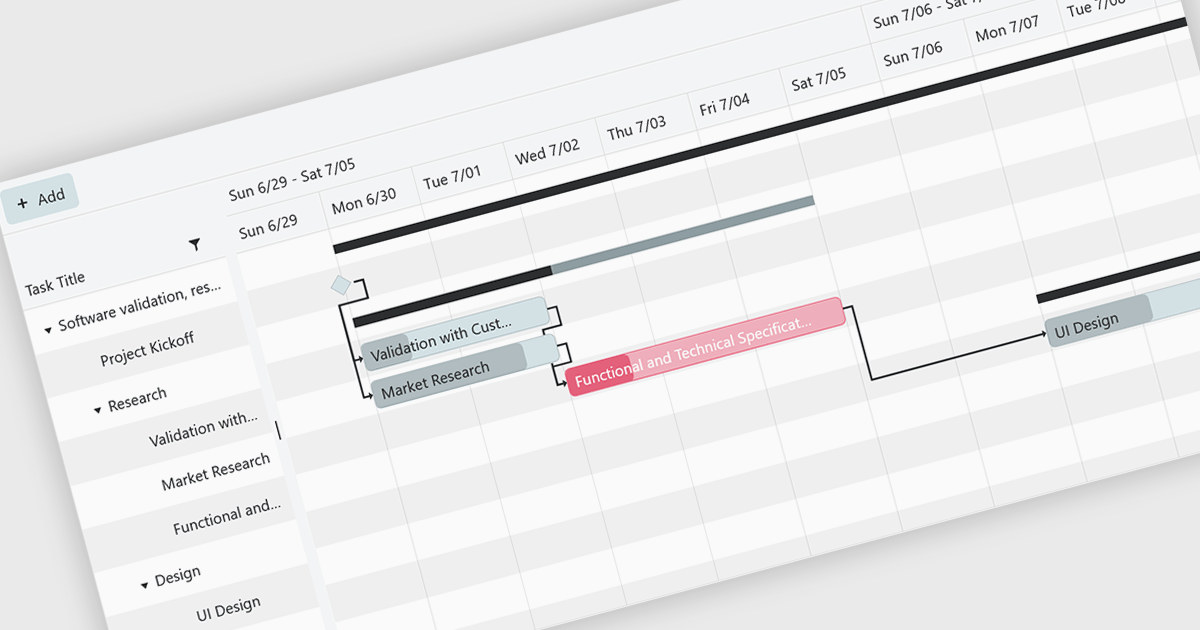
Gantt controls are invaluable tools for project management, particularly in visualizing and tracking the timeline of tasks, dependencies, and progress. These controls are ideal for illustrating project schedules, resource allocation, and critical paths. By providing a clear and concise overview of project milestones, Gantt controls facilitate effective planning, communication, and monitoring, ultimately helping organizations achieve project goals efficiently and on time.
Several .NET Blazor UI suites offer Gantt controls including:
For an in-depth analysis of features and price, visit our .NET Blazor UI suites comparison.
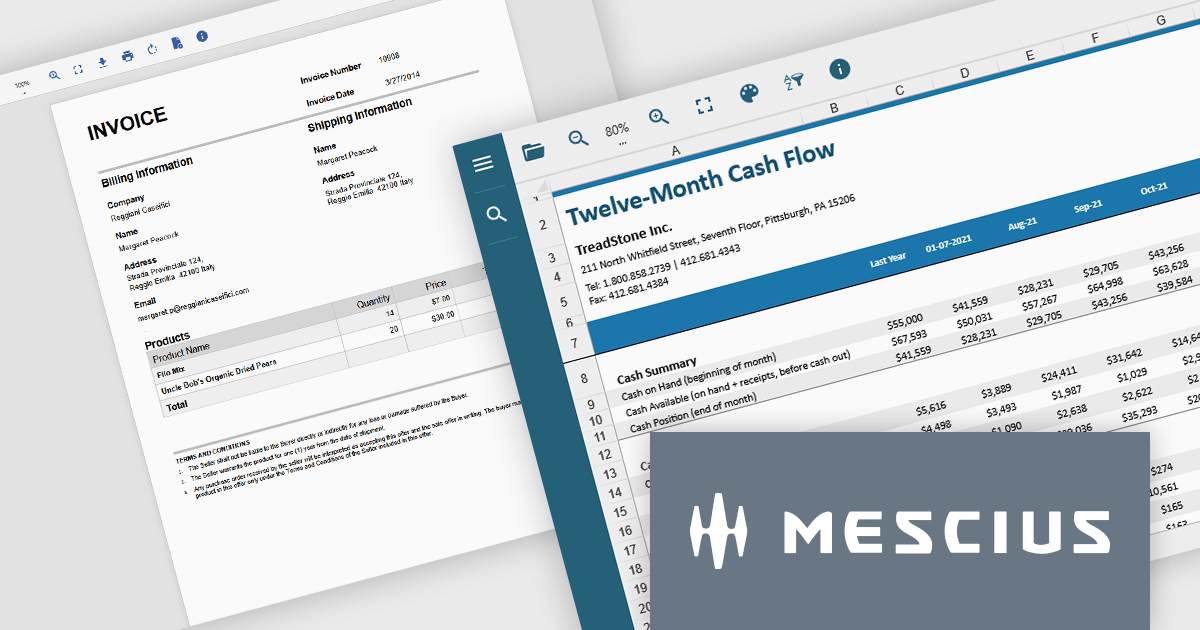
Document Solutions .NET Bundle by MESCIUS is a complete suite of APIs and viewing tools that enhance document processing and improve efficiency. It includes Documents for Excel, Word, PDF, and Imaging, plus standard licenses for the PDF Viewer, Data Viewer, and Image Viewer. Combining powerful .NET APIs with responsive JavaScript-based viewers, it enables creating, editing, converting, and displaying multiple document formats within applications. This unified solution delivers fast, reliable, and secure document handling, making it ideal for enterprise document management, automated reporting, digital archiving, and collaborative review across devices and platforms.
The Document Solutions .NET Bundle offers a versatile range of tools to handle every stage of the document lifecycle, from creation and editing to viewing and distribution. With dedicated APIs for Excel, Word, PDF, and imaging, developers can implement advanced capabilities such as data manipulation, text extraction, format conversion, image processing, and PDF generation directly within their applications. The included PDF Viewer, Data Viewer, and Image Viewer provide rich, interactive experiences for end users, enabling smooth navigation, zooming, searching, and annotation.
MESCIUS has created a detailed feature breakdown to highlight Document Solutions performance and total cost of ownership compared with other solutions. You can view the Document Solutions Product Comparison now.
By integrating both powerful back-end processing and intuitive front-end viewing, the bundle reduces the need for multiple third-party components, simplifies development, and delivers consistent, high-quality document interactions across platforms.
Document Solutions .NET Bundle is licensed per developer and is available in several license options for differing distribution needs. Team licenses are also available for multiple developers within the same organization. See our Document Solutions .NET Bundle licensing page for full details.
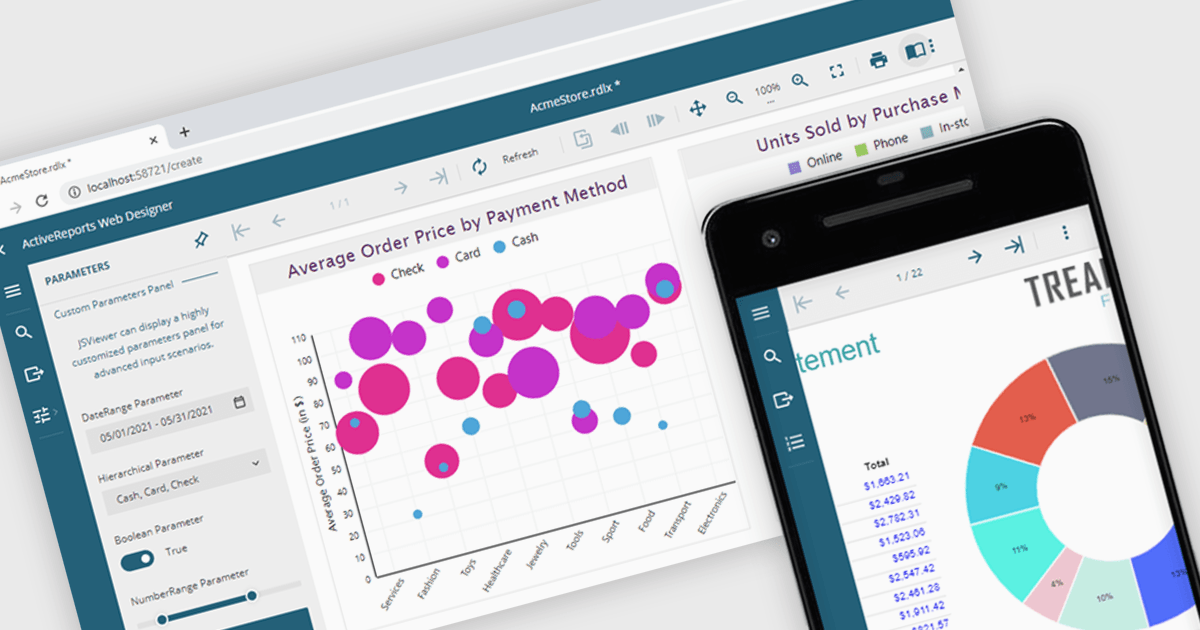
A JavaScript report viewer in a .NET reporting component is a client-side web interface that allows users to view, navigate, and interact with reports generated by a .NET-based reporting engine. It enables embedding of reports into web applications built with JavaScript frameworks such as Angular, React, or Vue, while relying on the .NET backend to handle report generation and data processing. This setup allows developers to deliver responsive, interactive report viewing experiences within modern browser environments, without requiring full-page reloads or complex server-side rendering.
Several .NET reporting controls feature a JavaScript report viewer including:
For an in-depth analysis of features and price, visit our comparison of .NET reporting controls.





Tél : (888) 850 9911
Fax : +1 770 250 6199


