








Fournisseur officiel
Comme nous somme les distributeurs officiels et autorisés, nous vous fournissons des licences légitimes directement à partir de 200+ éditeurs de logiciels.
Voyez toutes nos marques.
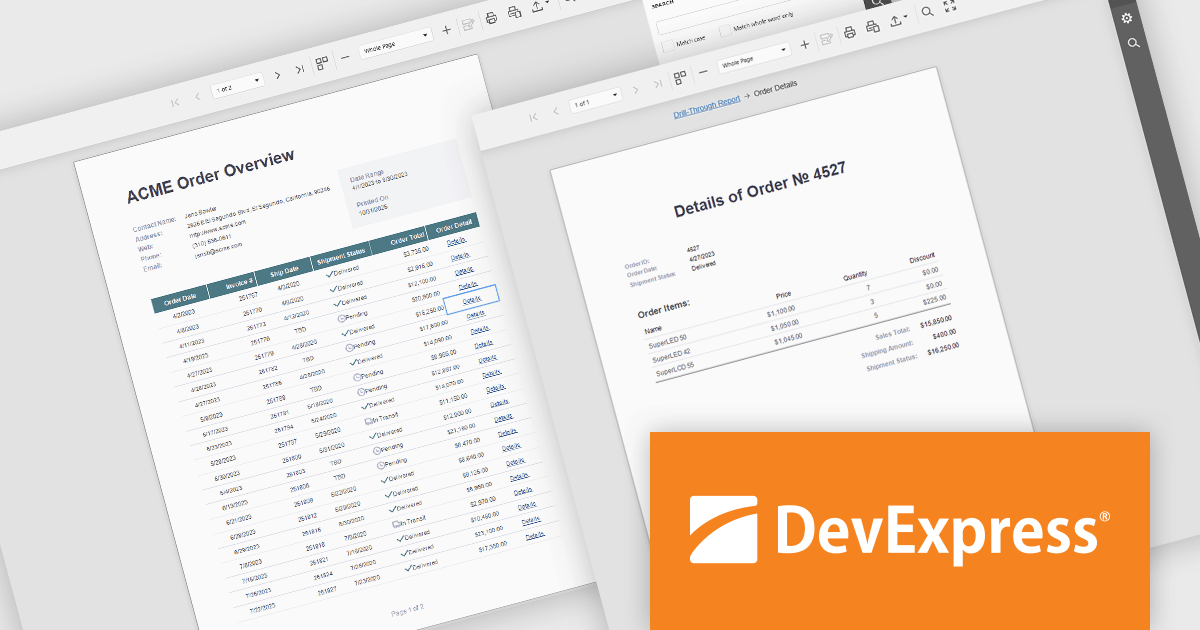
DevExpress Reporting is a comprehensive suite of reporting tools that help developers create visually stunning and highly customizable reports for various applications. With its rich feature set, including data binding, layout design, printing, and exporting capabilities, DevExpress Reporting enables the efficient creation of reports that meet the most demanding business requirements.
DevExpress Reporting enhances data analysis by enabling drill-through reports, allowing developers to create interactive report designs that link summary-level data to detailed information. This feature provides a streamlined way for users to explore data hierarchies without leaving the main report, improving usability and workflow efficiency. By clicking on data points, users can view related details in a connected report, ensuring a cohesive and intuitive data exploration experience. This capability helps developers deliver more dynamic, context-rich reporting solutions that support faster and more informed decision-making.
DevExpress Reporting is licensed per developer and is available as a Perpetual License with a 12 month support and maintenance subscription. See our DevExpress Reporting licensing page for full details.
DevExpress Reporting is available to buy in the following products:
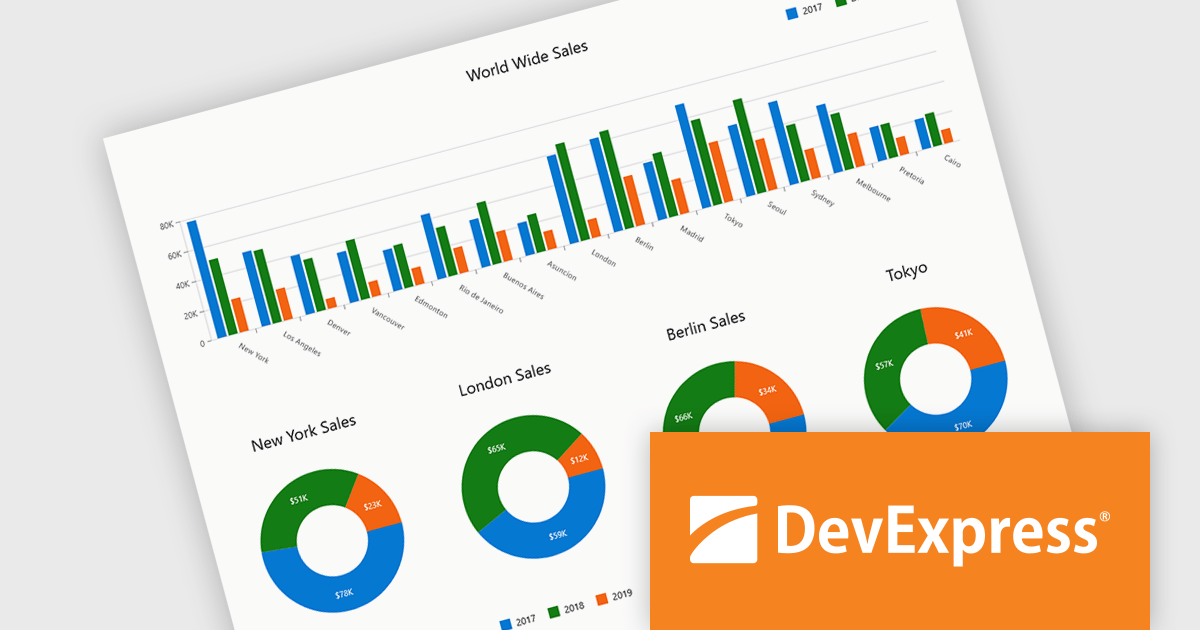
DevExpress Blazor (part of DevExpress ASP.NET and Blazor) helps you create high-impact user experiences for both Blazor Server and Blazor WebAssembly using C#. The Blazor UI Component Library ships with a comprehensive set of native components (including a DataGrid, Pivot Grid, Scheduler, Chart, Data Editors and Reporting).
DevExpress Blazor provide comprehensive chart types that allow developers to present data in the most effective and readable format for any scenario. With support for a wide range of 2D chart options, including standard, stacked, and financial views, developers can accurately visualize trends, comparisons, and relationships within their applications. These charts integrate seamlessly into interactive dashboards, enabling real-time data analysis and clear visual storytelling. The flexibility of the chart types ensures precise data representation, while built-in export capabilities simplify sharing insights across platforms and reports, supporting the creation of professional, data-driven interfaces with minimal effort.
DevExpress ASP.NET and Blazor is licensed per developer and is available as a Perpetual License with a 12 month support and maintenance subscription. See our DevExpress ASP.NET and Blazor licensing page for full details.
DevExpress Blazor is available in the following products:
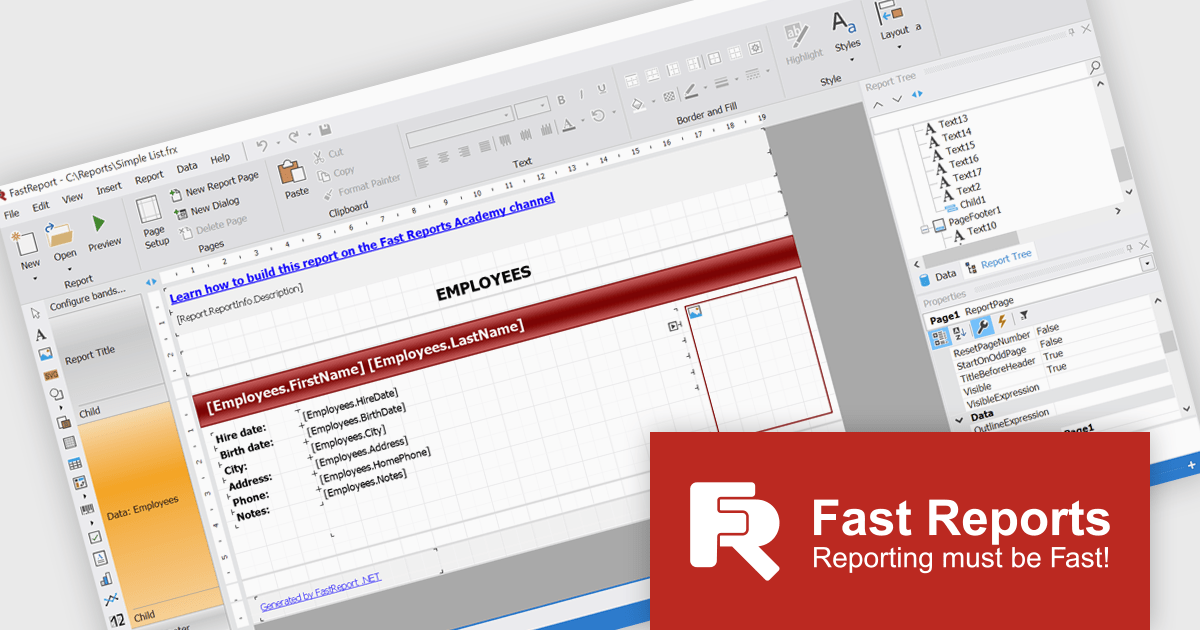
FastReport .NET Ultimate is a comprehensive reporting solution for developers working within the Microsoft .NET ecosystem. It supports the creation, design, and delivery of rich, interactive reports across Windows Forms, ASP.NET, MVC, and .NET Core applications. The Ultimate edition includes server deployment capabilities and extensive export options, such as PDF, Excel, Word, and HTML. It connects to various data sources, including SQL databases and business objects, providing flexibility for enterprise-level reporting. With the integrated FastReport Online Designer, users can edit reports directly in their browsers, enabling efficient collaboration and modern, full-featured report design across both desktop and web platforms.
The FastReport .NET Ultimate 2026.1 update introduces an improved Ribbon interface and a new 'RibbonDesignerControl', giving developers a more intuitive and efficient report design experience. The redesigned Ribbon UI offers a cleaner, more structured layout that simplifies access to tools and settings, improving usability and reducing development time. This addition allows developers to integrate the same modern Ribbon interface directly into their own applications, providing a consistent and familiar design environment for end users. This enhancement supports smoother workflows, greater customization, and a more professional user experience across both desktop and web reporting solutions.
To see a full list of what's new in version 2026.1, see our release notes.
FastReport .NET Ultimate is licensed per named user and is available as a perpetual license with a one-year subscription for updates and support. See our FastReport .NET Ultimate licensing page for full details.
For more information, visit our FastReport .NET Ultimate product page.
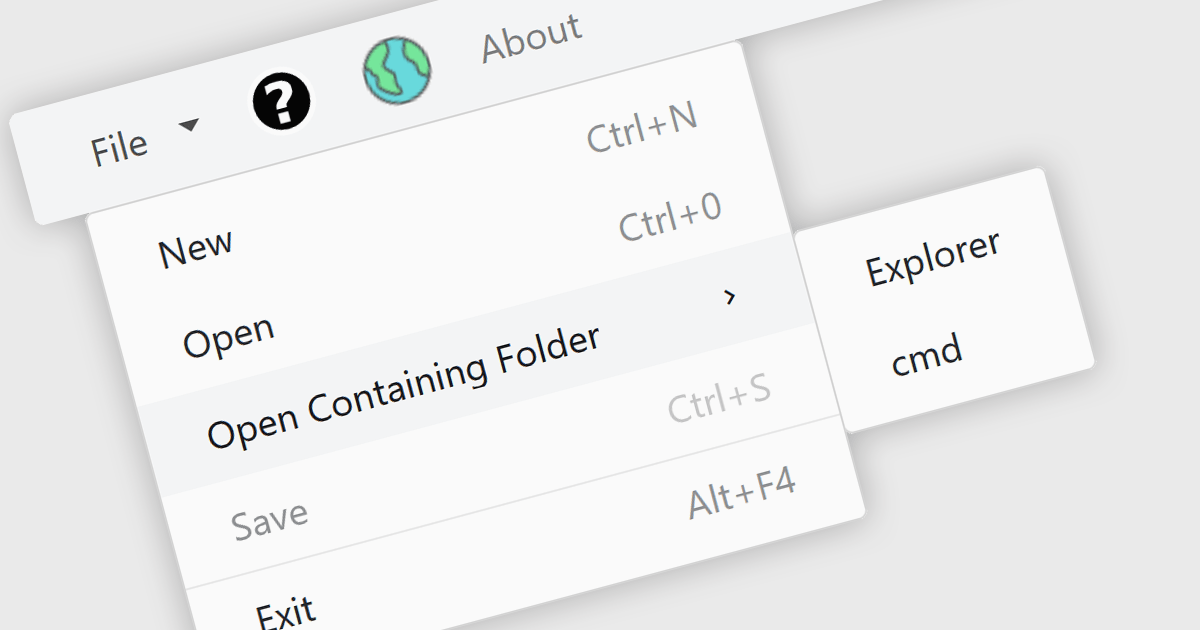
Menu controls in a Blazor UI suite are user interface components that provide structured navigation through an application by organizing links or actions into hierarchical menus. These controls are particularly useful in web applications that require intuitive, accessible, and dynamic navigation elements. In Blazor, menu controls can be rendered either through server-side or WebAssembly-based components, allowing developers to build interactive menus using Razor syntax and C#. They support features like multi-level nesting, icons, templates, and binding to data sources, making them adaptable to a wide range of layouts and user experiences. Menu controls integrate smoothly with routing and layout systems, enabling developers to maintain a consistent navigation experience across the application.
Several Blazor UI suites provide Menu controls, including:
For an in-depth analysis of features and price, visit our comparison of Blazor UI Suites.
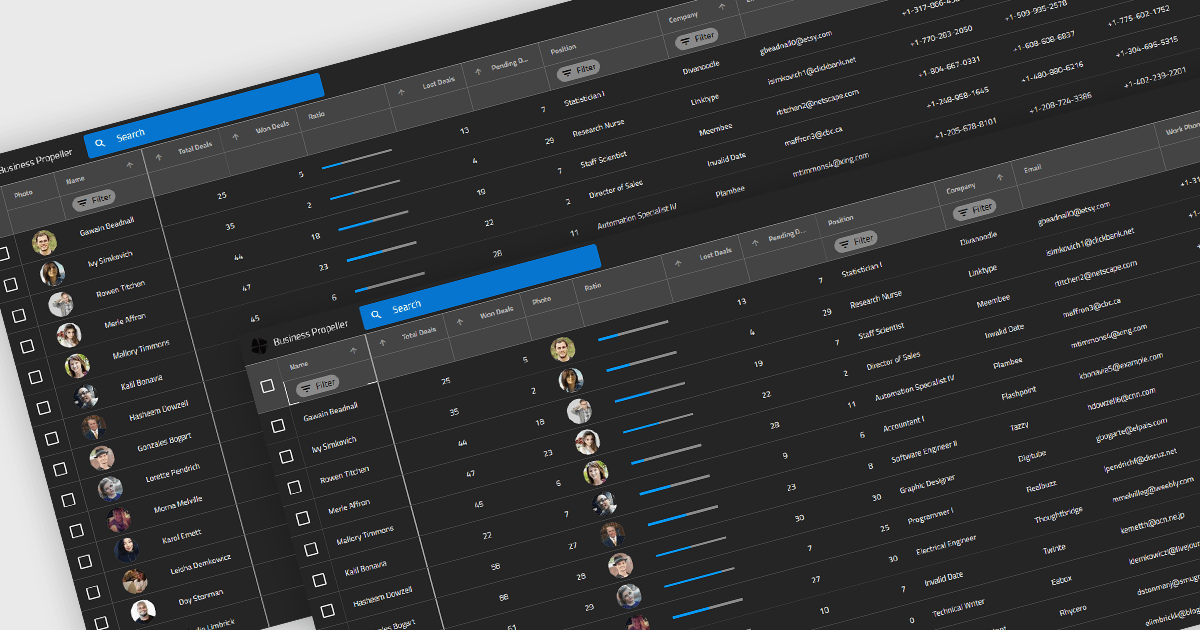
Reordering columns in grid components enables end users to customize the layout of data by dragging column headers into new positions at runtime. This feature improves usability and flexibility, users can adapt the interface to their workflow, prioritize visible information, and reorganize data presentation without developer intervention. A robust implementation also supports programmatic reordering (for restoring user preferences or responding to logic), individual column reordering permissions, and integration with features like column persistence and layout saving.
Several Blazor grid controls offer support for column reordering including:
For an in-depth analysis of features and price, visit our Blazor grid controls comparison.





Tél : (888) 850 9911
Fax : +1 770 250 6199


